

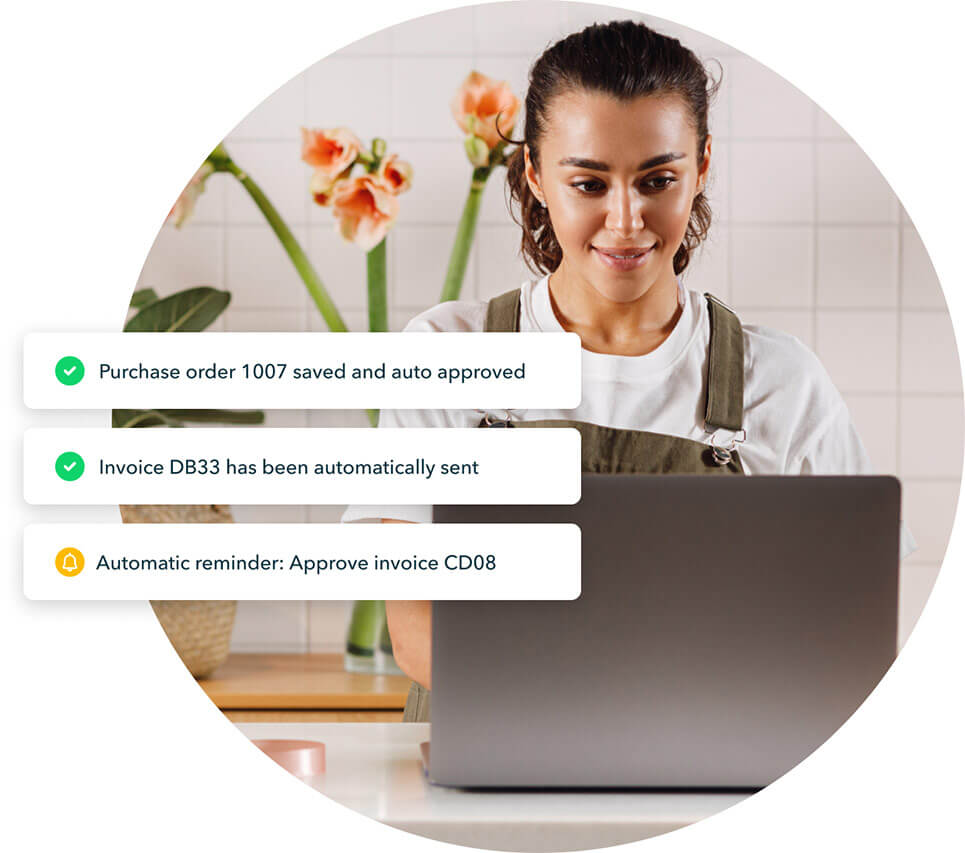
Send invoices through pre-set approval flows before they’re sent. Set reminders and approvals for transactions like invoices, payments, or deposits - all based on your own defined rules.

Optimise workflows
Automate key accounting tasks to free up time for impactful work.

Gain intelligent insights
Track performance and customise dashboards and reports your way.

Securely restore data
Rest easy with automatic data backups to revert to if you need to.
Streamline workflows to get more done
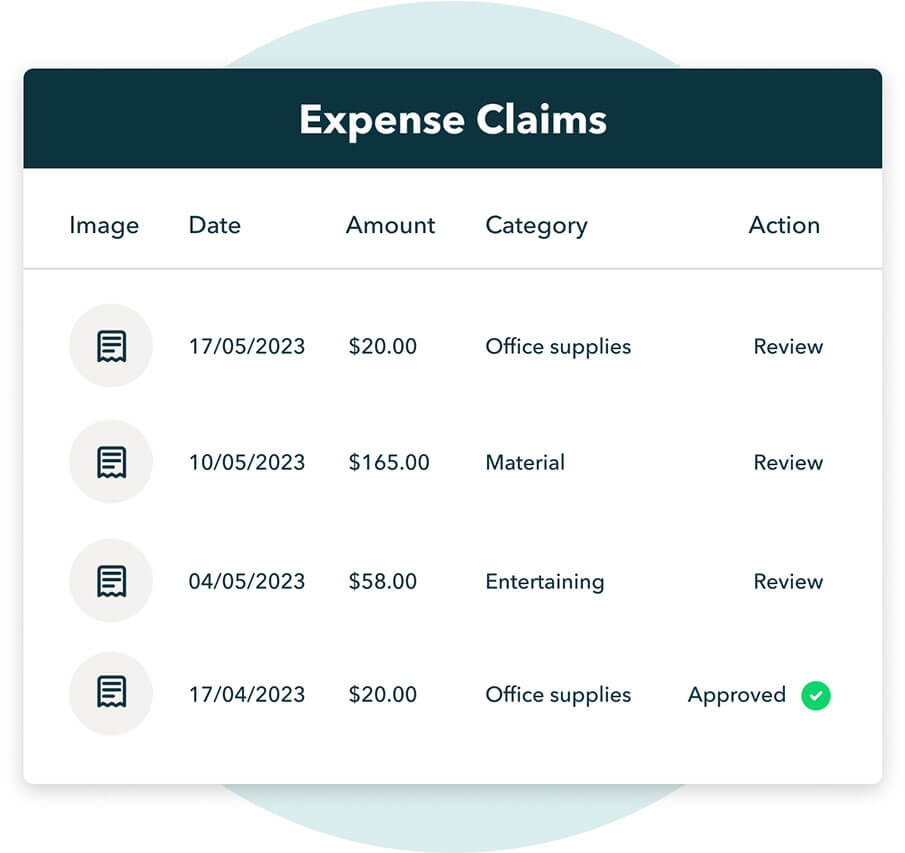
Employees can submit expenses directly to QuickBooks Online for speedy approval. Easily review, track and store their expense claims - no additional apps required.
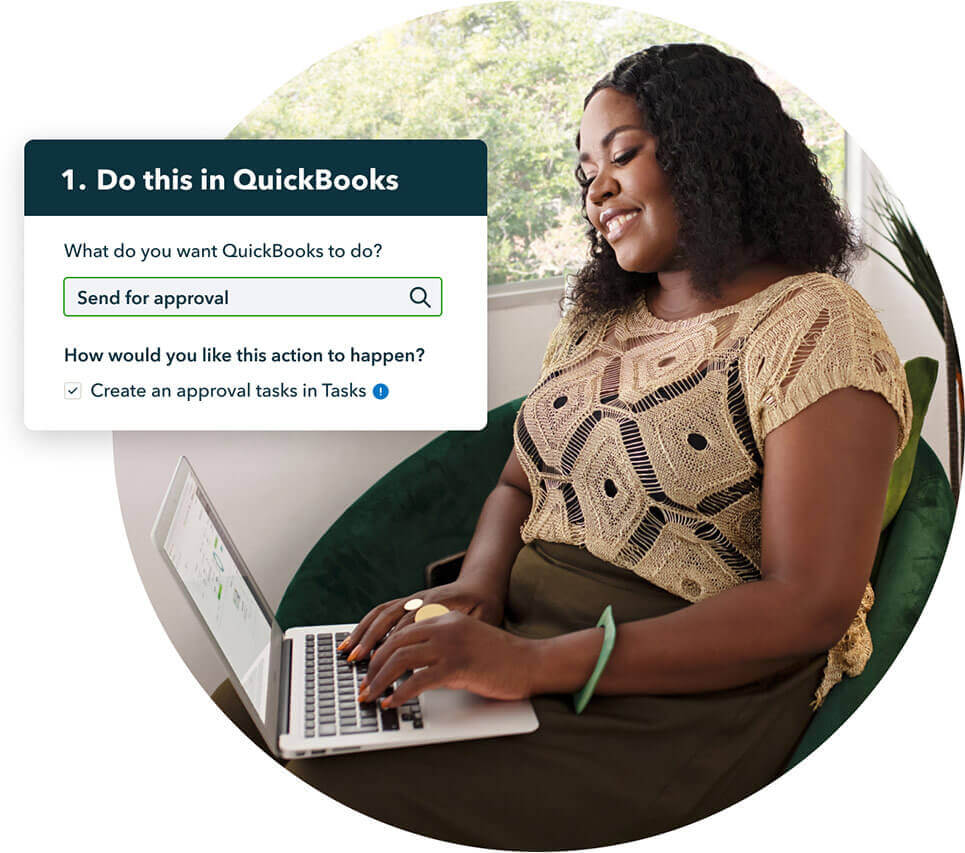
Add and assign custom tasks so your team knows what needs to get done and when - to keep all your projects moving.
Turn complexity into clarity
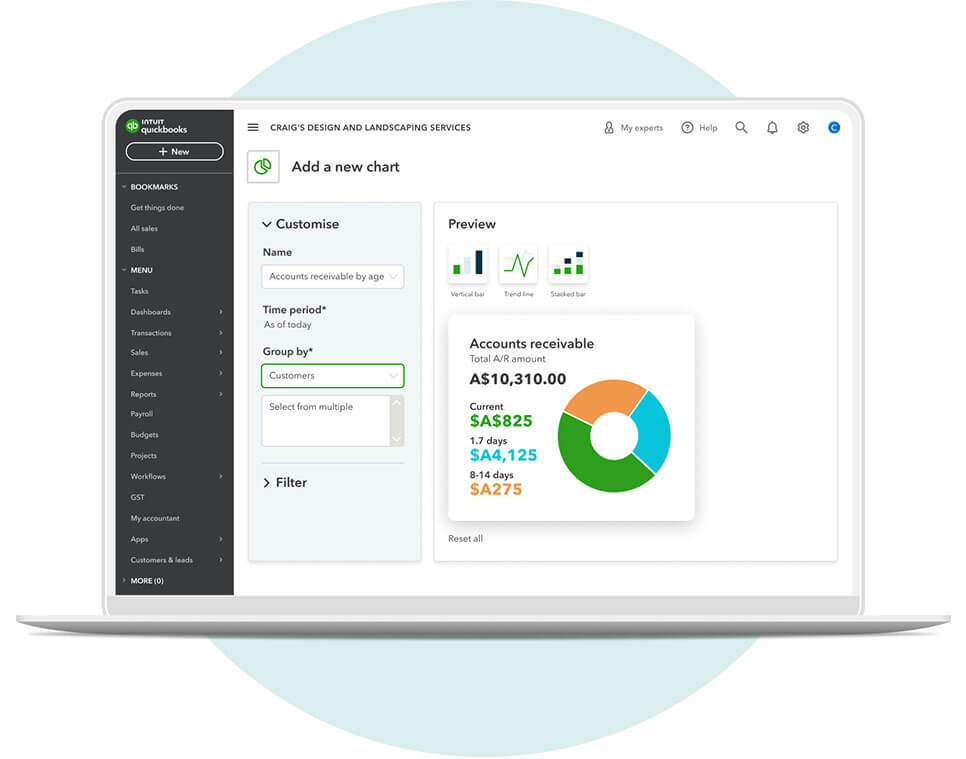
Customise financial and presentation-ready reports to track performance and gain deeper insights. Set a schedule to automatically send custom reports - no heavy lifting to keep your stakeholder informed.
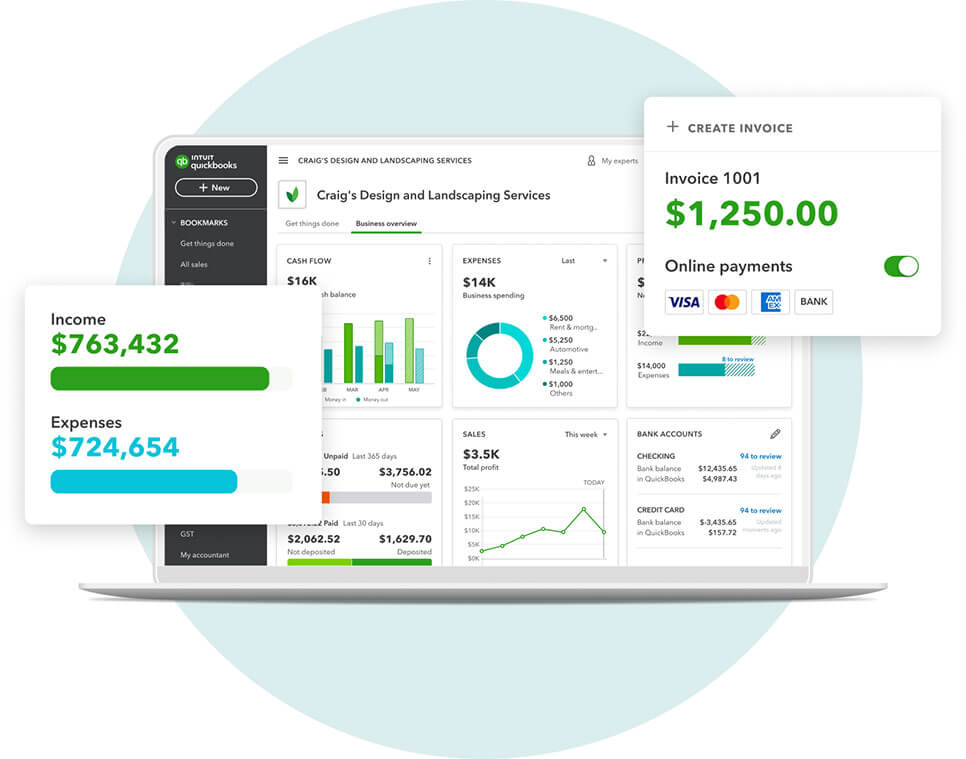
Monitor revenue and cash flow in the QuickBooks Performance Centre. Build custom charts and dashboards to measure KPI performance against time period, budget and more - to keep a pulse on the business.
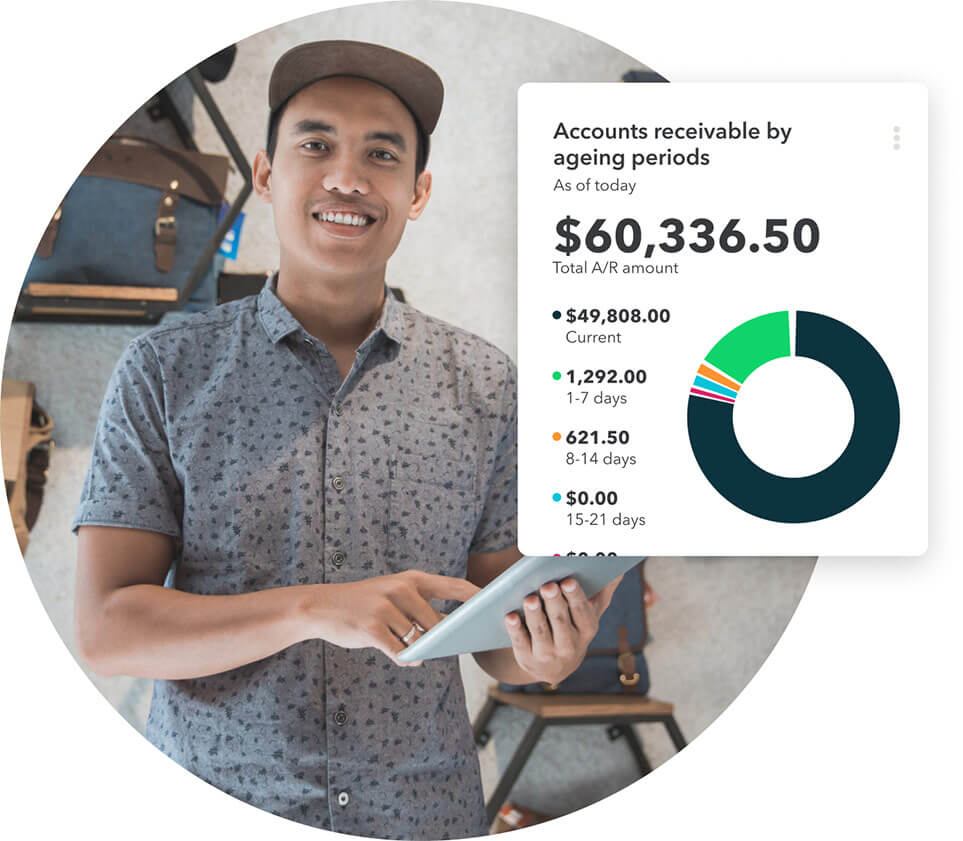
Define custom fields to easily search, sort, and filter business data on invoices, dashboards and reports - to track the KPIs your business needs.
Protected and private
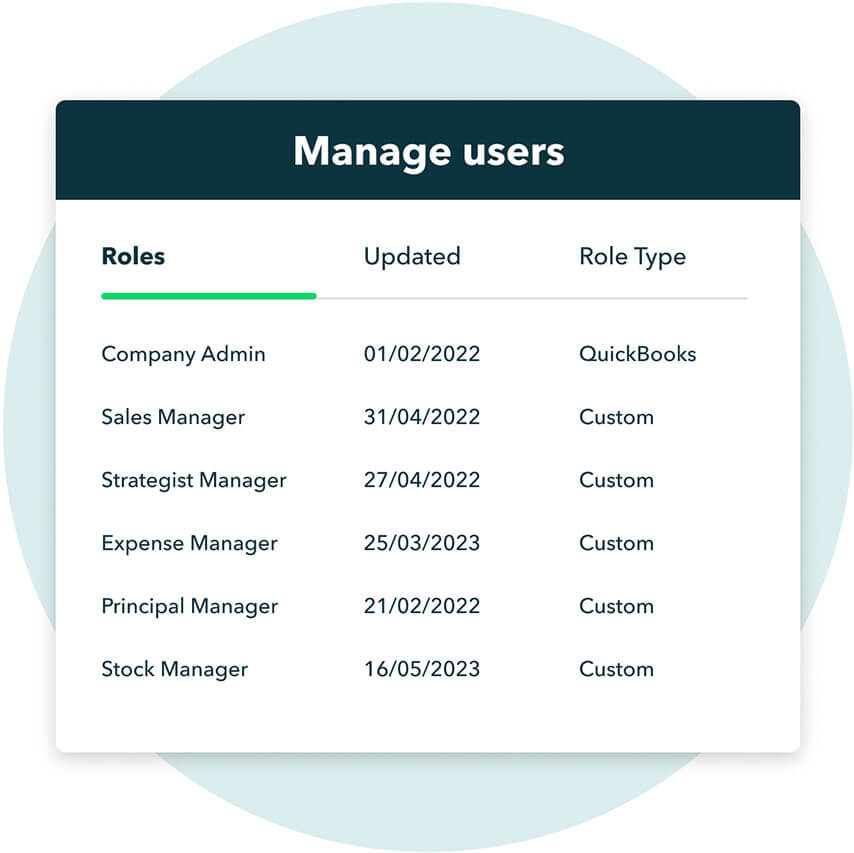
Limit who has access to sensitive information and transactions such as deposits, sales, expenses, inventory or reports - put the right info in the right hands.
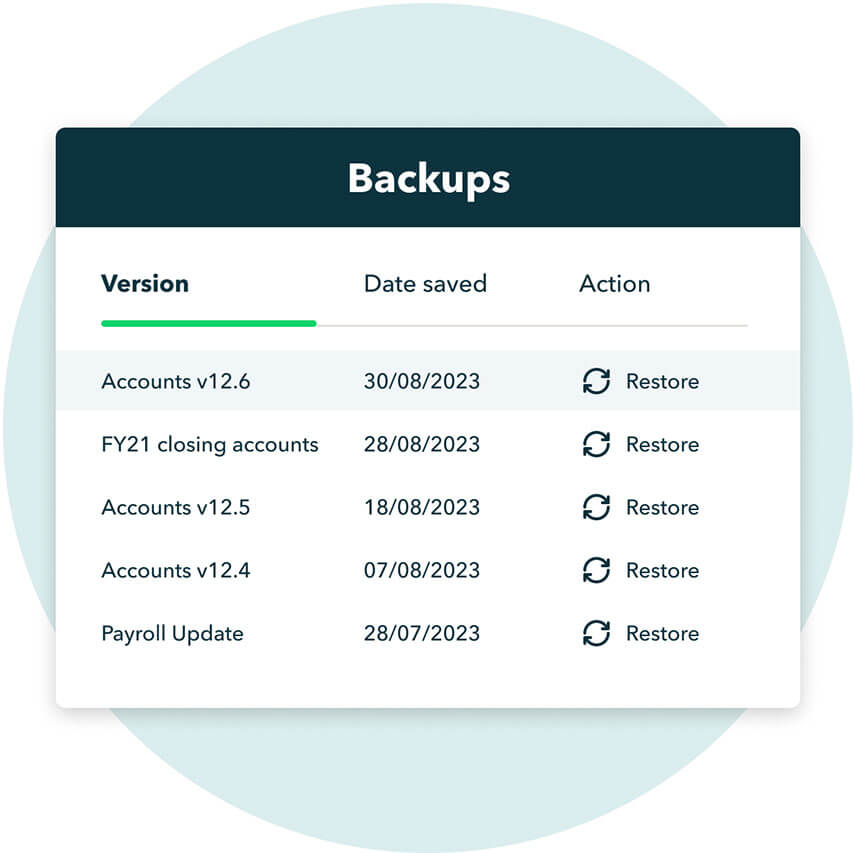
Your data is frequently backed up and stored securely, so you can easily restore your books to a previous point in time - giving you peace of mind.
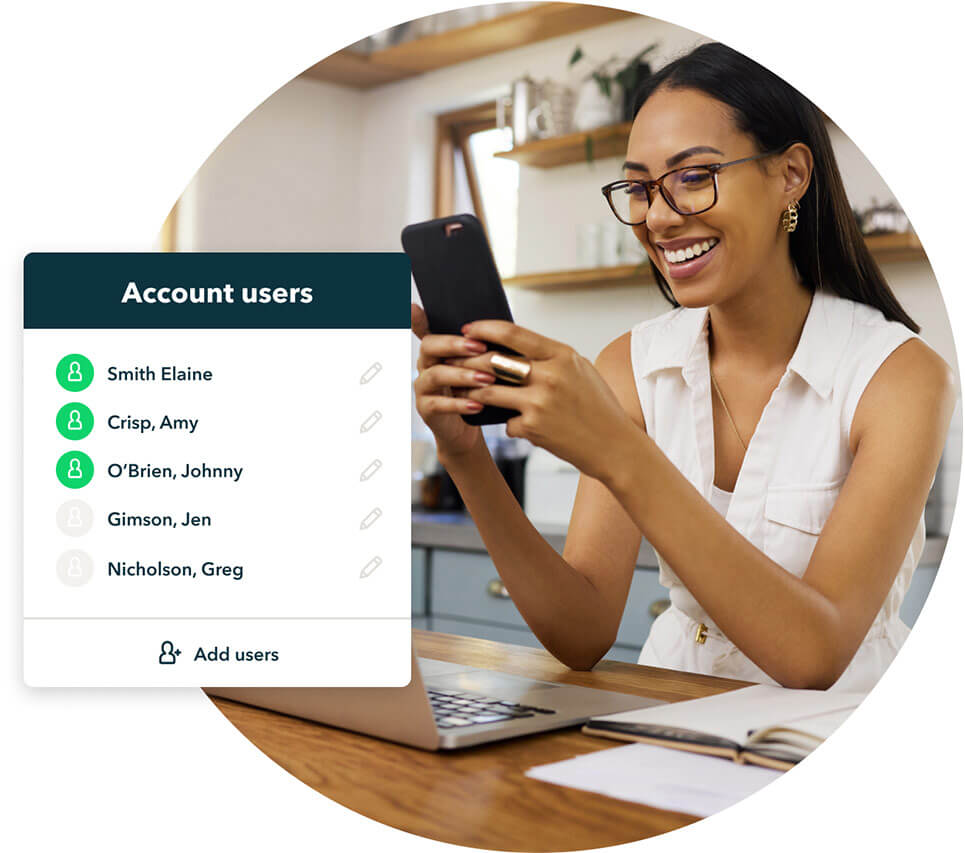
Access for up to 25 unique users, unlimited report-only users, 3 accountants plus unlimited chart of accounts, classes and locations - giving you flexibility to scale.
Find a plan that’s right for you
Free unlimited support
No contract, cancel anytime
Loading pricing information...
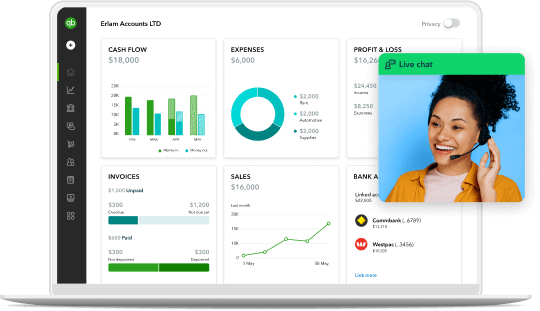
We’ll get you up and running
Once you've signed up to QuickBooks Advanced, get all the support you need from our team of experts. They'll walk you through features and answer your questions.

Talk to one of experts
Want to learn more about QuickBooks Advanced? Talk to our product experts today.

Migrate your data easily
Your business data is our top priority. We’ll migrate your data from Xero, Excel, MYOB or Reckon, so you’ll be up and running in no time.

Get expert help from real people
Our award-winning team of QuickBooks experts are on-hand 7 days a week. We offer phone support, live chat and screen sharing — all completely free.

Set yourself up for success
Our handy Getting Started tool helps you get to grips with the features that are most important to you.
QUICKBOOKS + MAILCHIMP INTEGRATION
Find customers you haven’t reached
Integrate QuickBooks with Mailchimp to get more from your Customer Hub and take your marketing campaigns to the next level. Once you’ve synced your customer data, Mailchimp recommends new audience segments to market to, helps you craft the right message, and deliver it at the right time.

Frequently asked questions



Intuit helps put more money in consumers’ and small businesses’ pockets, saving them time by eliminating work, and ensuring they have confidence in every financial decision they make.
Award Winning Accounting Software


