Hello there.
You can go to the Rules section to view and edit the account.
Here's how:
- Go to the Gear icon, then select Rules.
- Locate the rule you want to modify and click Edit under the Actions column.
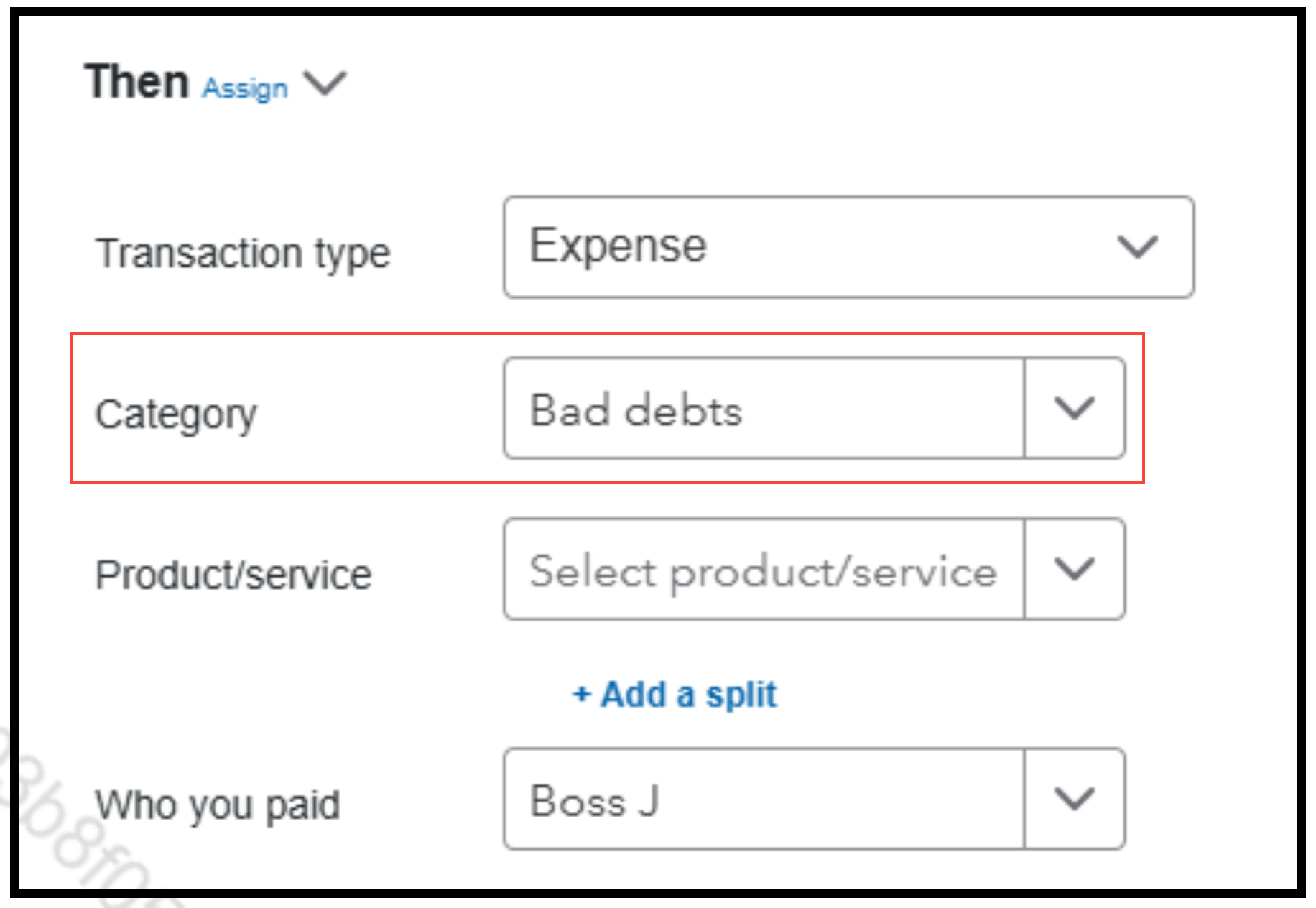
- From there, hover over Category and click the dropdown arrow next to it, then select the correct account.
Feel free to leave a response below or return to this thread if you need further assistance.


