Hi Mary53, thank you for reaching out.
To deduct an advance payment from an employee's paycheque, you can select the employee's paycheque and enter the advance payment amount with a minus sign.
Here’s how:
- Go to Employees and select Employee Centre.
- Locate the employee and open the paycheque where the advance payment was made.
- On the Advance item, enter the amount with a minus sign (-) and click OK.
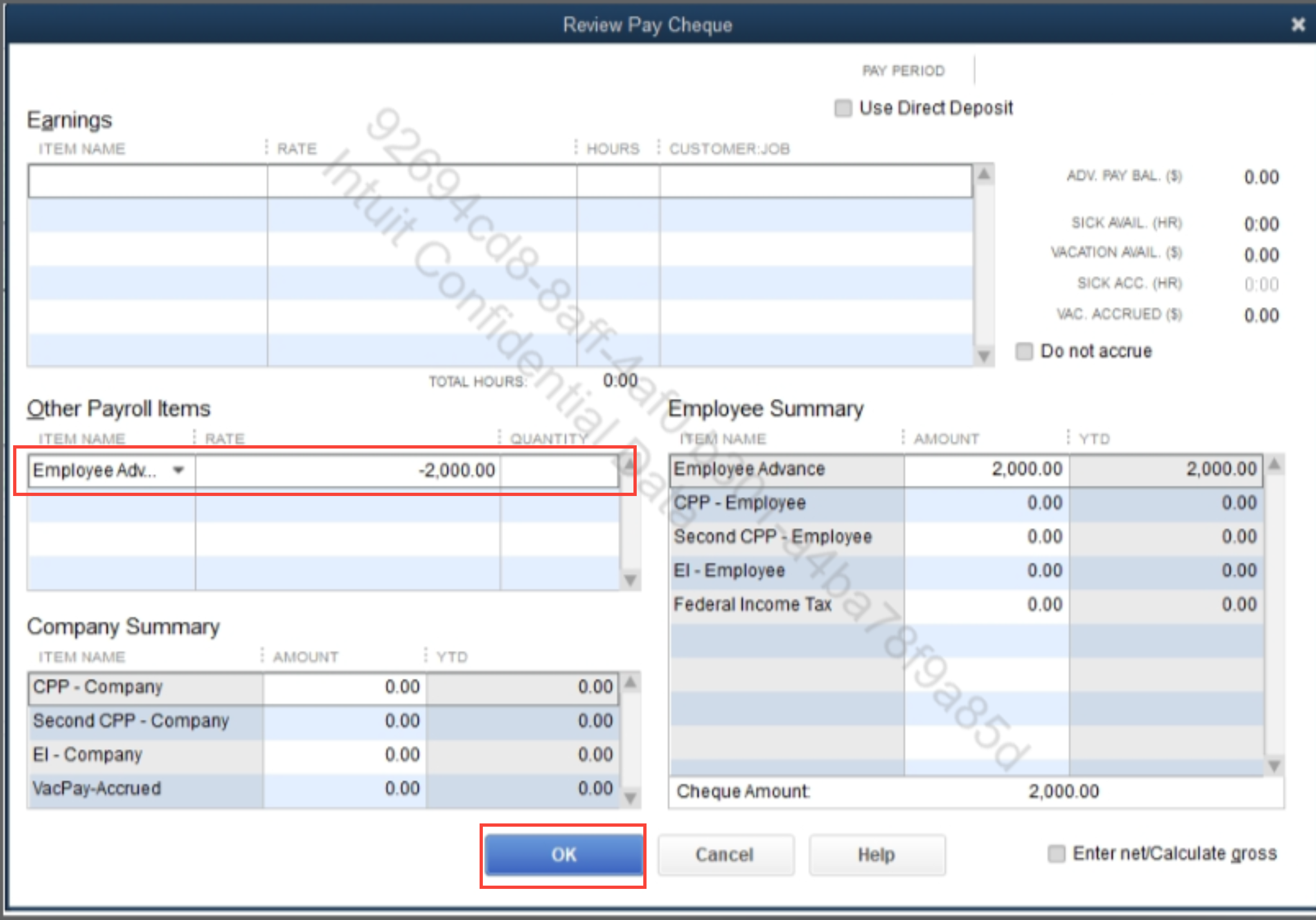
- Click Save & Close.
Once you've completed these steps, the advance payment will be updated accordingly in the YTD (Year-to-Date) column.
Feel free to reply here if you have any further questions or need additional assistance.


