We're unable to directly customize packing slips to add SKUs in QuickBooks Online, KeelAP.
However, we can use the Description column of your transactions and then add your SKU details from there. You can refer to the screenshot below for your visual reference:
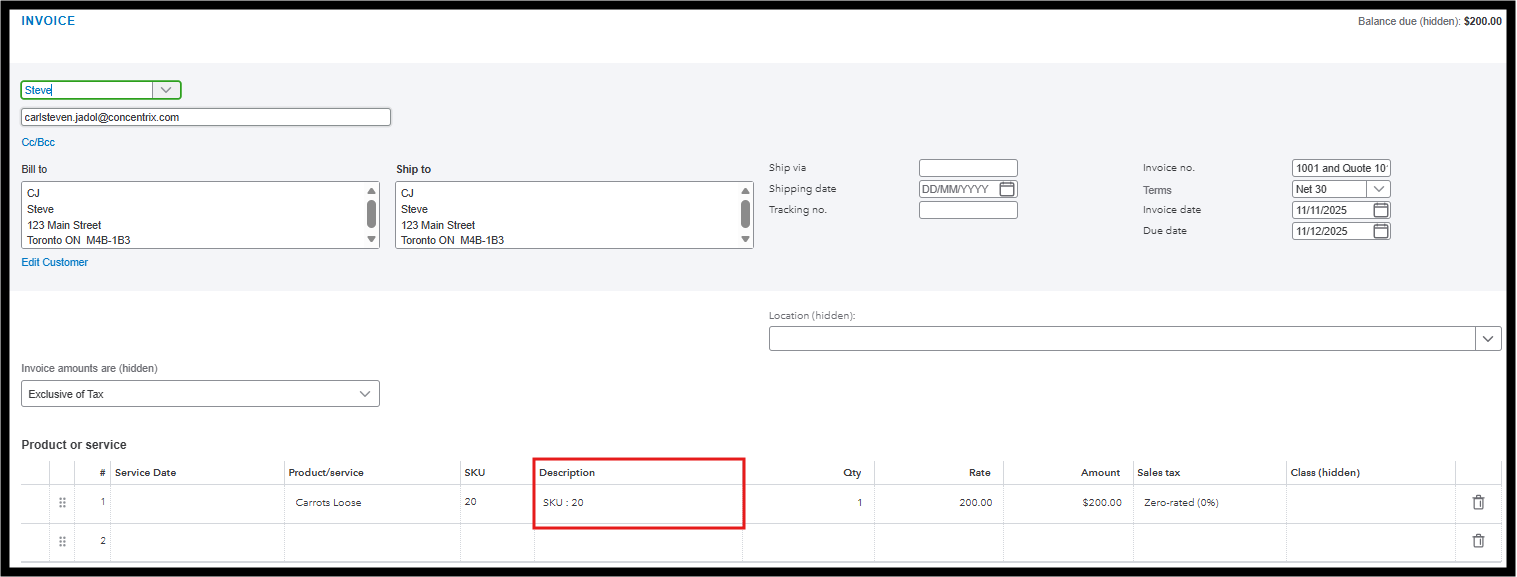
Once added, it will show up on your packing slips. Here's how:
- Go to My Apps, select Customers from the Customer Hub.
- Choose a customer, then tick the box of the transaction.
- Click Batch Actions and select Print packing slips.
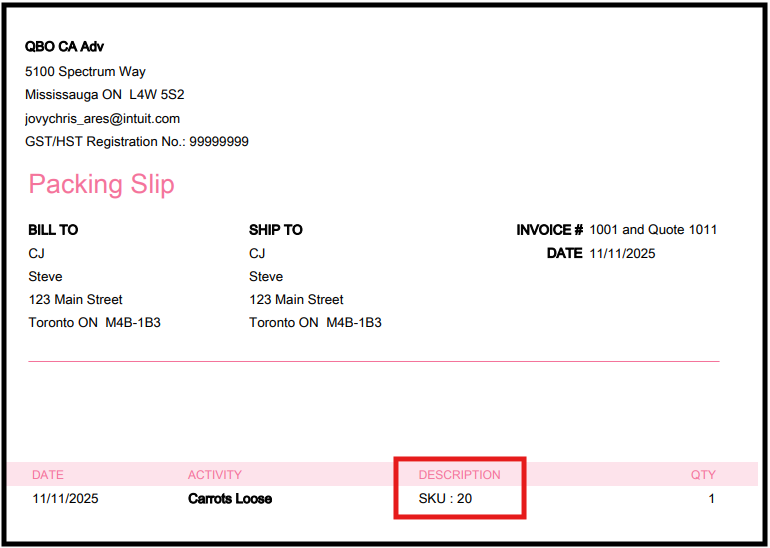
Please review this handy article to learn more: Create and print a packing slip in QuickBooks Online.
Keep us posted if you still have queries about your packing slips. We're ready to help.


