It's great to hear that your bank credentials are correct, Macsystemwhistler.
To provide you with the most accurate resolution, could you please let me know which bank you’re using? Additionally, are you seeing any specific error codes or messages when trying to download your transactions? This information will help us pinpoint what is causing the issue.
Since you’ve already confirmed that your login details are correct, the issue could be due to a temporary interruption between QuickBooks and your bank. This can sometimes happen if the bank’s website is undergoing maintenance or if there’s a temporary outage. I recommend reaching out to your bank to confirm if there are any known issues on their end.
Meanwhile, let's manually update your bank connection in QuickBooks by following these steps:
- Open your QuickBooks Self-Employed account.
- Go to the Gear icon, then select Manage accounts.
- Click the Refresh all button a couple of times.
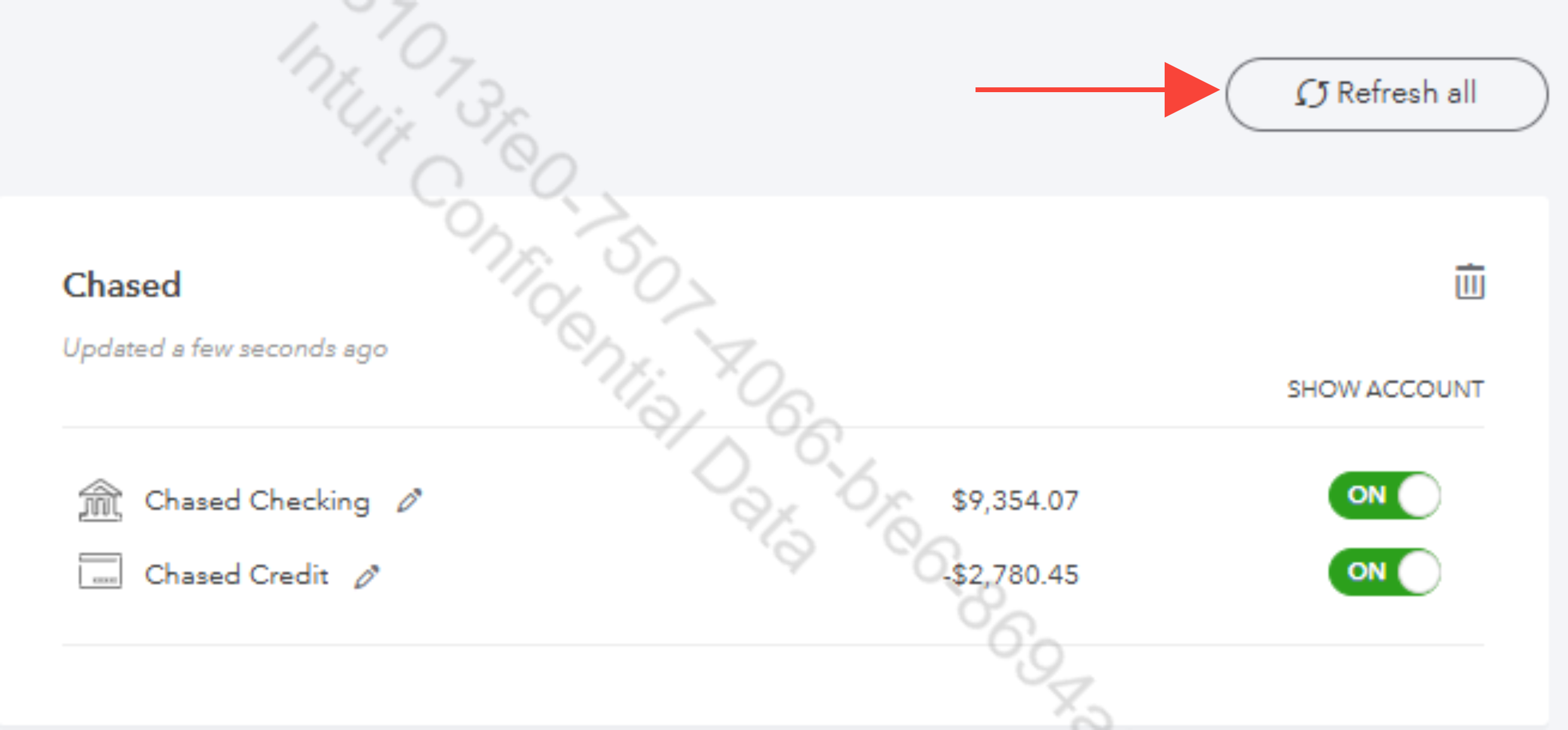
If the issue persists, you may consider manually importing your bank transactions using a CSV file.
Please leave a reply below if you have additional questions or concerns. We'd be glad to provide the necessary help.


