1. QuickBooks: Best all-in-one
Best for: Businesses that want it all, from expense tracking and invoicing to payroll and reporting, on one platform
QuickBooks can instantly track and categorize your expenses. Once you connect our expense tracker tool to your bank and credit accounts, your transactions sync automatically, and your receipts attach themselves to the right categories.
With customizable dashboards, bilingual support, and CRA-compliant reporting, QuickBooks brings together accounting, expense tracking, and tax tools in one place, so you can quickly and easily see where your money goes.
Key features:
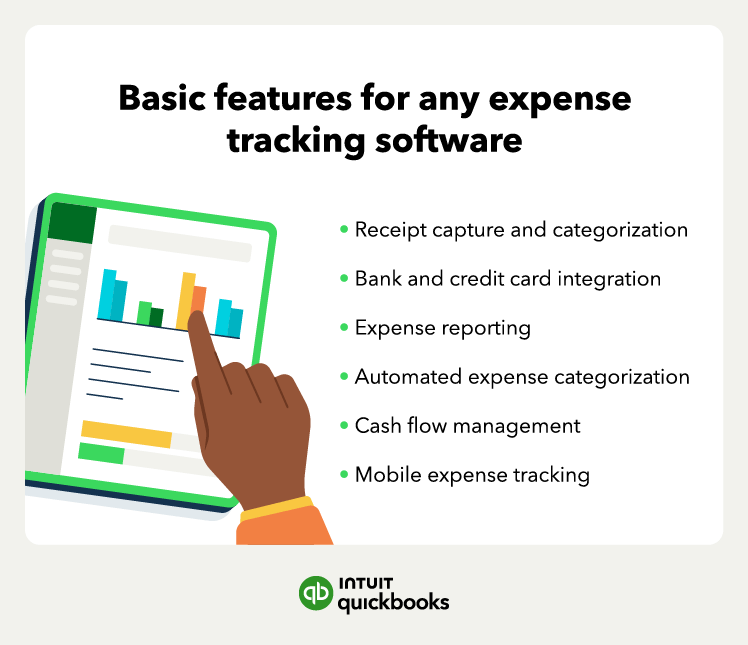
- Automatic expense import and categorization
- Smart receipt scanning and matching
- Mileage tracking via a mobile app
- Real-time cash-flow dashboards
- Tax agency-compliant reports for tax time
- Integrations with hundreds of apps, from Shopify to PayPal
2. Float: Best expense control
Best for: Companies looking for local currency support, smart corporate cards, and instant visibility into spending
Float makes expense tracking effortless for finance teams. Its smart corporate cards offer real-time oversight and control, and its direct integration with Canadian banks keeps data accurate and up-to-date.
Still, Float is more of a corporate card platform than full accounting software. It focuses on expense control rather than complete bookkeeping. Some users mention that deeper automation and reporting features require linking to QuickBooks.
Key features:
- Smart corporate cards with custom limits and spending controls
- Automatic receipt capture and real-time approval workflows
- Integrations with QuickBooks, Xero, and other accounting tools
3. SAP Concur: Best for enterprises
Best for: Large organizations that need policy controls and robust compliance
SAP Concur delivers enterprise-grade expense, travel, and invoice management with automation. It’s ideal for global companies that require complex approval chains, corporate card integration, and international compliance tools, all in one system.
Concur’s scale and complexity, though, make it less suitable for smaller businesses. The interface can feel dated, and setup takes time, which may slow adoption for teams that need to hit the ground running.
Key features:
- OCR and mobile receipt capture
- Customizable approval workflows
- Built-in compliance and audit features
- Integrations with SAP’s ERP and HR systems
4. Expensify: Best workflows
Best for: Teams that need automated approvals and quick reimbursements
Expensify makes expense management faster and simpler. Employees can snap a photo of a receipt, and its SmartScan feature extracts and categorizes details automatically. With automated approvals and reimbursements, finance teams spend less time chasing paperwork.
Still, Expensify’s automation can be a little too aggressive at times, and customization is limited compared to larger platforms. It’s a decent fit for smaller teams but may fall short for companies that need deeper reporting.
Key features:
- SmartScan technology
- Policy and approval automation
- Direct reimbursement through ACH
- Integrations with QuickBooks, Xero, and NetSuite
- Corporate card management and spend limits