Get 50% OFF QuickBooks for 3 months*
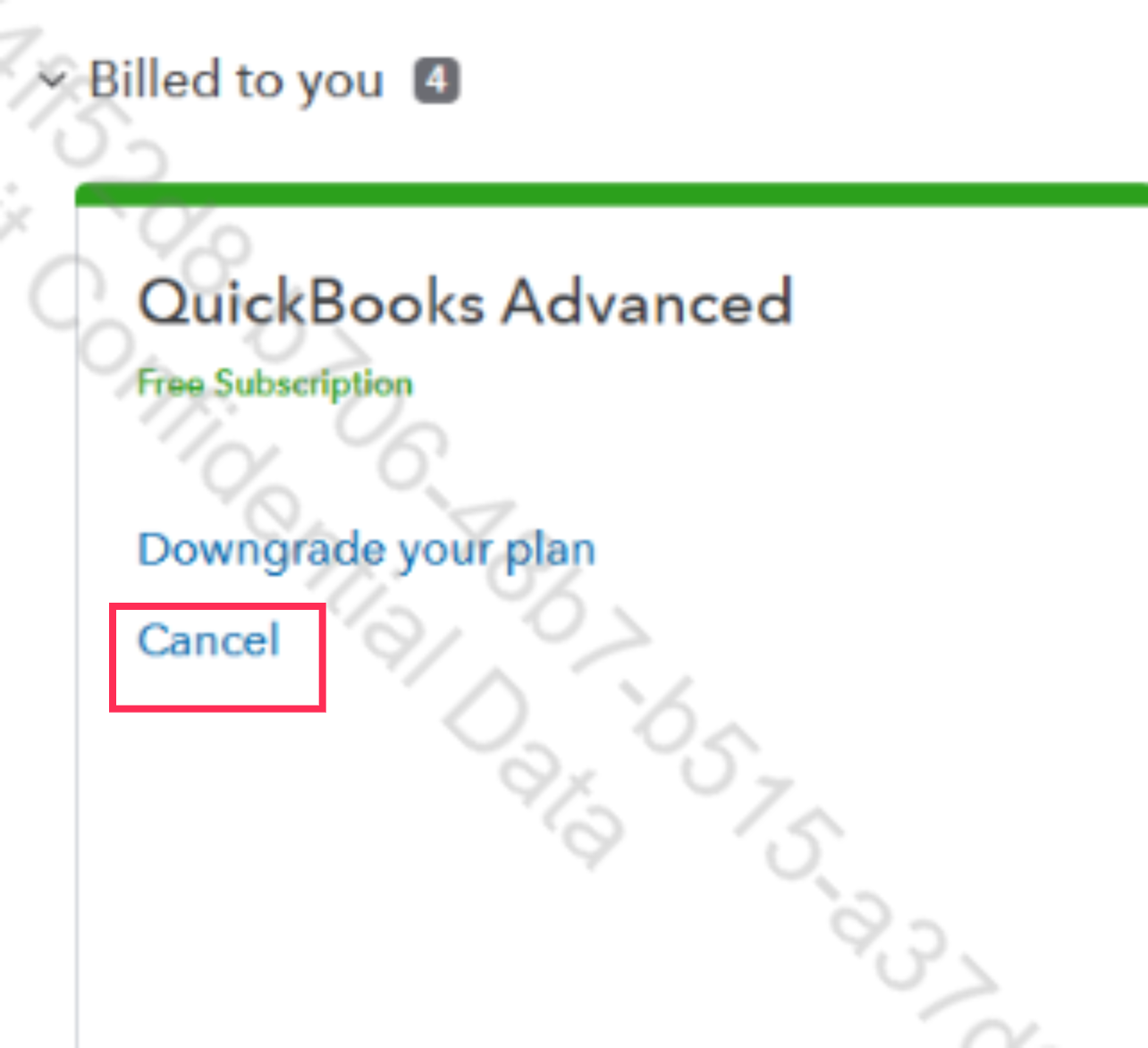
You can cancel your account through the subscription and billing page, Dthibsaved.
Here's how:
Please note that you'll have read-only access for a year from the cancellation date.
Let me know if you have more questions.
You have clicked a link to a site outside of the QuickBooks or ProFile Communities. By clicking "Continue", you will leave the community and be taken to that site instead. For more information visit our Security Center or to report suspicious websites you can contact us here