Businesses that use TSheets for time tracking report an average 6% reduction in payroll costs*.
Save money and gain valuable business insights with go-anywhere timesheets.
Turn the world of tedious tasks and sloppy spreadsheets on its head. Increase visibility by empowering employees to easily clock in and out, switch jobs, or make edits to their timesheets from anywhere. TSheets includes GPS tracking, PTO management, employee scheduling, and clock-in reminders, so you can stop chasing timesheets and start chasing the dream.
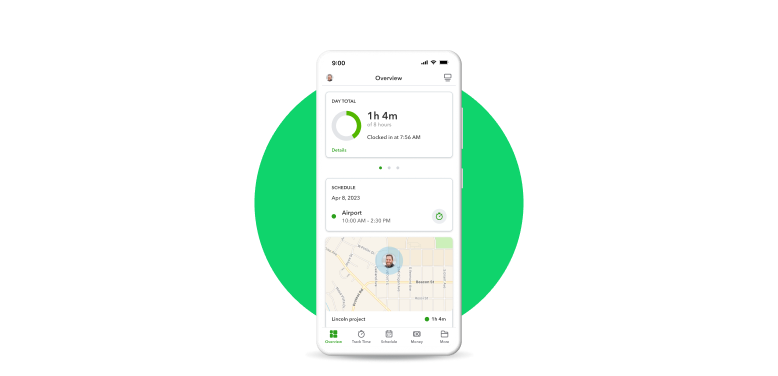
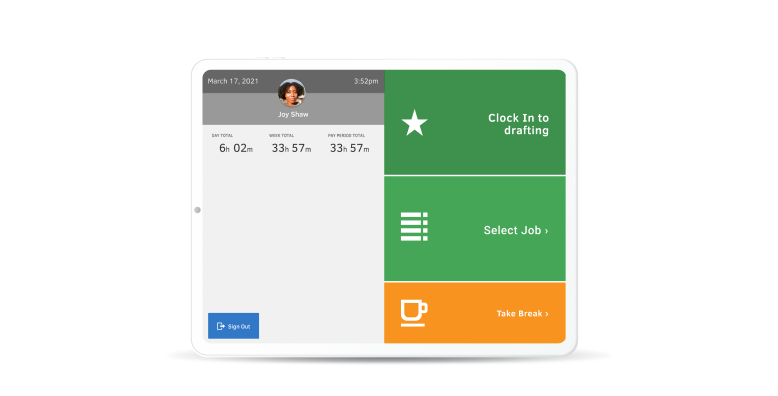
Use TSheets time tracking on any smartphone, desktop, or laptop. Or turn a tablet into a digital punch clock using the TSheets Time Clock Kiosk, best for workers at a single location. The kiosk includes photo capture and facial recognition functionality, so you can be away from the job site and still know who’s clocked in.
Exactly what our company needs for a remote/mobile electronic time clock, job tracking, and on-the-fly scheduling reassignments.
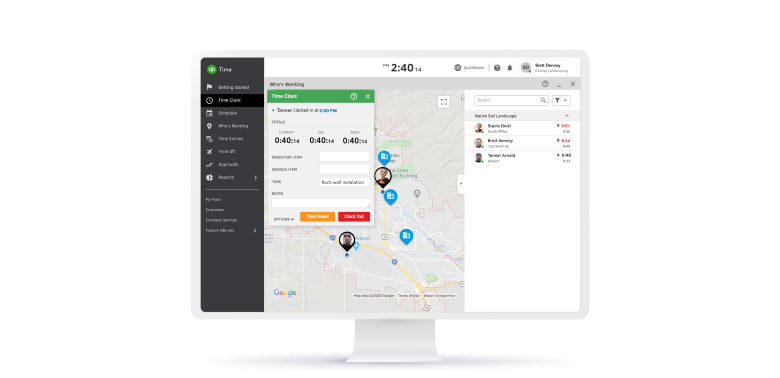
C. McCleeseTake the guesswork out of workforce management. TSheets GPS time tracker and Who’s Working window allows you to see which employees are clocked in, where they’re working, how long they’ve been working, and what project or job they’re working on. Sort the list view by hours worked, clock-in time, name, or location for a real-time snapshot of your workforce.
Exactly what our company needs for a remote/mobile electronic time clock, job tracking, and on-the-fly scheduling reassignments.
C. McCleeseSchedule employees by job or shift to streamline the workforce and put hours back in your week. Create, update, and edit schedules in minutes, and automatically notify employees of schedule changes. Working hand-in-hand with time tracking, managers can even receive alerts if employees haven’t clocked in for a scheduled job or shift.
Exactly what our company needs for a remote/mobile electronic time clock, job tracking, and on-the-fly scheduling reassignments.
C. McCleeseAccurate, detailed reporting provides a better understanding of labor expenses. With real-time reports on hours worked (including overtime), means business owners can take action and change course on a job or project to avoid budget overruns. Customizable filters capture the precise timesheet information you want—sorted by date, pay period, employees, groups, projects, jobs, and more.
Exactly what our company needs for a remote/mobile electronic time clock, job tracking, and on-the-fly scheduling reassignments.
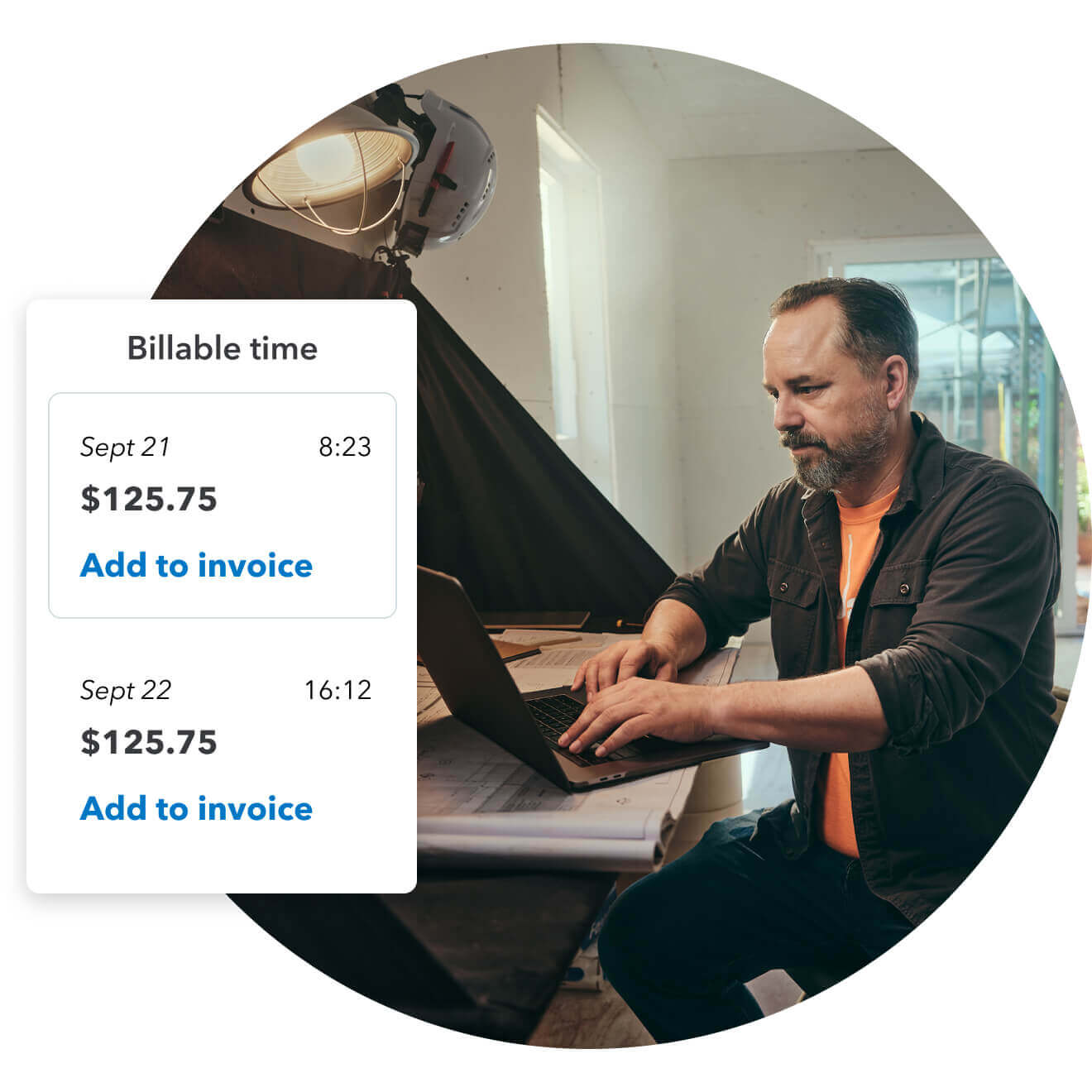
C. McCleeseSave an average of 6% on gross payroll costs and shave up to three hours off your payroll process every time you run payroll by eliminating manual data entry.* Because employee time data automatically appears in QuickBooks, you can manage and approve employee timesheets, run payroll, and create invoices with ease—all from your QuickBooks account.
Exactly what our company needs for a remote/mobile electronic time clock, job tracking, and on-the-fly scheduling reassignments.
C. McCleese
Exactly what our company needs for a remote/mobile electronic time clock, job tracking, and on-the-fly scheduling reassignments.
C. McCleese