You can manually record credit card payments using the Pay Down Credit Card feature, Michael.
Here’s how:
- Log in to your QBO account.
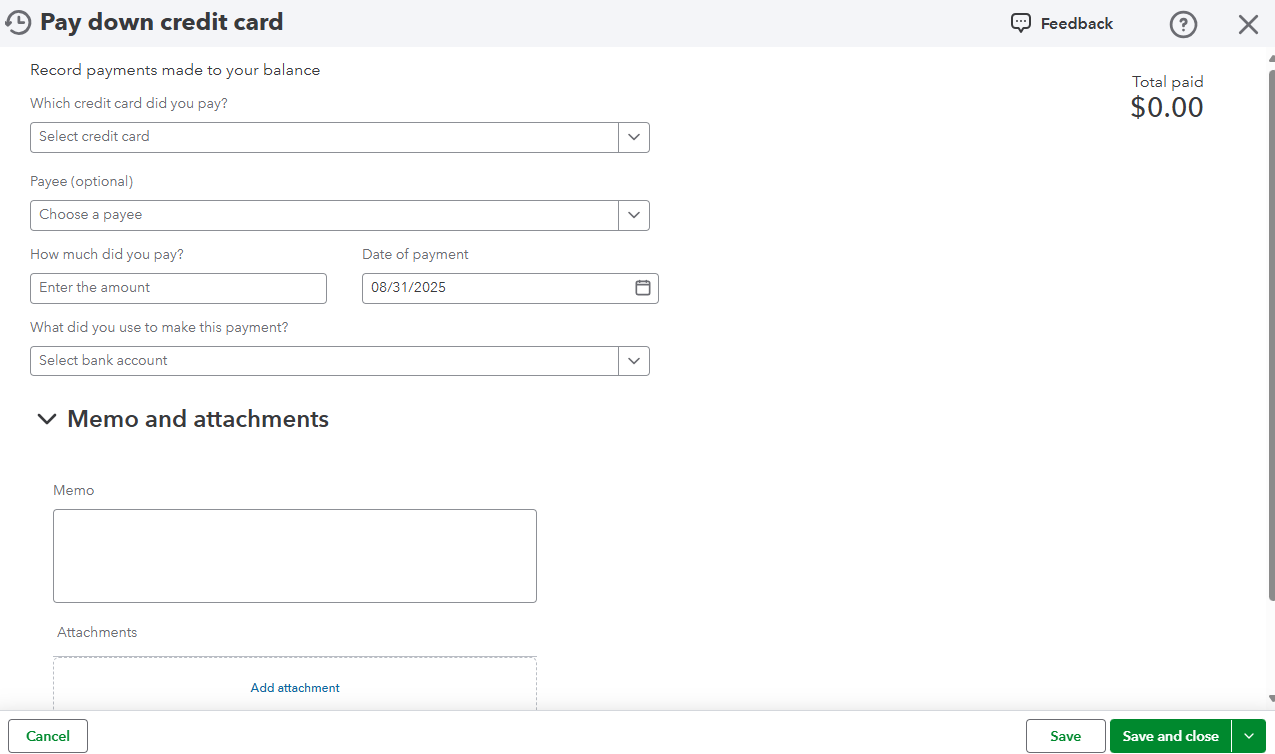
- Hover over the + icon, then select Pay down credit card under Money Out.
- Choose the credit card you want to pay with, and you can also select the Payee.
- Enter the payment amount and date.
- Select the bank account you used to pay the credit card.
- If you want to add notes or file attachments, click Memo and Attachments and follow the on-screen instructions.
- Once done, click Save and Close.
You can visit this article for other ways of recording your credit card payments: Record your payments to credit cards in QuickBooks Online.
Let us know if you need further assistance with your credit card payments in QBO. The Community team is here to help.


