Get 50% OFF QuickBooks for 3 months*
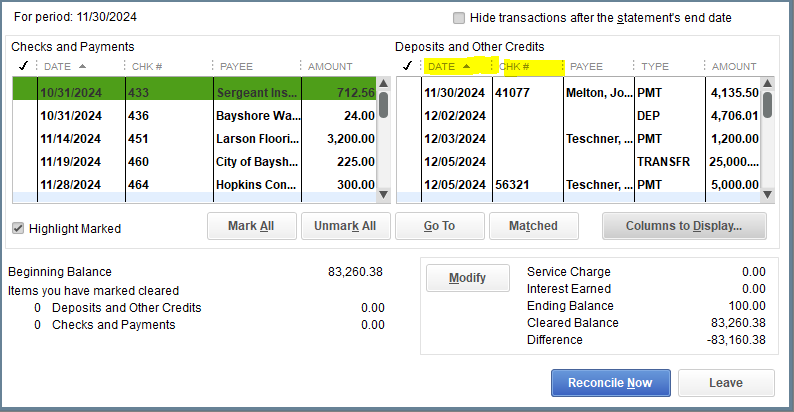
The last couple of months when I reconcile, the expenses are scrambled instead of "Check #" or "date" order.
What happened? It has never been this way in the 30+ years that I have been using QB. Is there a known way to correct this?
I can shed a light on this, 2Cookies.
In QuickBooks Desktop, sorting lists will help fix odd behaviors on your list to go back to their order.
You can read this article to learn more on how to perform this in different areas: Re-sort lists in QuickBooks Desktop.
Please update me on how these steps work for you. I'll be around if you need more help. Have a nice day!
You have clicked a link to a site outside of the QuickBooks or ProFile Communities. By clicking "Continue", you will leave the community and be taken to that site instead. For more information visit our Security Center or to report suspicious websites you can contact us here