Hi there, Stacy.
Adjusting your employee's gross pay for your salaried employees is a great way to maintain accurate tracking of their final paycheck in QuickBooks Online, and I'll show you how to do this.
We'll need to adjust the gross pay from the last current paycheck, here's how:
- Go to Payroll and select the Employees tab.
- Find and select the employee with the partial paycheck.
- Head to the Paycheck list tab.
- Open the appropriate paycheck.
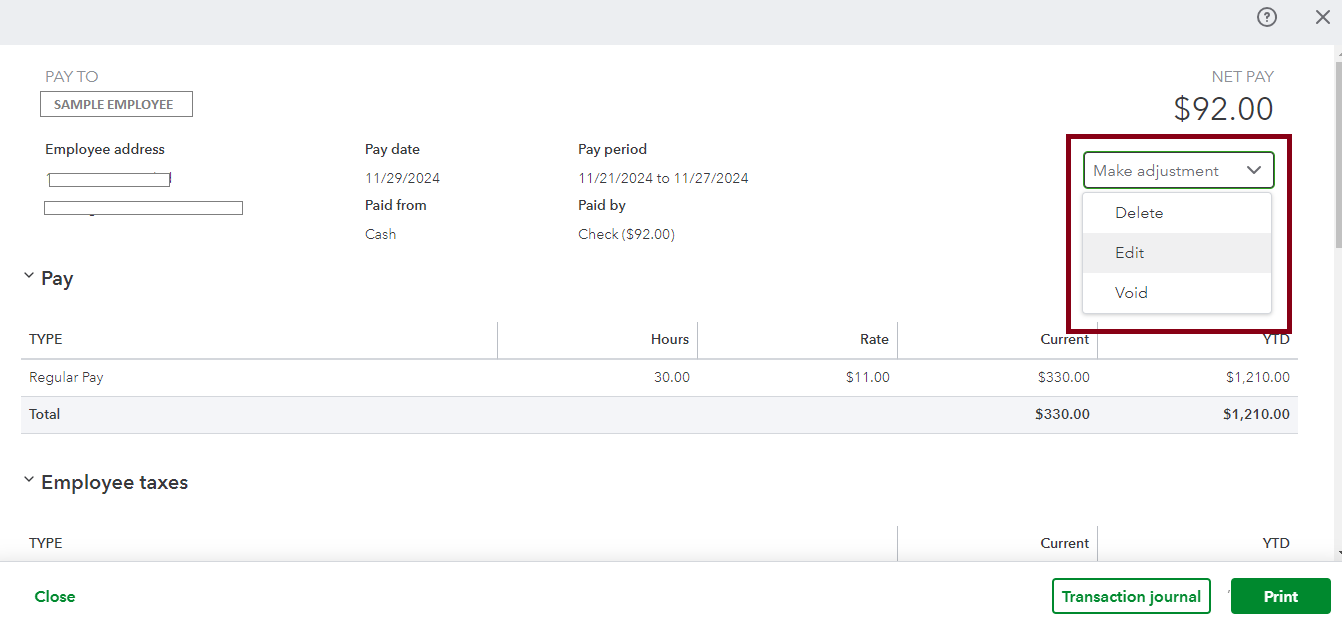
- Click the Make adjustment dropdown and choose Edit.
- Make the necessary changes to their paycheck then click Save.
Also, we recommend consulting your payroll provider or tax advisor to ensure accurate calculations and reporting.
Moreover, you can consider preparing for the year-end to ensure a smooth year-end closing and a strong start to the new year in QuickBooks Online.
As always, you can drop by the Community space to ask further questions about other payroll-related concerns and I'll be here to assist you.


