Hello there, Kyle. Can I ask which specific area you are trying to export from? If you're trying to export transactions from your banking feed, you can do so by going to Bank Transactions, selecting the specific bank account tile, and then looking for the Export to Excel icon, located on the right side of your screen, beside the Settings icon.
You can check this picture below for reference:
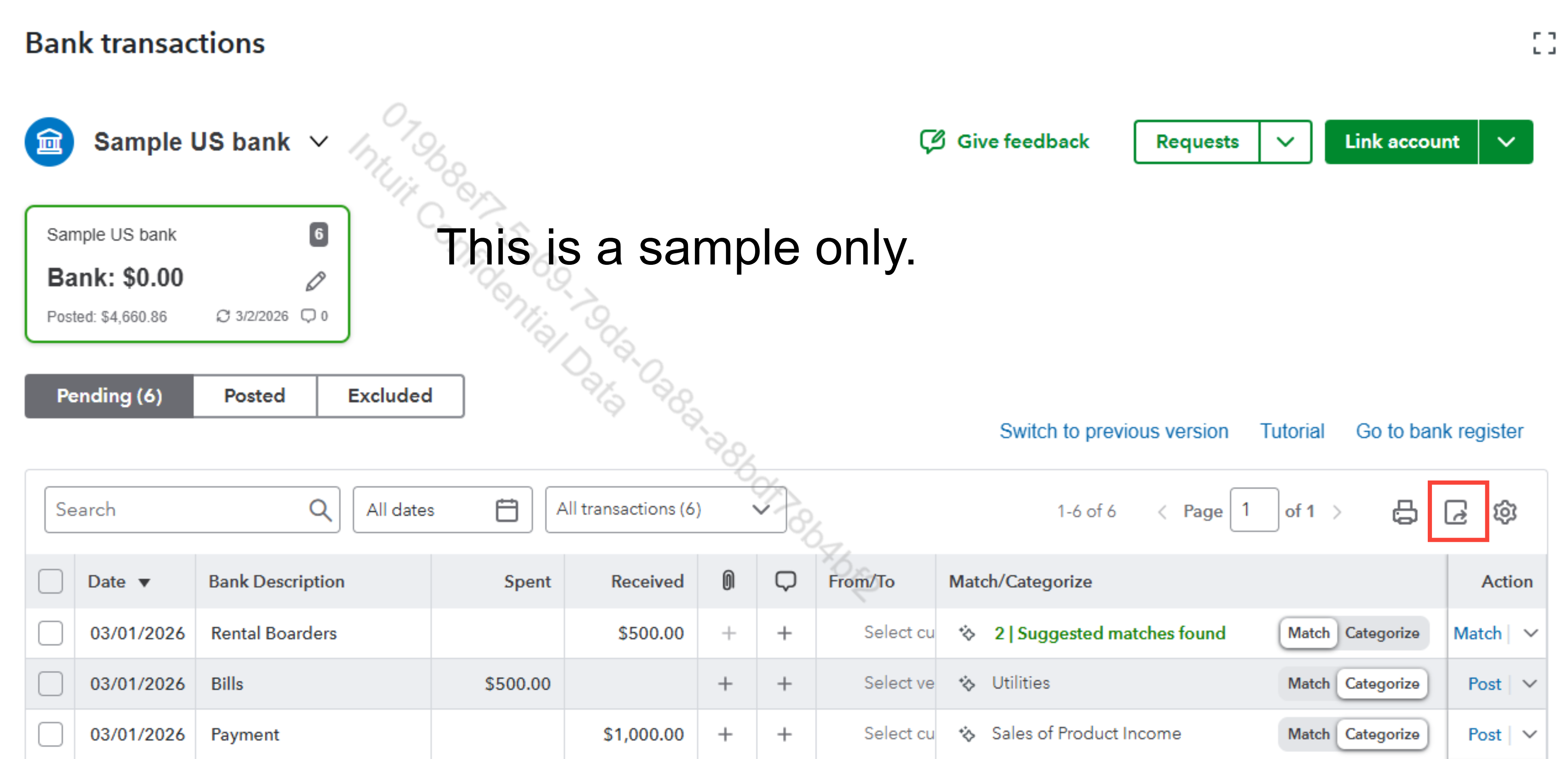
If you're running reports, you can easily send any report to a spreadsheet by following these steps: Export reports to Excel.
Lastly, I'll share this article if you're trying to move entire lists or large chunks of data to Excel using QBO Advanced: Export your QuickBooks Online data.
Feel free to reply to this post if you need further assistance.


