Hello, Tal.
In QuickBooks Online, you cannot create a product in a different currency. However, you can assign a currency to a customer, and the product’s rate will automatically align with that customer’s currency.
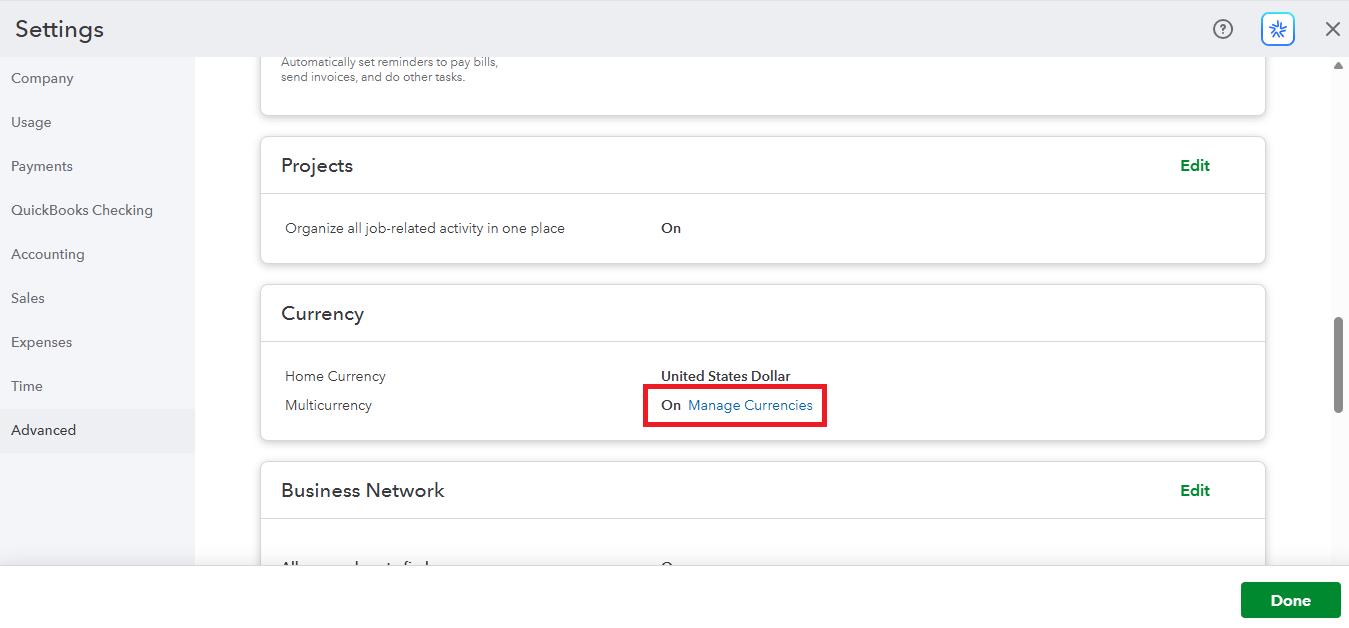
First, make sure you turned on multicurrency in your settings.
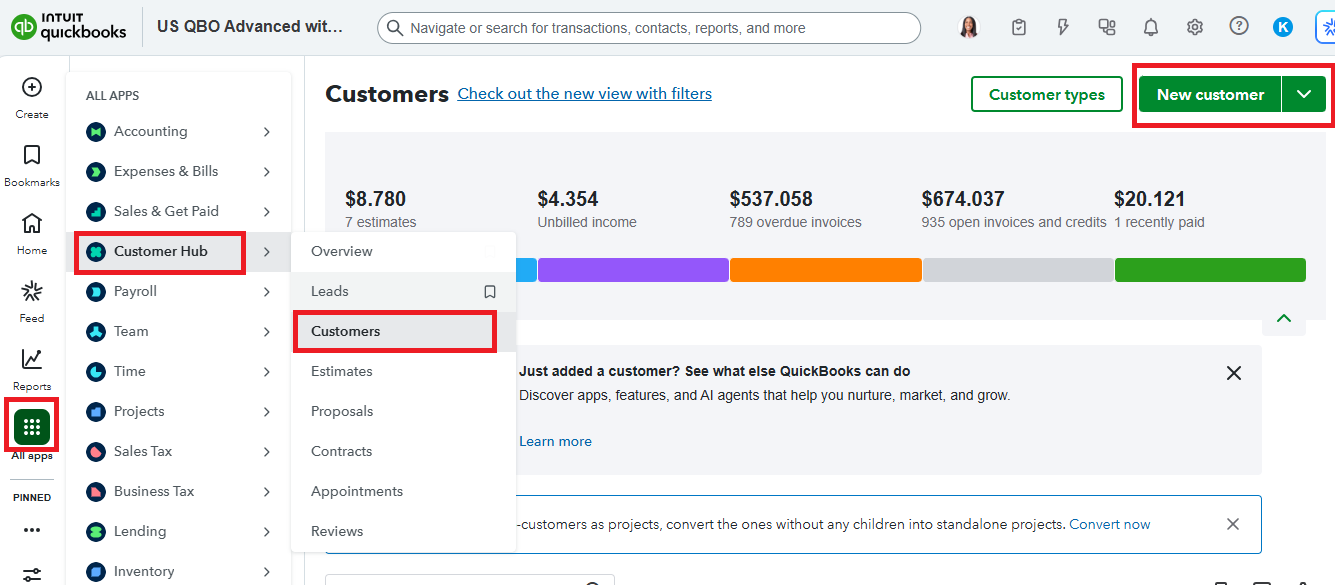
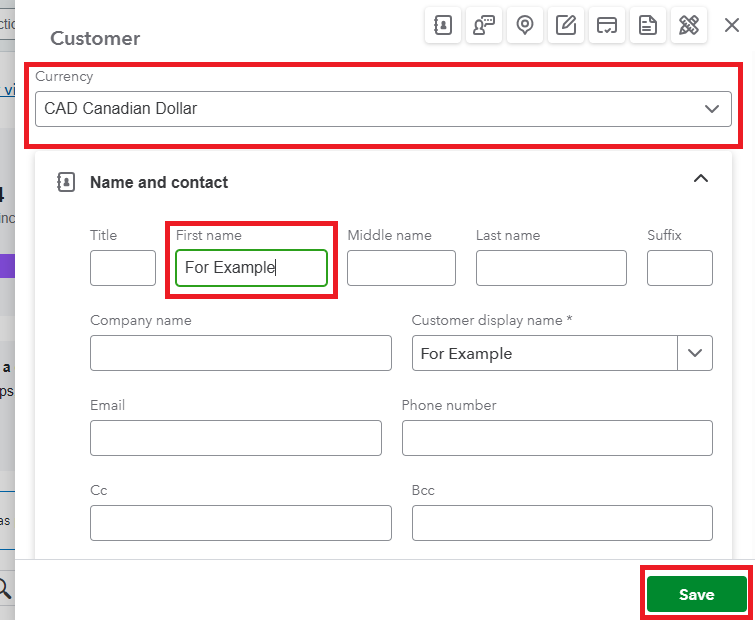
Then, create a new customer and choose the desired currency. Here's how:
- Go to All apps and open the Customer Hub.
- Select the Customers.
- Click the New customer.
- In the Currency dropdown, choose the desired one.
- Enter the required information and Save.
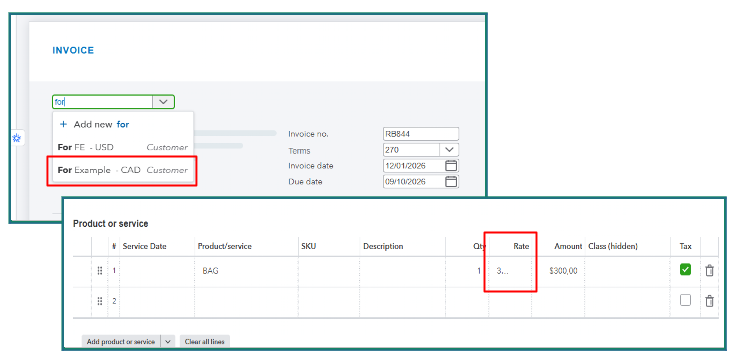
When you create transactions (for example, invoices) for that customer, the product’s will match the customer’s currency automatically.
Let us know if you have further questions, we'll be right here to help you any time.


