Welcome to the Community, @rightbrainbranding.
You can change the payment method for your QuickBooks subscription by going to the Subscriptions and billing section.
Here's how:
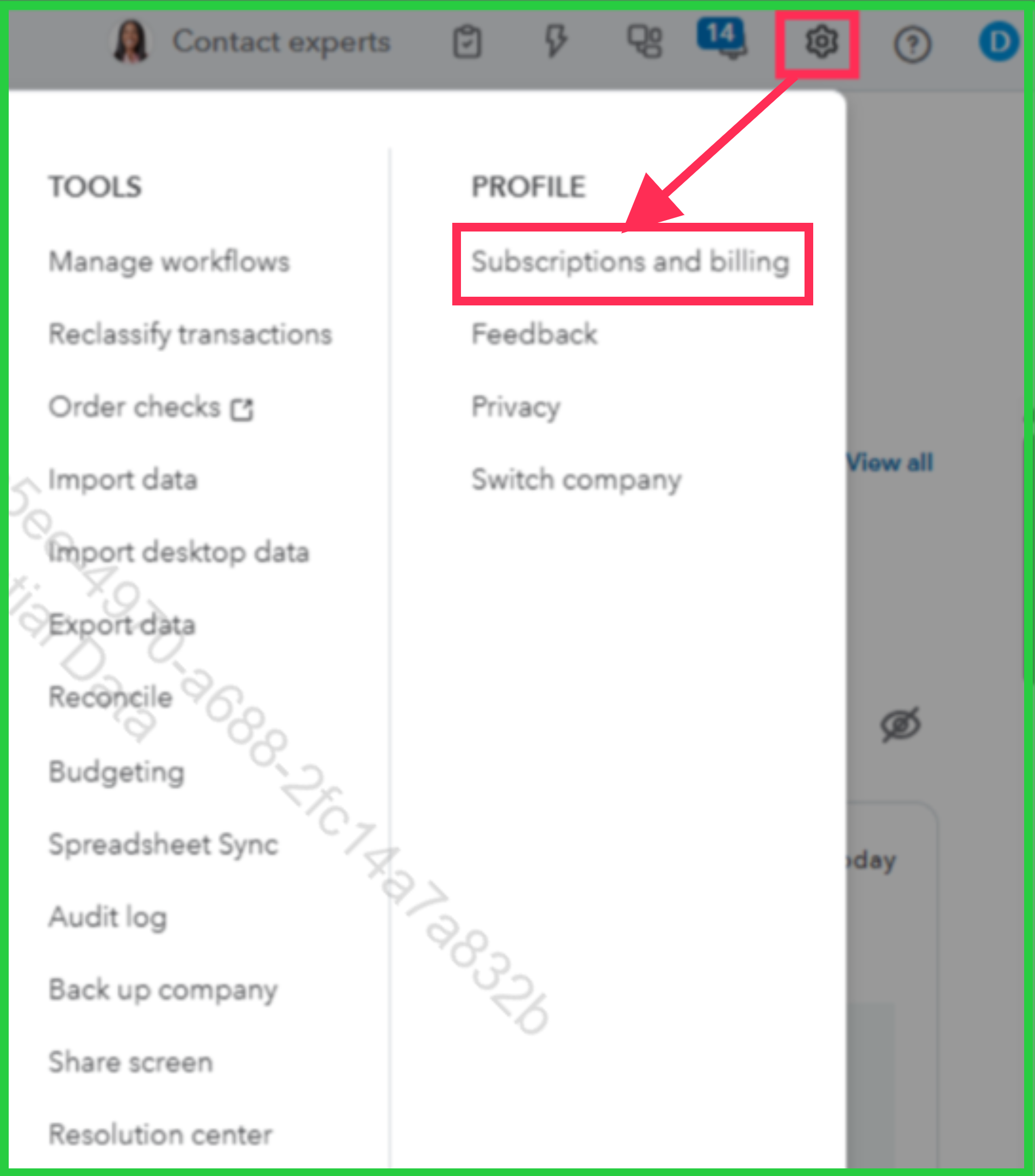
- Go to the Gear icon located in the top-right corner, then select Subscriptions and billing.
- Choose Payment method, then click Edit. Here, you can add a new payment method for QuickBooks Online billing. You can also:
- Update your payment details, such as your credit card expiration date, billing address, or account name.
- Switch your QuickBooks Online billing to a previously used payment method.
- After saving your changes, you’ll see them reflected on the Subscriptions and billing page.
If you need to adjust your billing schedule, check out the Change your billing schedule section in this article: Manage billing, payment, and subscription info.
Should you have any other questions, feel free to leave us a message in the thread.


