Get 50% OFF QuickBooks for 3 months*

Buy now
cancel
Showing results for 
Search instead for 
Did you mean: 
Announcements
jej3film
Level 1

How do I delete a vehicle?

I no longer own my old vehicle, so how do I delete it?

2 Comments 2
AljhonC
QuickBooks Team

How do I delete a vehicle?

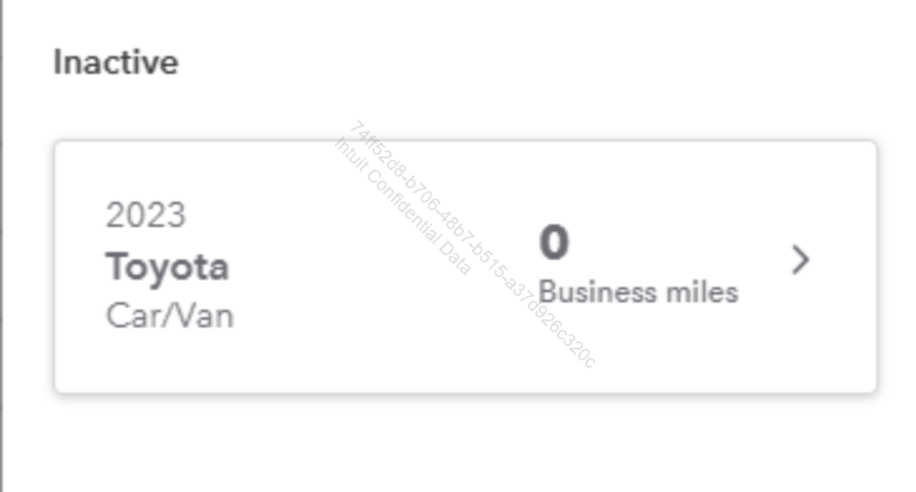
Hi, @jej3film. You can mark it as inactive to keep your records organized. I will guide you through the process.


In QuickBooks Self-Employed (QBSE), you cannot completely delete a vehicle, but you can mark it as inactive. This will effectively remove it from your list of active vehicles. If you do not track any expenses related to that vehicle, it will not impact your financial reports.


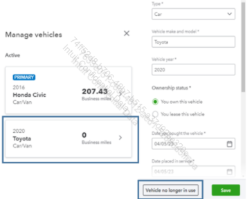
Here’s how to mark a vehicle as inactive:


1. Access your QuickBooks Self-Employed account.

2. Go to Miles.

3. Click the drop-down arrow next to Add trip.

4. Select Manage vehicle.

5. Choose the vehicle, then click Vehicle no longer in use.
 

list-item-image-content


If you have any questions or need help managing vehicles in QBSE, please leave a comment below. I’m here to help.

Jessavell_A
QuickBooks Team

How do I delete a vehicle?

Hi @jej3film,


I just wanted to follow up to check if the resolution we provided helped resolve your issue.

Please let us know if everything is now working as expected or if you’re still experiencing any problems.


We’ll be glad to assist further if needed.

Need QuickBooks guidance?
Log in to access expert advice and community support instantly.

Need to get in touch?

Contact us