Good day, @aweaver1.
Since you've mentioned that the bills were paid years ago, marking them as paid could be a better option to ensure your books remain accurate. However, if you really want to delete them, please be aware that deleting bills from years ago can affect previous reconciliations and can cause issues in your books. Thus, it's highly recommended that you consult your accountant before making these changes.
If you still wish to proceed, here's how you can delete multiple bills at once:
1. Go to My apps, then select Expenses &Bills.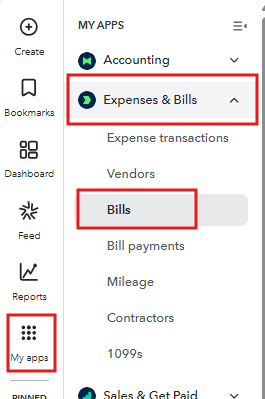
2. Navigate to the Bills section, and click Unpaid. 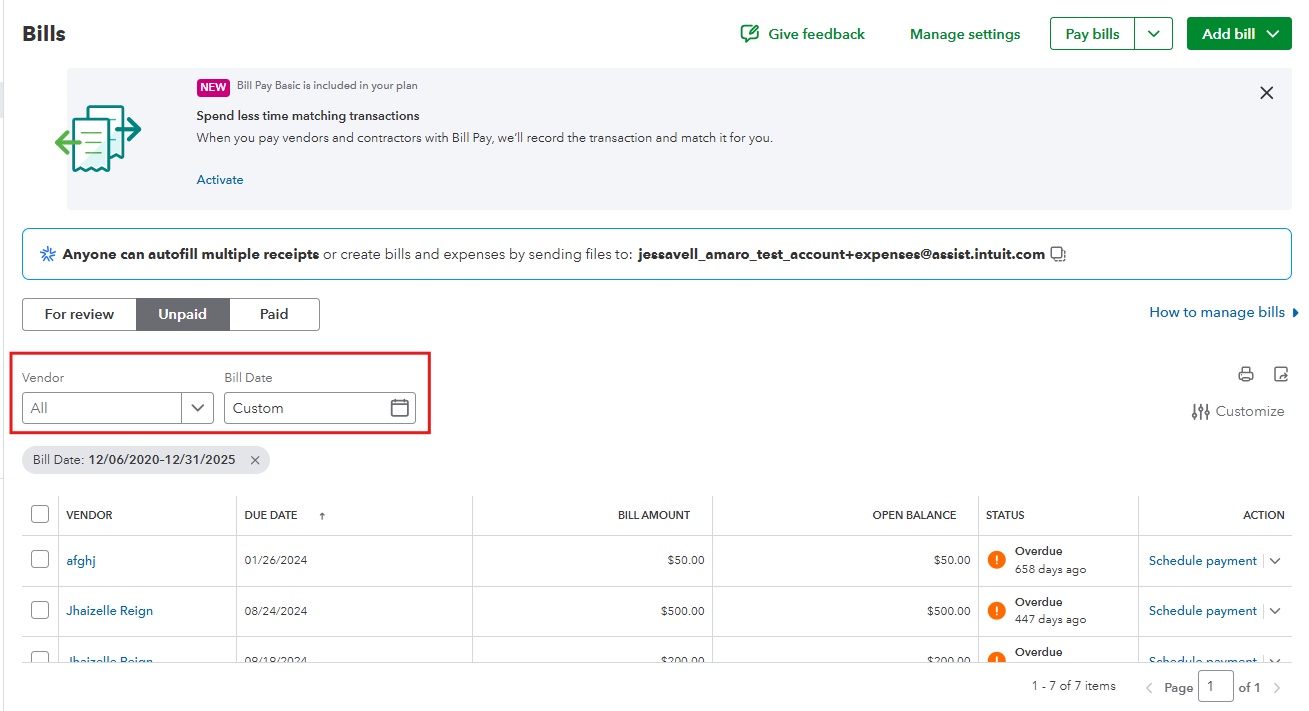
3. Filter the Vendor and customize the Bill Date filter to match the dates of the bills you want to delete.
4. Check the Checkbox for all the bills you want to delete, then select Delete.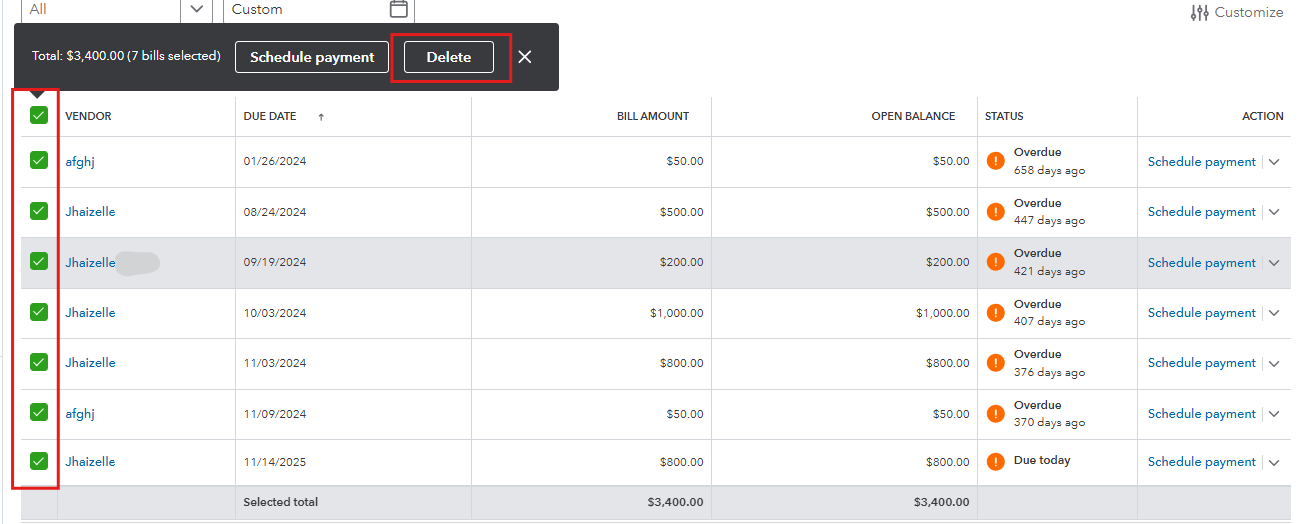
5. Confirm by clicking Delete.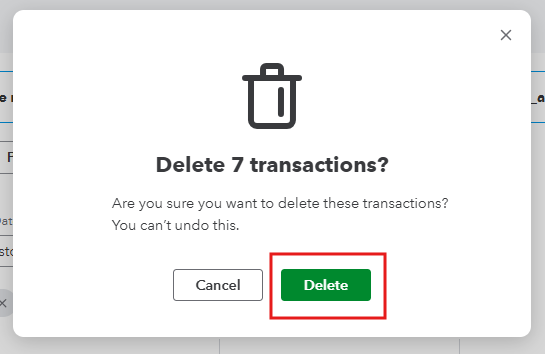
Please feel free to revisit this thread if you have any additional questions.


