Hello there, LDO. Currently, there is no option to sort search results in chronological order in the Community forum.
However, you can refine your search by asking more specific questions or selecting the relevant Article category instead of viewing All results. You can also use the Filter button to narrow down results by QuickBooks products (Online, Desktop, Payroll, etc.).
Additionally, we recommend submitting feedback to our Community team to improve the forum’s functionality and enhance your experience.
Here’s how:
- Click the Give Feedback button beside the screen.
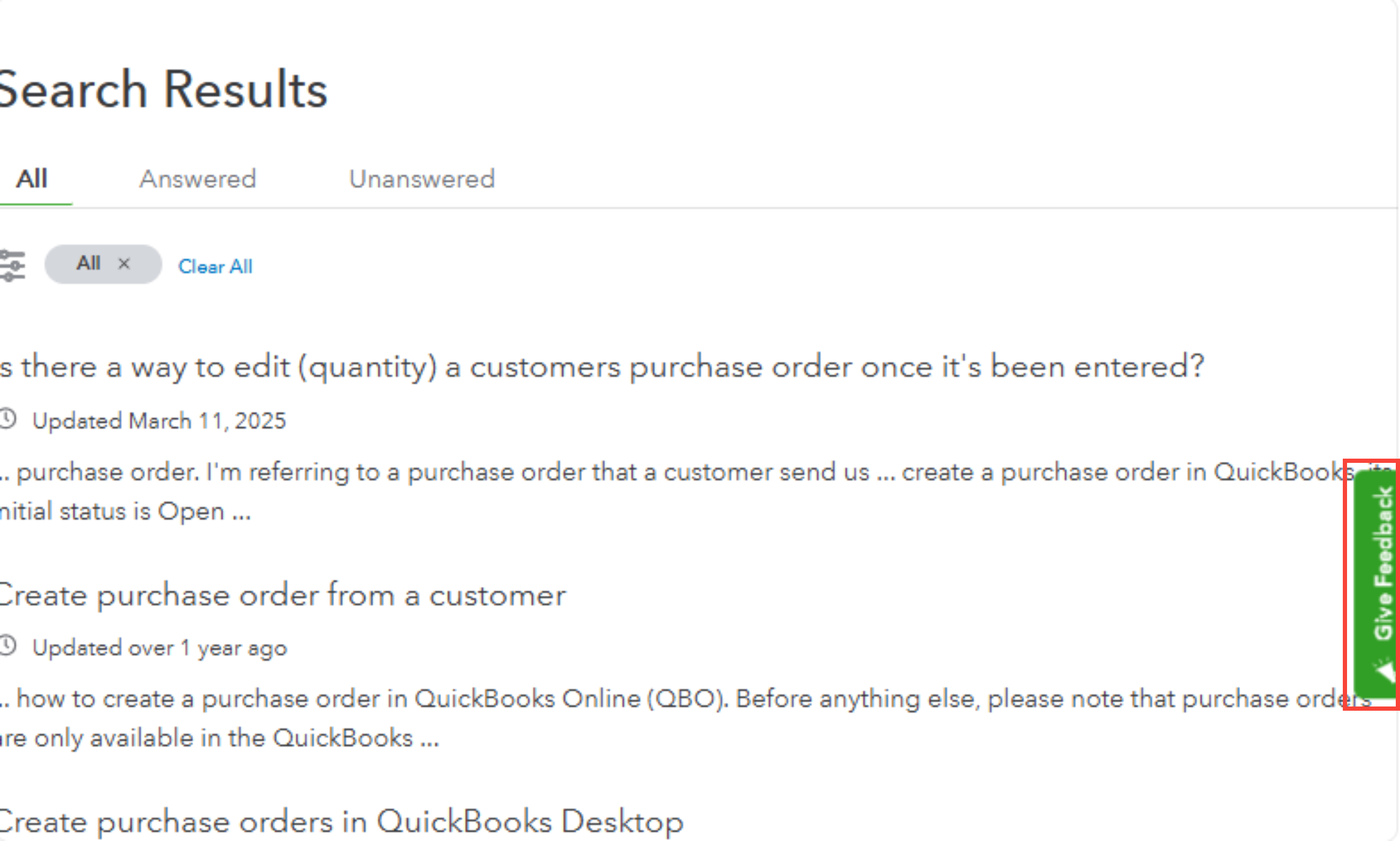
2. Click Next page below the message from Intuit.
3. Select the purpose of your visit in QuickBooks Community, and then the product you are using.
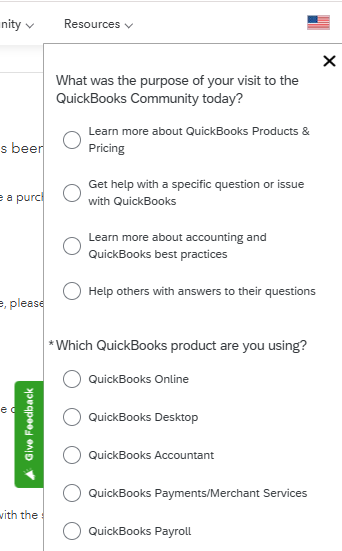
4. Click Next page, then answer the questions that follow.
5. Once done, Submit Feedback.
If you have more questions related to QuickBooks, feel free to reply to this post. We’re here to assist you.


