You can issue a credit back to a customer's credit card in QuickBooks Online (QBO) by creating a refund receipt, Winslow1.
Here’s how:
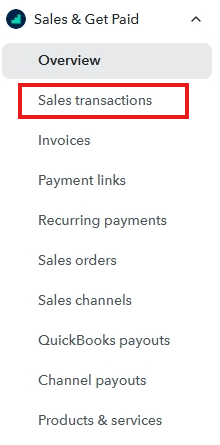
- Navigate to the Sales menu and choose Customers.
- Locate and select the customer to whom you wish to issue a credit.
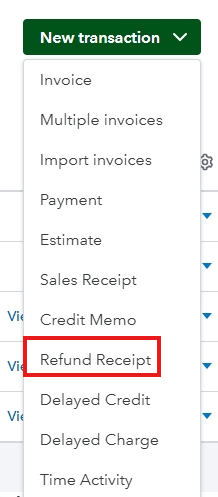
- Click on New Transaction and choose Refund Receipt.
- Enter the required information, such as the refund amount and reason.
- Save the transaction.

This will complete the process of issuing a credit to the customer's card.
You can also review this article to learn how to process customer's refunds in QBO: Void or refund customer payments.
Let us know if you need more information about processing customers refund in QBO. We're always here to help.


