Hi there, Savor.
The error "something went wrong. Try again later " typically indicates an issue with the application, website, or system you're using. Let’s troubleshoot this together to help you access your employee data in QuickBooks.
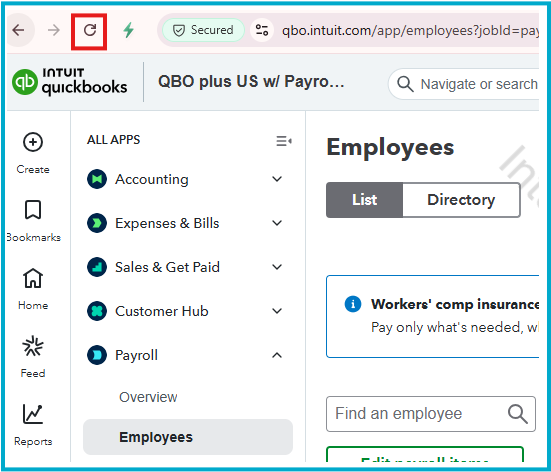
To start, reload the page by clicking the Refresh icon, pressing F5 (on Windows), or Command-R (on Mac). Once refreshed, check to see if your data reappears.
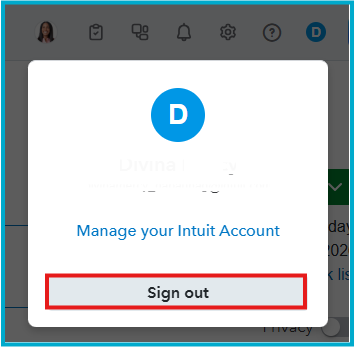
If the issue continues, please log out of your account. Wait a moment, then log back in. This ensures accurate data flow and can help resolve minor glitches affecting your information.
If you need additional assistance, please post your question in the comments below, and I’ll be glad to help.


