Turn on suggestions
Auto-suggest helps you quickly narrow down your search results by suggesting possible matches as you type.
Showing results for
Get 50% OFF QuickBooks for 3 months*
Buy nowRecently QBO updated the platform and it has caused a particular problem. Since that time ALL of the POs that have been created are coming up with Billable Expense Charges and I'm not sure why. We have never had this occur prior. Has anyone experienced this and how was it fixed?
QBO told me that in order to unclick billable I have to create a bill, but we don't create bills until we receive the invoices.

My main goal is to ensure this gets resolved, BenBarba.
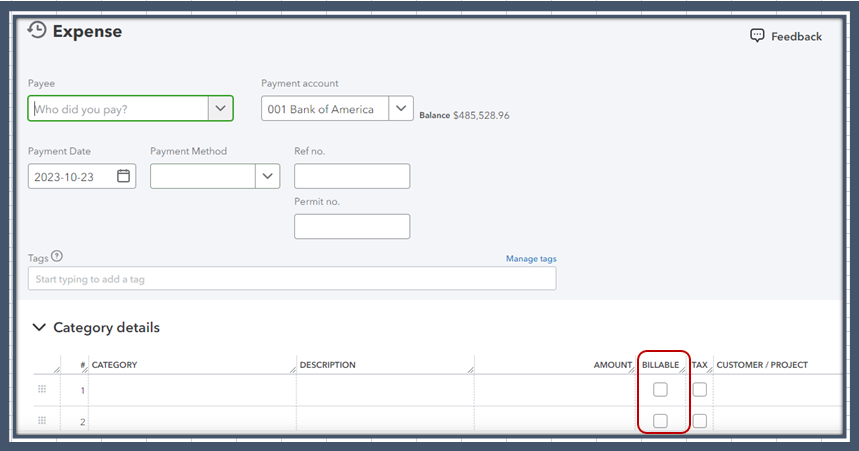
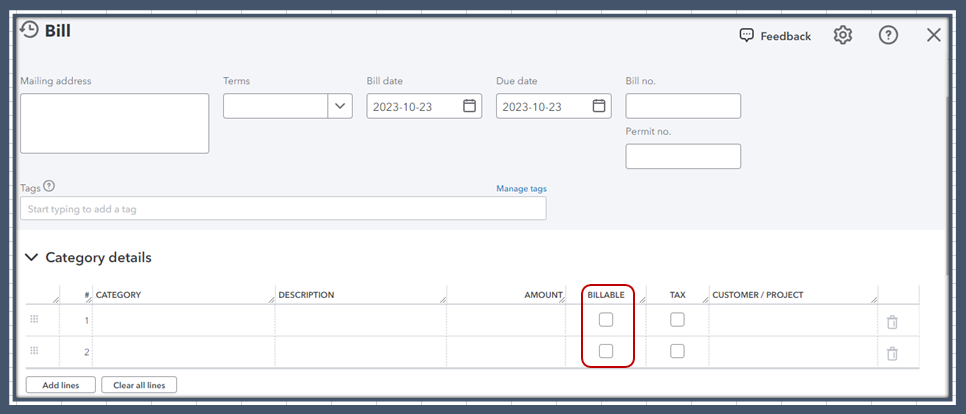
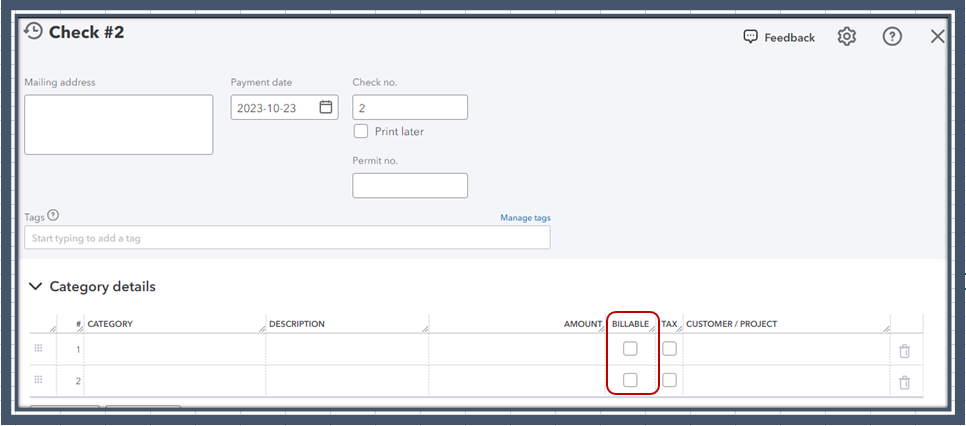
The Billable tick box is only available in posting transactions in QuickBooks Online. For visual reference, I've added screenshots below.
Expense:
Bill:
Check:
Since all your purchase orders are coming up with Billable Expense charges, I recommend sharing a screen capture of the transactions. This way, we'll determine the cause and provide accurate steps to fix this. It's also helpful if you'll share with us how you created the entries in the program.
We look forward to hearing from you soon and providing a solution to resolve the issue.
When I search through Sales/Overview/All Sales there is a list of billable expenses. Nothing appears on the PO itself. That was my concern initially,
But when I edit it, it will show that it is marked as billable expenses on the PO. I have no idea why that started and it JUST changed with this recent upgrade.
The answer I received from QBO was to make it a bill and uncheck the billable box - BUT I cannot make it a bill until I receive the bill or it will completely overstate my expenses.
[Removed]
I appreciate you for getting back to us with a screenshot, @BenBarba. Allow me to point you in the right direction to address your concern about purchase orders automatically creating billable expense charges in QuickBooks Online (QBO).
Recently, we've received similar reports about this issue. Please be assured that our engineers are actively working to implement an immediate resolution to this matter.
For now, I suggest contacting our customer service team to be added to the list of affected users. This way, you'll receive email updates about the investigation's status. To do that:
Furthermore, set up inventory tracking in QBO to get insights on what you buy and sell. This way, you can seamlessly monitor what's on hand and get alerts when it's time to restock.
Keep in touch if you have clarifications about purchase orders. I'll be always available to provide further assistance. Stay safe, and have a nice day ahead.


You have clicked a link to a site outside of the QuickBooks or ProFile Communities. By clicking "Continue", you will leave the community and be taken to that site instead.
For more information visit our Security Center or to report suspicious websites you can contact us here


