Turn on suggestions
Auto-suggest helps you quickly narrow down your search results by suggesting possible matches as you type.
Showing results for
Get 50% OFF QuickBooks for 3 months*
Buy nowYesterday, Nov 7, 2022 at around 5AM, QB for Mac Plus 2022 notified me of an update to R8.2 build 21.0.7.1244. I installed the update for both the main program *and* the Server program, and upgraded my company files. Afterwards, the Server complained that the company files would need to be upgraded to work with this release. Also, in QB I could not close individual checking accounts, until I held down the option key and chose "close all". They just wouldn't respond to the red close button, even after quitting and reloading. I tried rebuilding the company files, and re-opened them in Quickbooks 2022 R8.2. I was not prompted to upgrade the company files again. It still wouldn't work in Server. Both client and server reported the same version number in the "about" window. I restored the backups and reconverted. Same issue. Finally, I had to go to my Time Machine backup, which was fortunate, since Intuit strangely does not make older releases readily available for download.
I restored the versions of QB Server and QB from 2 days ago. to my Applications Folder. It was version R6. I then archived the newer versions of the company files, and restored the ones just prior to the upgrade to R8. They opened fine in R6, both client and server. I hope you guys find and fix these issues soon. Thanks.
Thanks for sharing your concern in the QuickBooks Community, WLCoon. I'll help you fix this issue so you can get back to your business.
I appreciate you for performing the recommended solution to get this resolved. Here are some solutions to troubleshoot issues while sharing your company file in QuickBooks Desktop (QBDT) for Mac. Let's start by checking if QuickBooks Server is running and if the company file is shared which only be installed and running on a host computer. Let's make sure the company file is on the same computer the QuickBooks Server app is installed on. Here's how:
If everything is fine, verify if the file-sharing permissions are set correctly on the host computer.
Also, your hardware can sometimes block the communication between QuickBooks for Mac and QuickBooks Server. We can test it by following these steps and see if it fixes the issue:
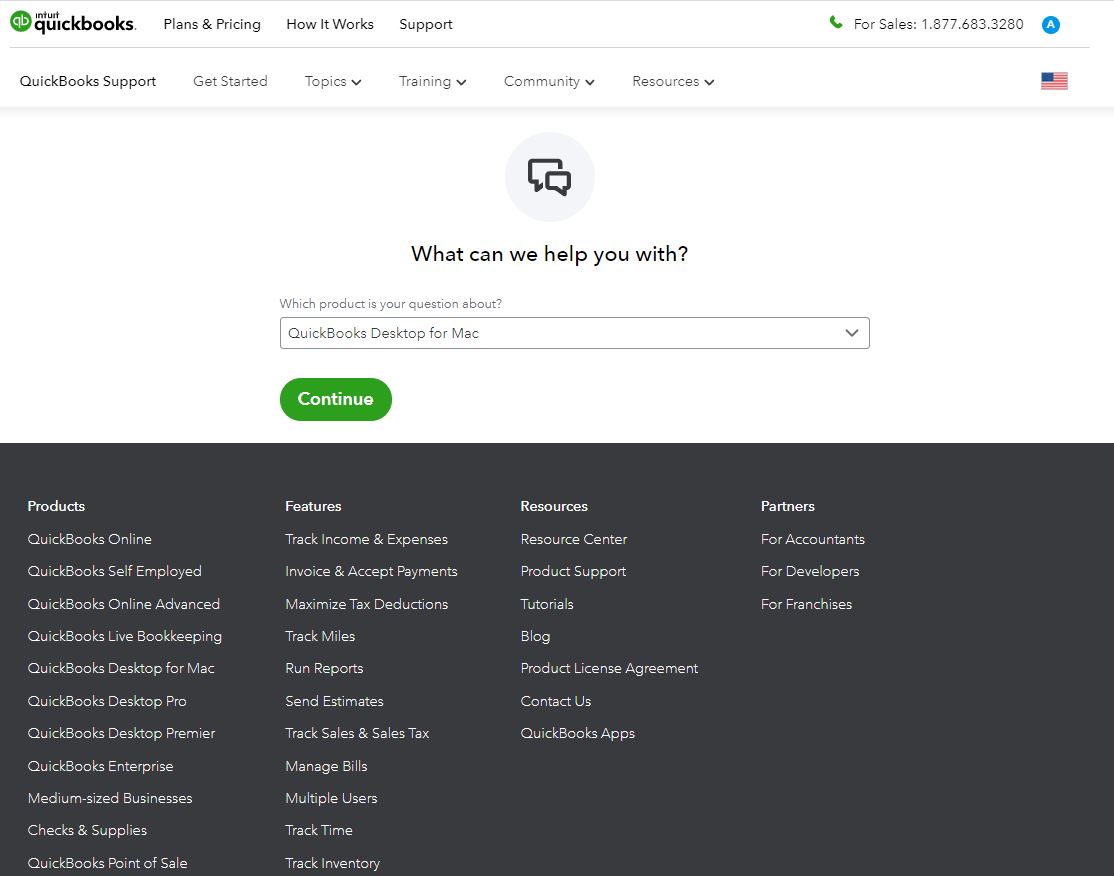
If the problem persists, follow the rest of recommended steps in this article: Troubleshoot multi-user issues for QBDT for Mac. You can also give us another shot and contact our chat support to fix the error. Here's how you can reach them:
I've also attached an article you can use to learn how to set up sharing permissions, as well as your firewall settings for multiuser mode in QuickBooks: Use multiuser mode in QuickBooks Desktop for Mac. As always, feel free to read the topics from our help articles in case you need tips and related resources while working with QuickBooks in the future.
Don't hesitate to leave a comment below if you have other questions about the multiuser mode in QBDT. I'll be around to help you out. Enjoy the rest of the day!


You have clicked a link to a site outside of the QuickBooks or ProFile Communities. By clicking "Continue", you will leave the community and be taken to that site instead.
For more information visit our Security Center or to report suspicious websites you can contact us here


