Hello, @brianjroe.
Currently within QuickBooks Self-Employed (QBSE creating 1099 forms for your contractors inside the program is unavailable. However, you can sign up to our E-file service website. This way, you can add your contractor's details and file their 1099-MISC forms to the IRS.
Here's what you'll need to do:
- Go to the 1099 E-File Service page, select Start for Free.
- Enter your email address and select No, I'll enter my 1099 data. Then, click Continue.
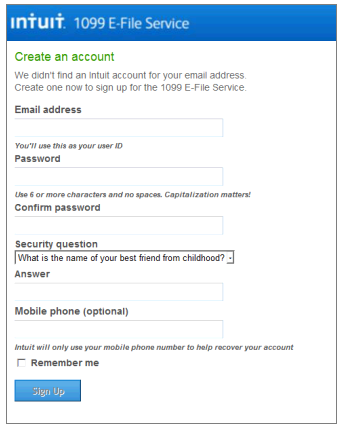
- If the email address you entered does not yet have an Intuit account, you will go through the standard process of creating an Intuit Account, and then select Sign Up.
- After you click Sign Up, you will see this screen.
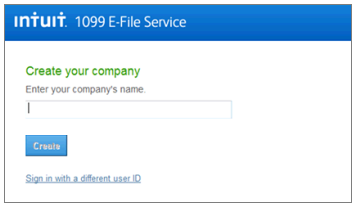
- If your email address already has an associated Intuit account, you will go through the standard sign-in process and select your company from there.
You can read about our 1099 E-file service fees on this link: http://payroll.intuit.com/additional-services/1099/efile-1099/.
For full details on this process, you can check out this article: How to file 1099-MISC forms using an e-file service.
Let me know if you have any questions on this process, you can leave a comment below. Take care!


