Hi, Nara. The role needed to connect a third-party application to QuickBooks is a Primary/Company Admin access.
Since you want to connect a particular application in QuickBooks, you will need to ask the permission of your Primary/Company Admin to perform this. Or else transfer the account ownership to you.
However, if you are the owner of the account, follow these steps:
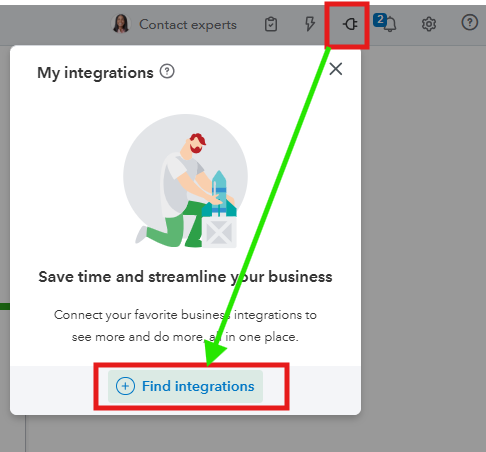
- In the upper right corner, between the Lightning and Bell options, click the Plug icon.
- Move to the + Find integrations tab.
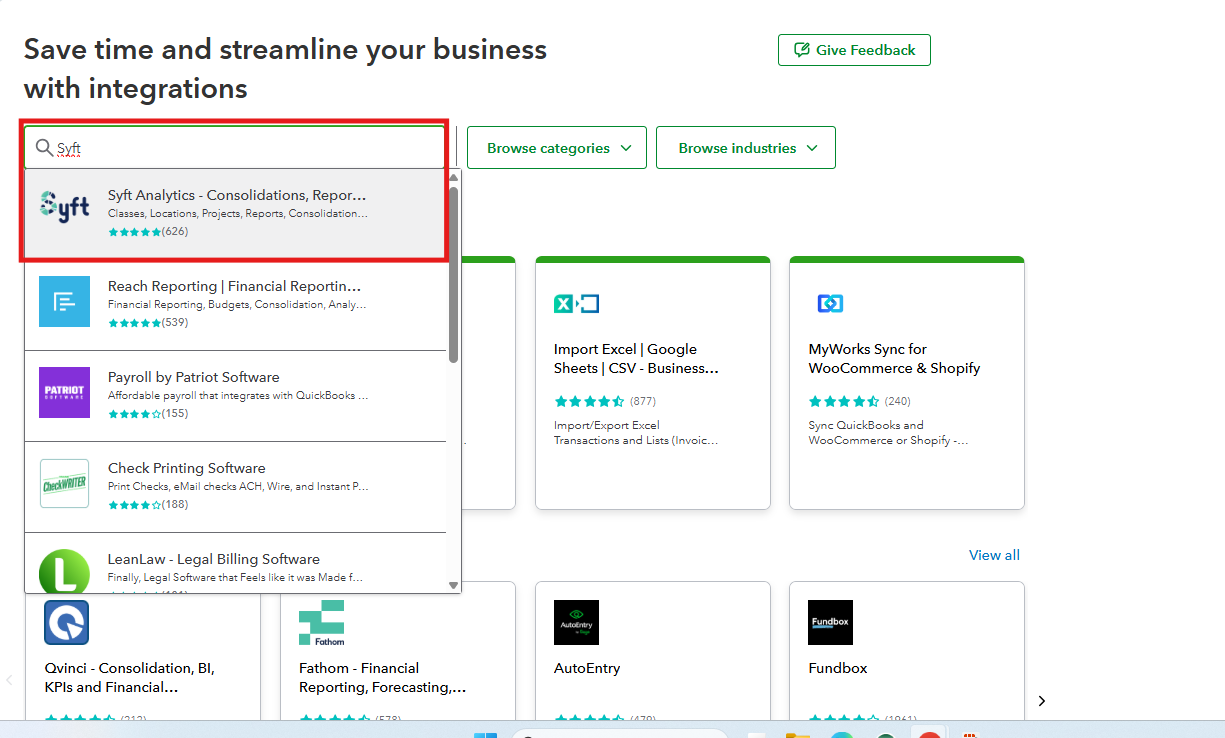
- Type in the name of the application in the search field and pick it.
- Follow the on-screen steps.
Keep us updated if you have further clarification on integrating a third-party application in QuickBooks to improve your work efficacy by leaving a comment below.


