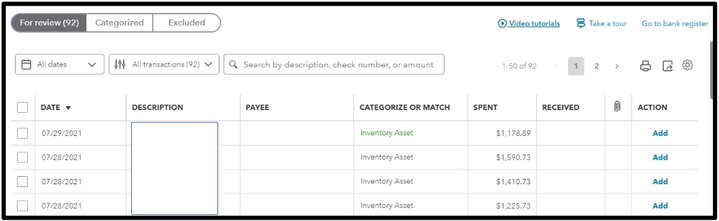
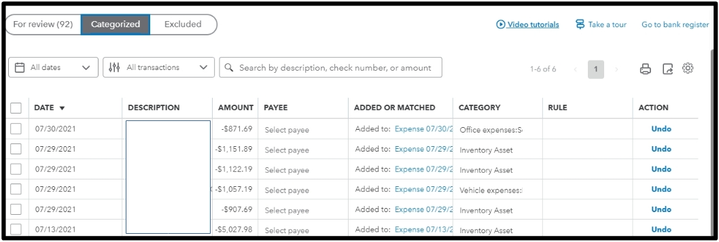
You can locate the entries you uploaded in the For review tab on your Bank transactions page in QuickBooks Online (QBO), mra_mwood. Let me elaborate in more detail below.
Once you upload all the checks in QuickBooks Online (QBO), you can find them under the For review tab. After they are categorized, you can view them under the Categorized tab.
Next, to print the check, I'll gladly show you the process.
Here's how:
- Go to the Chart of Accounts.
- Locate the specific check that is already categorized and click on View Register on the right side.
- Double-click the entry and select Edit.

Moreover, If you would like to learn how to properly configure your print settings for optimal results, you can visit this article. It provides step-by-step instructions and helpful tips to ensure that your printing experience is smooth and efficient: Configure your print settings for printing checks in QuickBooks Online.
I'm still here if you need any more help with handling checks. Just post another question or comment back, and I'll be happy to assist you.


