You're on the right track in pulling up the A/P Aging report in QuickBooks Online (QBO), @AJ68. I'm here to share further details as to how the said report provides the data you need and manage your transactions accordingly.
A/P Aging (Summary and Detail) reports will display your unpaid bills, grouped by days past due. They won't include bills with a Paid status. While they may seem unable to reflect the negative amount of the payment you made before the due date, the said report is still correct because the bill (paid invoice) is no longer open.
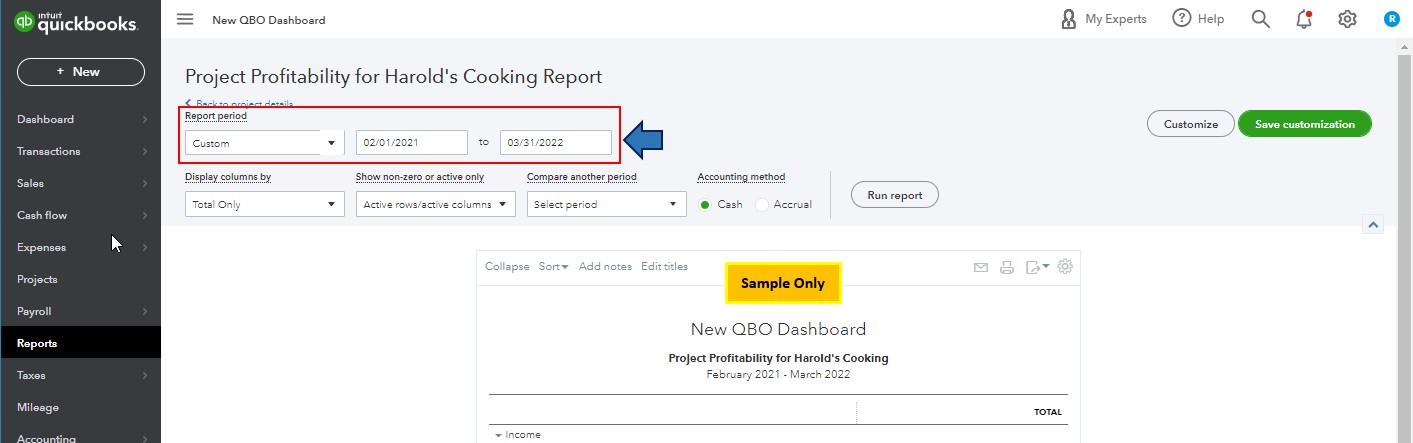
If necessary, you can customize the A/P Aging report to the As of Report Date and the Days per aging period info. This way, the report will provide the data you need. I've attached a screenshot below for your reference.
Also, to further guide you in getting your Aging reports to match with your financial data (Balance Sheet and Trial Balance) in QBO, I'd recommend checking out these articles:
Let me know in the comments if you have other reporting (A/P Aging) concerns and questions about managing expense transactions in QBO. I'll gladly help. Take care, and I wish you continued success, @AJ68.




