Get 50% OFF QuickBooks for 3 months*
how to edit a journal entry that has been posted?
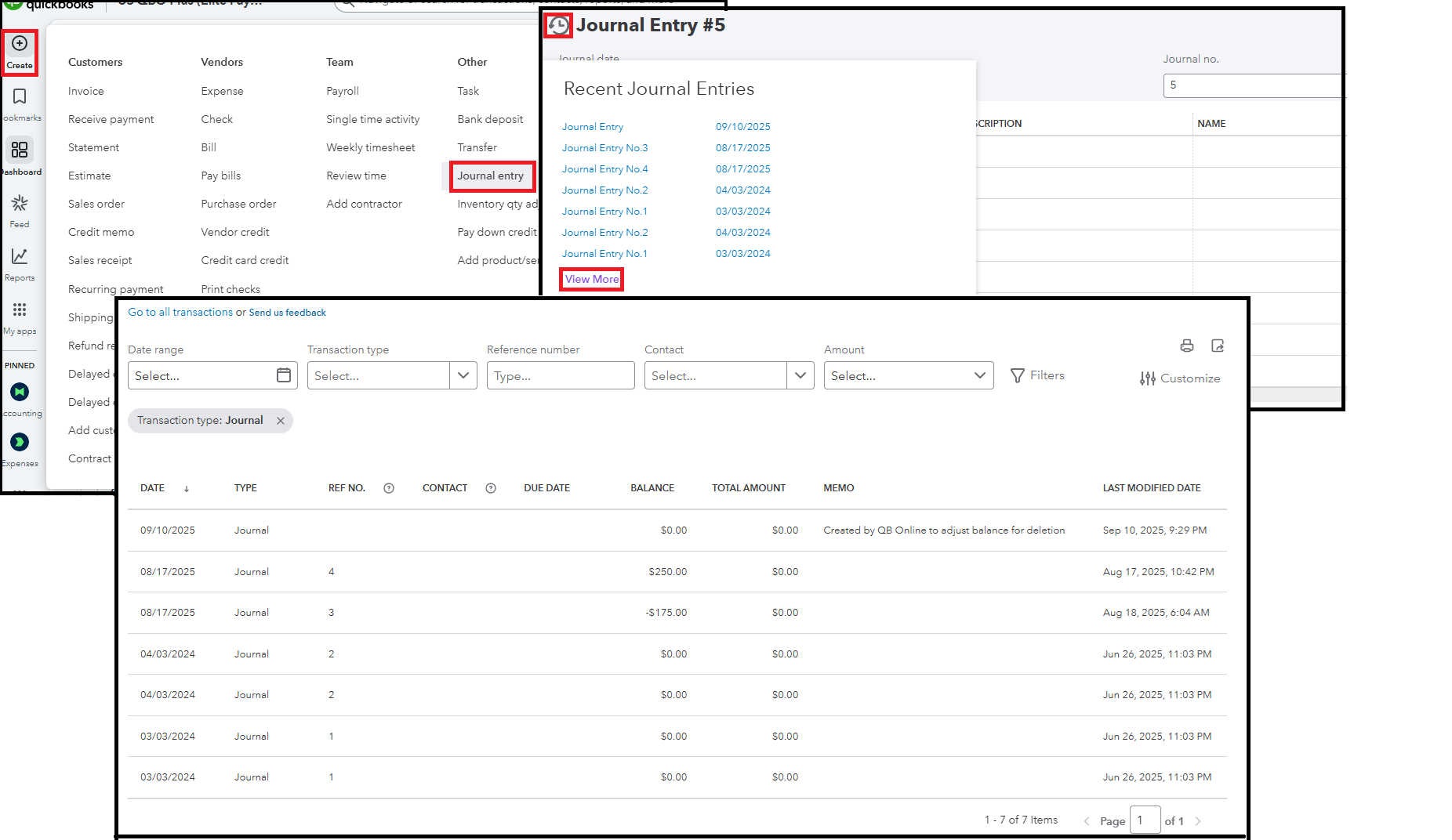
You can easily edit a posted journal entry in QuickBooks Online (QBO) by navigating its history.
Here's how:
Hit the Reply button below if you have additional questions. We're always here to help.
You have clicked a link to a site outside of the QuickBooks or ProFile Communities. By clicking "Continue", you will leave the community and be taken to that site instead. For more information visit our Security Center or to report suspicious websites you can contact us here