Hey there, @hebrewtransport2.
Let me help you accomplish your task in QuickBooks Online (QBO).
You can use the Receive payment option to mark your invoices as paid in QuickBooks. I'll show you how:
- Click the +New button.
- Choose Receive payment under the Customer's column.
- In the Receive Payment screen, enter the customer name or select Find invoice no.
- Fill out the rest of the form and hit Save and close.
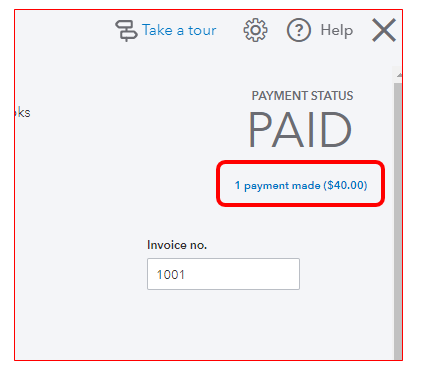
For more details, you can check out this article: Record invoice payments in QBO.
Moreover, you can use QuickBooks Payments to accept electronic payments like credit cards and ACH transactions directly from an invoice or email.
Please let me know if you need more assistance, @hebrewtransport2. I'll keep a lookout for your post. You can always reach back out anytime you need help. Take care!




