Turn on suggestions
Auto-suggest helps you quickly narrow down your search results by suggesting possible matches as you type.
Showing results for
Get 50% OFF QuickBooks for 3 months*
Buy now
We understand how important it is to stay on top of your bills, jhamel. Let me route you to the team that will help you with your Bill Pay concern.
The message you received indicates that your account is currently not eligible for the feature. Using Bill Pay is subject to eligibility criteria, credit, and application approval.
To use this feature, I recommend contacting our Customer Support team to ask for the requirements to use bill pay. They have the necessary tools to check and review your account in a secure environment and provide you with more information about this.
Here's how to reach them:
Furthermore, please refer to this helpful article about the Bill Pay feature: Learn about QuickBooks Bill Pay.
Additionally, you can create an enhanced custom report in QBO Advance.
Please let us know if you have any other concerns about paying your bills in QuickBooks. We're here to help in any way we can.
You can sign up for a free Melio account as a workaround.
https://affiliates.meliopayments.com/quickbooks
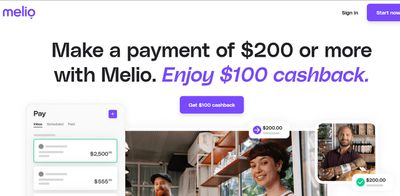
You can get a cashback to pay the first bill.
https://affiliates.meliopayments.com/cashback
Make sure to click the Get $100 cashback button to sign up.


You have clicked a link to a site outside of the QuickBooks or ProFile Communities. By clicking "Continue", you will leave the community and be taken to that site instead.
For more information visit our Security Center or to report suspicious websites you can contact us here