Invoice Templates and Spreadsheets
Small business invoice templates can be a good choice for business owners who are sending only a few invoices a month. Download a free invoice template in your preferred format, then enter client details, amounts, and tax manually each time, and track paid invoices in a separate log or by memory. Not every invoice serves the same purpose, either — a deposit request and a final invoice differ in what they need to include, so it’s worth reviewing the different invoice types before building out a template for each.
Free or Low-Cost Invoicing Tools
These are apps like QuickBooks Lite that are built specifically for freelancers who need to send invoices and track their status. Most offer a free tier with limits on client count or invoice volume, and paid upgrades for features such as recurring invoices. They typically support CAD by default and show basic payment status at a glance, but income and expenses often still need to be tracked separately, since these tools may not maintain a full set of books.
Accounting Software With Integrated Invoicing and Payments
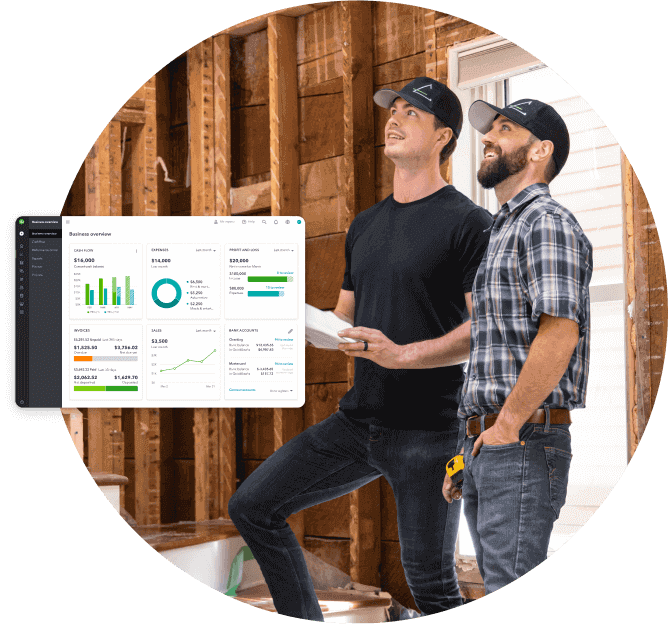
This accounting software combines invoicing with bookkeeping, so sending an invoice and recording the resulting income happen within the same system. Features such as recurring invoices, payment reminders, transaction matching, and GST/HST tracking can help reduce manual work. Plans vary in features and user limits, so freelancers can choose what fits their needs now and upgrade as their business grows. As your invoice volume grows, or once you start tracking sales tax, these combined features can save enough time to outweigh the higher monthly subscription cost.