Allow me to share some information about the Project functionality, bari3.
The Projects feature is available in QuickBooks Online (QBO) Plus, Advanced, and Accountant plans. To get started, you'll have to enable it first. For Plus and Advanced, follow the steps below:
- Go to Account and settings.
- Choose Advanced.
- Turn on Organize all job-related activity in one place under the Projects section.
In Accountant, manually turn it on under the Advanced tile in Company settings.
Now, to add a project, follow the steps below:
- On your QBO account, go to My apps.
- Choose Projects and hit New project.
- Fill in the required details:
- Once done, click Save.

After creating a project, it will remain empty until you add transactions to it. To do so, click on the project itself and then select Add to Project. 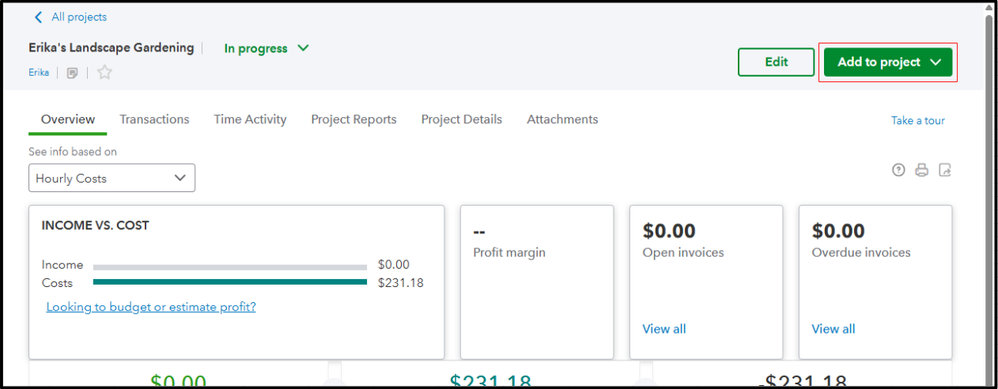
On the other hand, if you're using a Simple Start or Essentials subscription, consider upgrading your plan.
For more information, refer to this article: Create projects in QuickBooks Online. This resource guide includes related links that provide additional assistance in setting up your projects.
As always, feel free to return to this conversation if you have any further questions about project tracking or QuickBooks in general.


