Hi Ralph, paying for your QuickBooks Online Solopreneur subscription is effortless since it automatically debits the payment method you added when you first set up your account. This ensures your plan remains active with no service interruptions.
Please note that a payment confirmation will be sent to the email address associated with your account after each successful auto-debit for your reference.
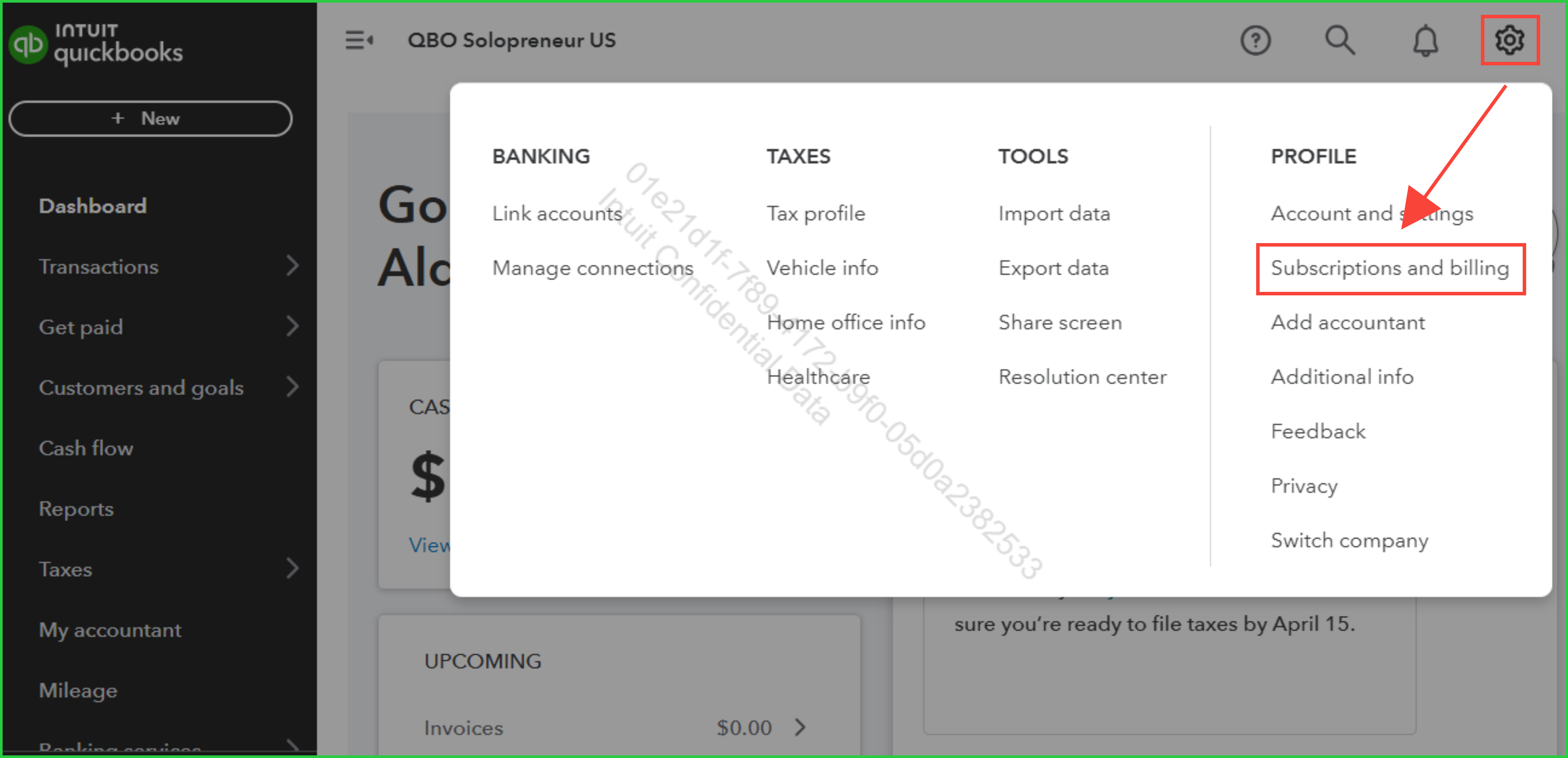
If needed, you can update your payment method at any time by navigating to the Subscriptions & billing section under the Gear icon on your QuickBooks dashboard.
Feel free to revisit this thread if you have further questions or need clarification.


