Turn on suggestions
Auto-suggest helps you quickly narrow down your search results by suggesting possible matches as you type.
Showing results for
Get 50% OFF QuickBooks for 3 months*
Buy now
It seems that a LOT of people can't get those callbacks, today. (assuming you know and have taken the steps to take to request one) I wonder what's up at QB that they would make it difficult to get a callback.
The chat feature has NEVER worked for me. I have yet to have anyone respnd to a chat session.
Sorry I have no answers for you. Just wanted you to know it's not just you.
Good luck.
I appreciate you taking the time bringing this experience to our attention, @michalmatalon and @Just_me,
Having to wait on the line and getting no support is not the experience we want for you. It is our main priority to ensure all customer concerns are resolved here.
This forum is another channel where you can find help with QuickBooks. It will be my pleasure to assist you with general concerns related to the program. Just add the details in the comment section below, so I can provide the accurate resolution to your problem.
Also, due to the ongoing COVID-19 pandemic, we have made changes to our operation hours and our contact options. If you need help with issues that requires account verification like billing, escalated issues, ongoing case tickets, and subscription related questions, you can request for a callback from one of our representatives or use our live messaging option.
To reach us on time, our Live Help are available from 6:00 AM to 6:00 PM on weekdays and 6:00 AM til 3:00 PM on Saturdays.

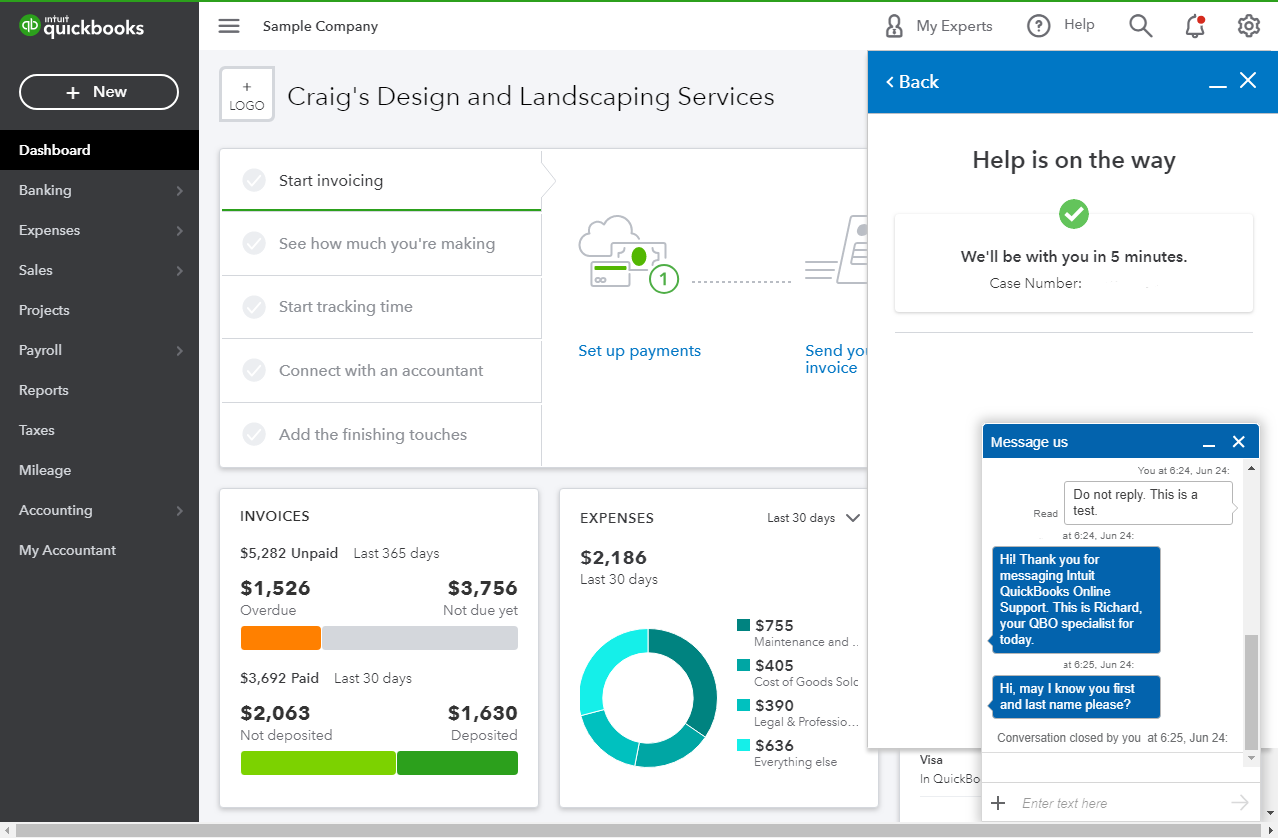
When you're connected, provide all the information about your concern or request a viewing session with out representative.
If you opt to use the Start messaging option and gets an unresponsive behavior, try using a private browser. Unexpected issues like this mostly are affected by the large data in the cache. Use these keyboard shortcuts to launch a new private window:
Clearing the cache can also help resolve browser issues in QBO.
I'll be on a lookout for your reply so I can assist you further. Have a good one!


You have clicked a link to a site outside of the QuickBooks or ProFile Communities. By clicking "Continue", you will leave the community and be taken to that site instead.
For more information visit our Security Center or to report suspicious websites you can contact us here


