Turn on suggestions
Auto-suggest helps you quickly narrow down your search results by suggesting possible matches as you type.
Showing results for
Get 50% OFF QuickBooks for 3 months*
Buy now
I appreciate your efforts in finding ways to resolve your bank connection issues, hsg9.
Let me further share information on why you're currently experiencing this problem.
The main reason you're unable to see any transaction from your bank after you deleted and reconnected your account was due to the data being removed from the system. In QuickBooks, deleting your account from the program or online banking will permanently erase all associated transaction history. However, since you've reconnected your account, QuickBooks will download 30 to 90 days of transactions. For the missing ones, we can manually import them instead.
Here's how:
Visit this article for more info: Add older transactions to QuickBooks Self-Employed.
If the same thing happens, I recommend manually updating your bank account by toggling the Refresh all button. Also, your financial institution may be performing some bank maintenance, which results in the inability to see your bank data. In this case, I encourage you to log in to your bank's website to verify this matter.
However, if the issue persists, I suggest getting in touch with our Customer Support Team. They have the resources to thoroughly investigate this, while ensuring your personal information remains secure.
Also, we can review and categorize your transactions to put them in your accounts and place them on the correct line of your Schedule C. Doing so organizes your income and expenses so you know what areas of your self-employed business have the most impact.
I'm just one post away if you have bank-related concerns. Take care!
I've tried that and clearing out my history along with the cache. No luck. Looks like I will have to do it manually or just cancel my subscription because it's not worth paying $30 a month if I can't pull in everything automatically.
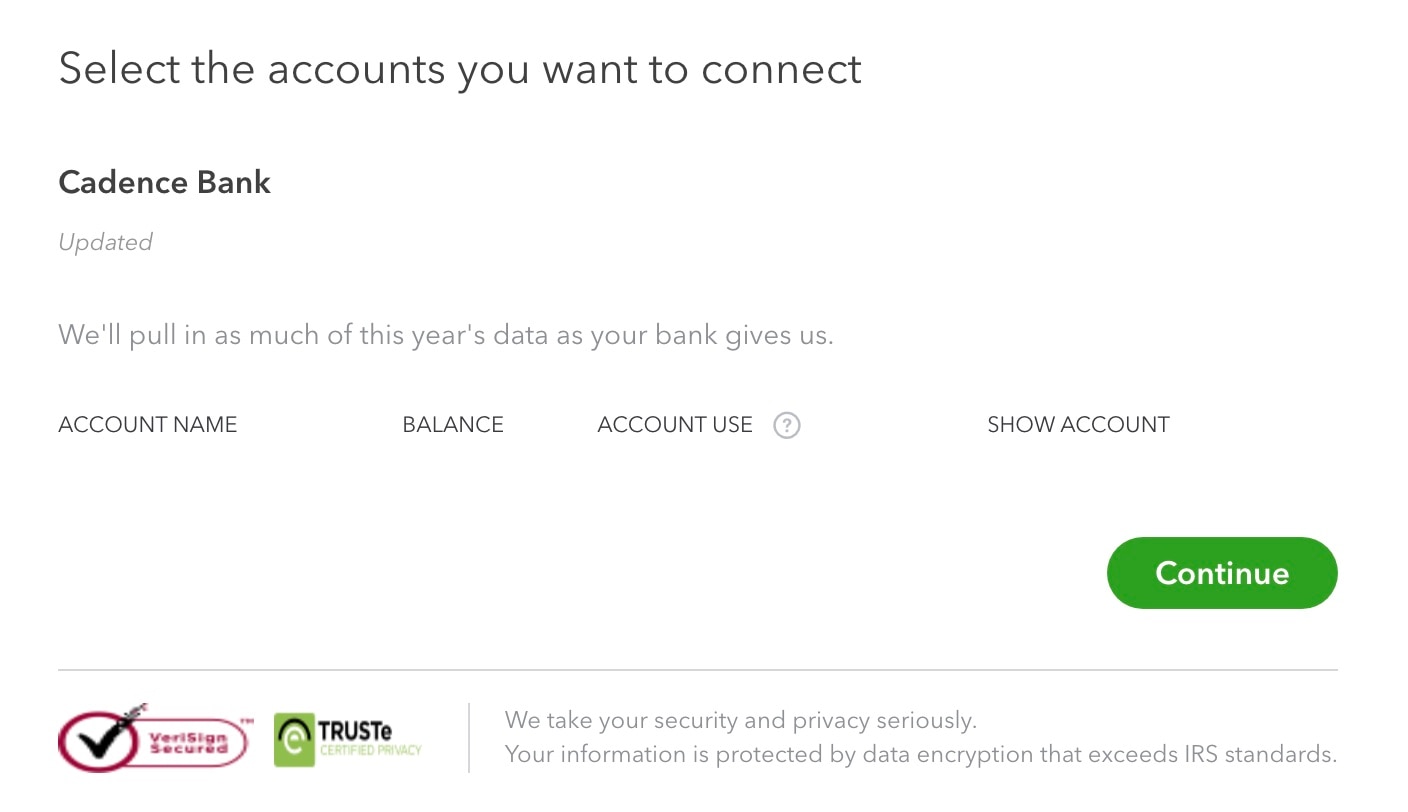
I've been doing that as well. Attached is a screenshot of the account after I've attempted to connect it. There used to be two accounts that would show up, and now no data is pulled. Neither account shows up for me to select.
Would it just be easier to delete my account and start over? Because I don't see the point of paying $30 a month for a service that no longer automatically pulls in my transactions.
Would it just be easier to delete my account and start over?
As I know they don't offer QBSE any longer. They replaced it with QB Solopreneur. Another option, you can use one of the converter tools (e.g csv2qbo @ $60 one time license) as a workaround.
https://www.moneythumb.com/?ref=110
We don't want you to feel this way, hsg9. Let's figure out this matter together.
If your financial institution is undergoing an update or maintenance, this would be the reason why your bank and its data are not visible when you try to access it.
This being said, you can log in to your bank's website. If you can log in successfully, check for any news or updates.
In the meantime, you can delete the bank accounts on QuickBooks. However, doing so also removes your categorized transactions on the said accounts.
If you're okay with account deletion, you can follow the steps below:
Then, copy your bank's URL. Then, paste it into QuickBooks.
Note that the transactions that would sync depend on your bank's policy.
Thus, you can manually upload the data from Excel in a CSV file format if there are missing transactions. For more information about the format, check this article: Format CSV files in Excel.
In addition, you can organize your transactions to track your income and expenses in QuickBooks seamlessly.
You can reply to this thread if you have more concerns with your bank data and connectivity. The Community is always open to assist you.


You have clicked a link to a site outside of the QuickBooks or ProFile Communities. By clicking "Continue", you will leave the community and be taken to that site instead.
For more information visit our Security Center or to report suspicious websites you can contact us here