Hi shawn-gallup67,
The transactions reflect to the General Ledger automatically as soon as they are reviewed from the Banking page.
On the background, when we hit Add or Match button, these transactions are saved to the bank register and are coded to the GL.
Let’s take a closer look at the screenshots:

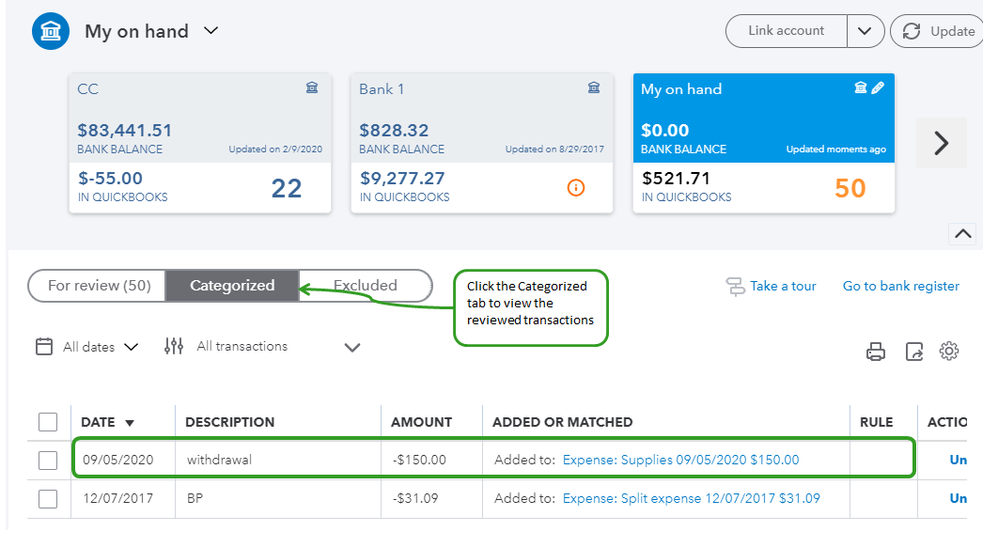

The ending balance on you Bank and GL report must show the same amount.

You can also create a report that shows the debit and credit for a transaction. This helps us drill-down affected accounts on every transactions.
Don't hesitate to reach out to us again in case you need something else when working in QuickBooks.


