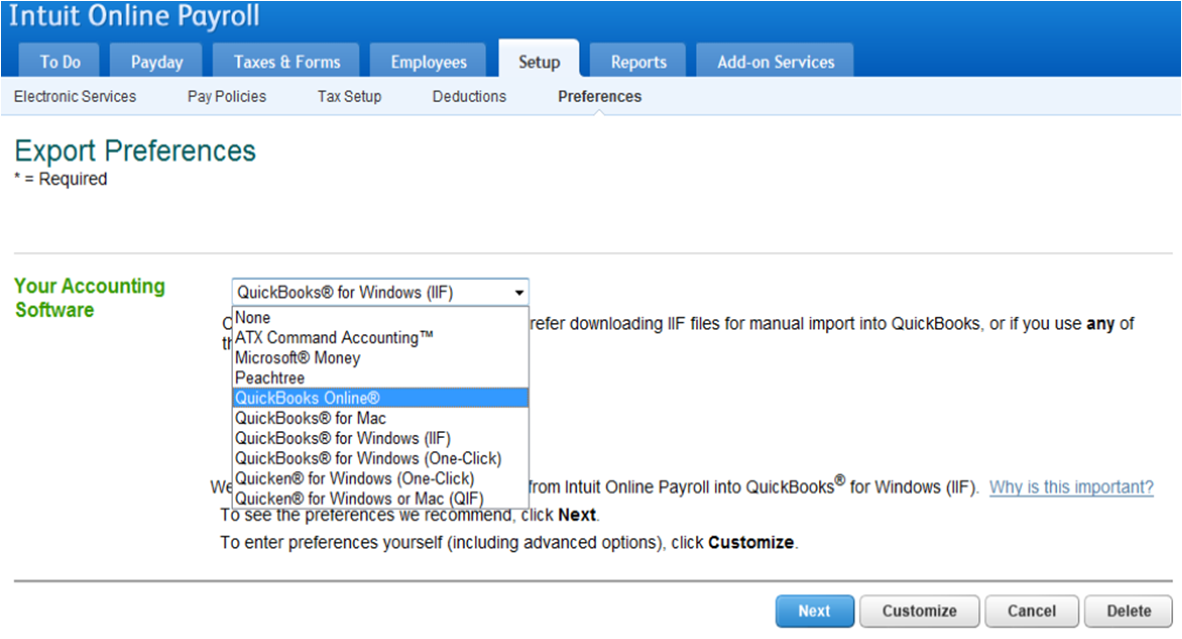
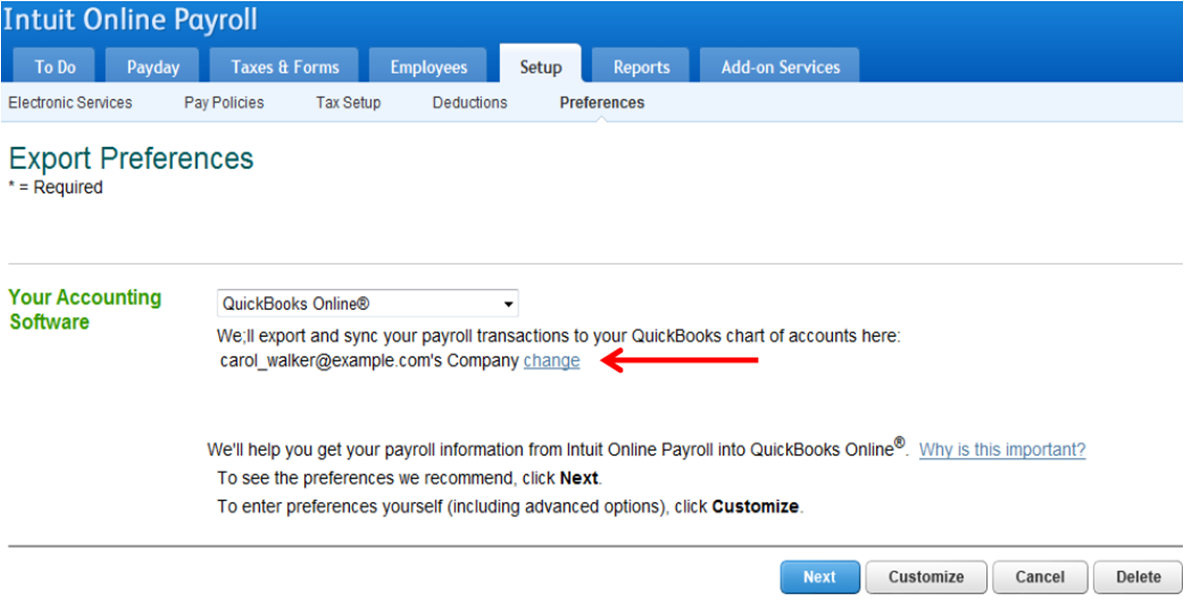
- In our payroll service, select the Setup tab.
- Under the Export heading, select Preferences.
- Select QuickBooks Online from the software drop down list.
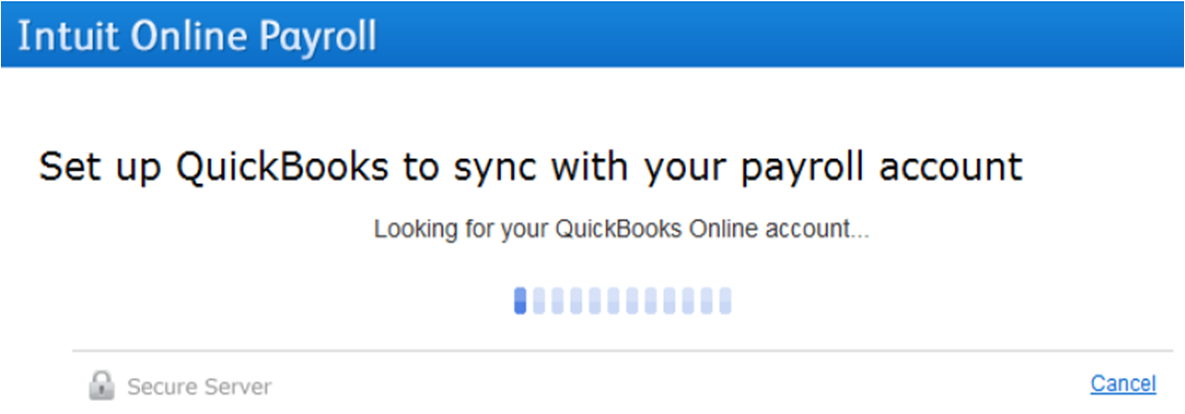
- We will search for any existing QBO accounts under the current the current user ID.

- First, we search for an existing QBO account attached to the current user ID.
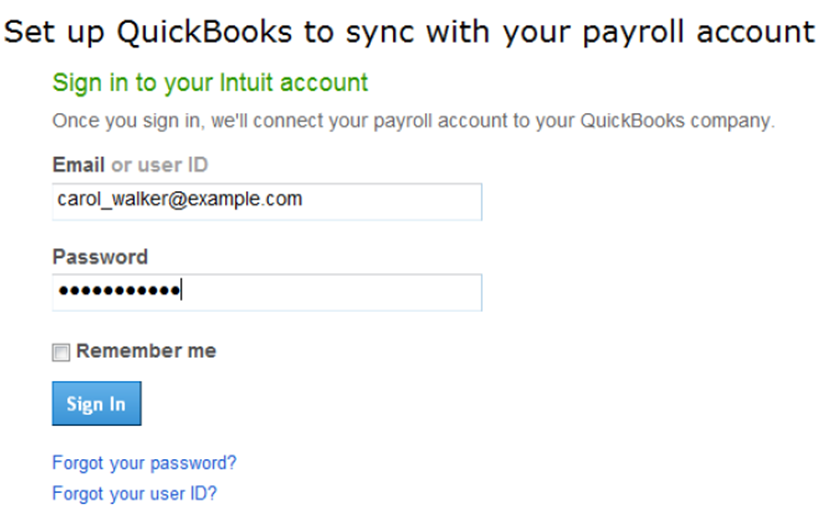
- If we don't find one, you will be asked to login to your Intuit Account.
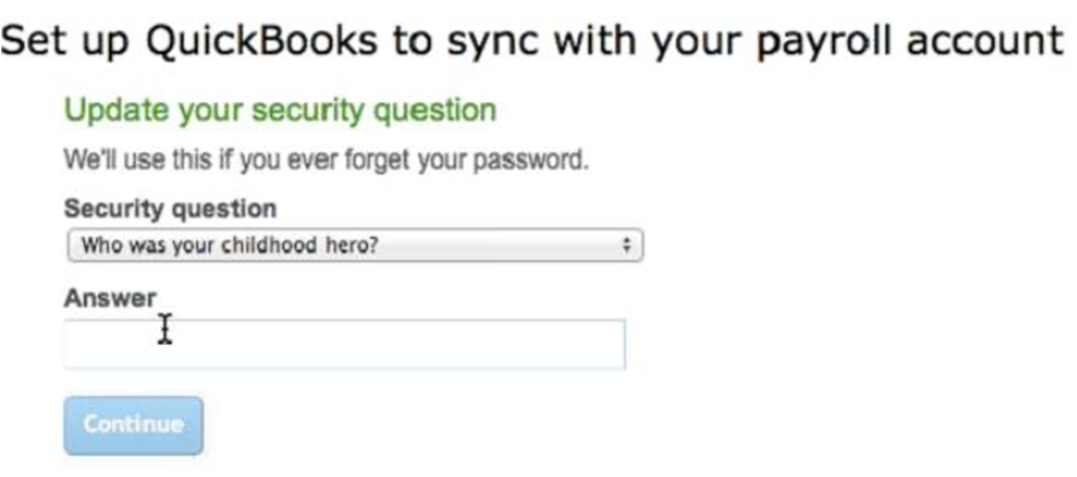
- Since QBO only accounts don't require security questions, the system may prompt the customer to select a security question and answer.
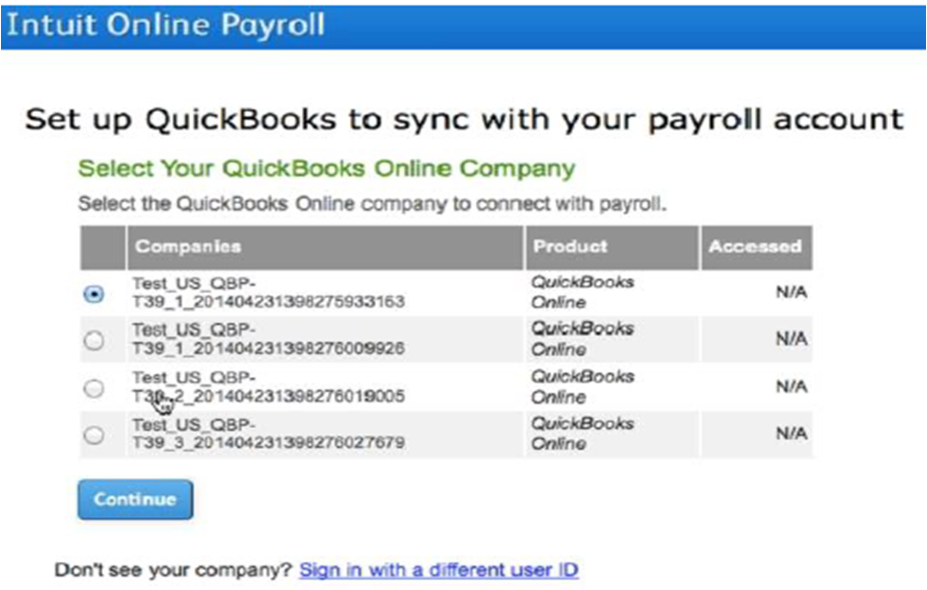
- If the correct account is found, you can continue to the export process. If multiple accounts are found, you will be prompted to select one.
- Next, we will complete the connection process.
- Once completed, you can complete the export settings. NOTE: Select Payroll Liability accounts and Payroll Expense accounts to prevent any errors when setting up or exporting your payroll data.
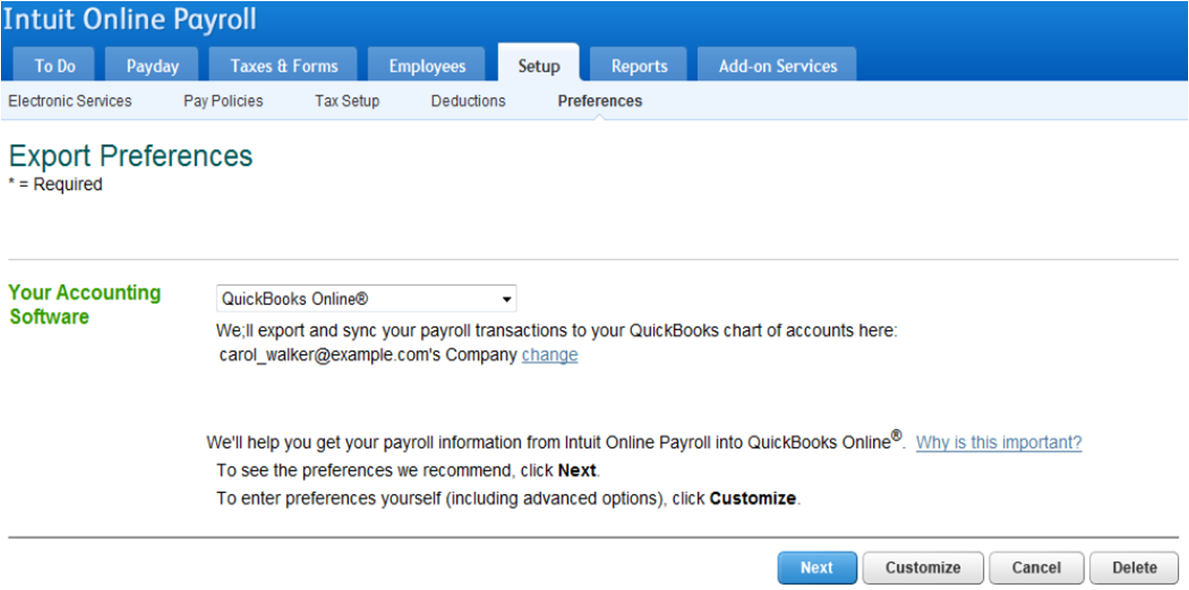
- You are also given the option to change the QBO company you sync with.
Turn on suggestions
Auto-suggest helps you quickly narrow down your search results by suggesting possible matches as you type.
Showing results for