Hi there, LSullivan.
Yes you can preview the contents of the 941 before e-filing. Let me guide you through the process.
- In your QuickBooks company, go to the Hamburger icon.
- Select the Taxes menu and choose Payroll Tax.
- On the Forms section, click on the Quarterly Forms to review the details and date.
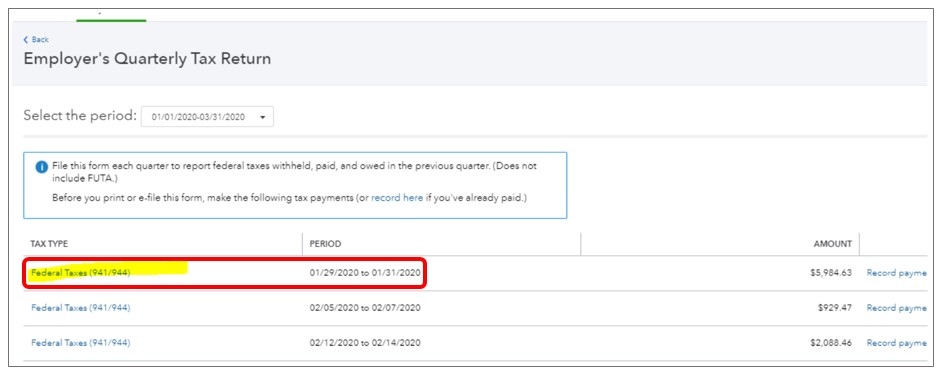
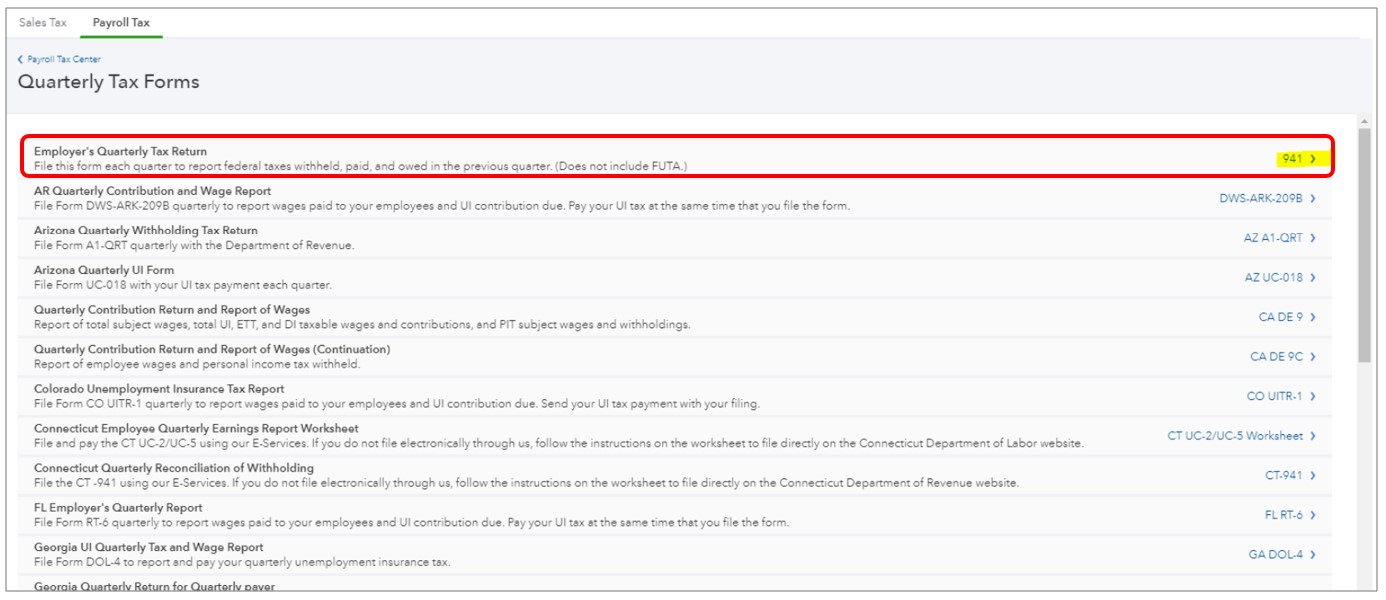
- Choose Employer's Quarterly Tax Return 941.
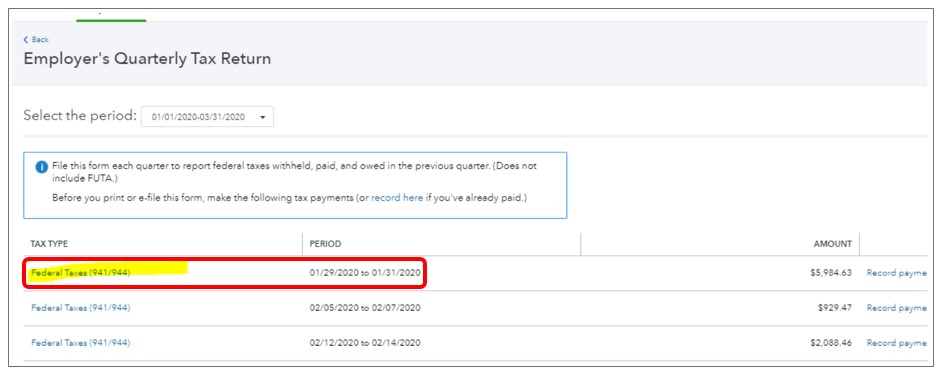
- Select Federal Taxes (941/944).
Also, since you have mentioned about the prior payroll tax payments you have re-submitted in QuickBooks. I suggest contacting our Phone Care Team so that they can verify the details about the refund.
I can see that these article can help you on how to manage your payroll taxes:
You can always get back to me if you need further assistance. I'll be here to help. Take care.


