Good afternoon accounting-sunny,
Thank you for connecting with the QuickBooks Community! I will be happy to guide on how to correct this.
- Go the the Bill Payments List.
- Select General Options.
- Under Number format, go to Negatives and select the one that suits your needs.
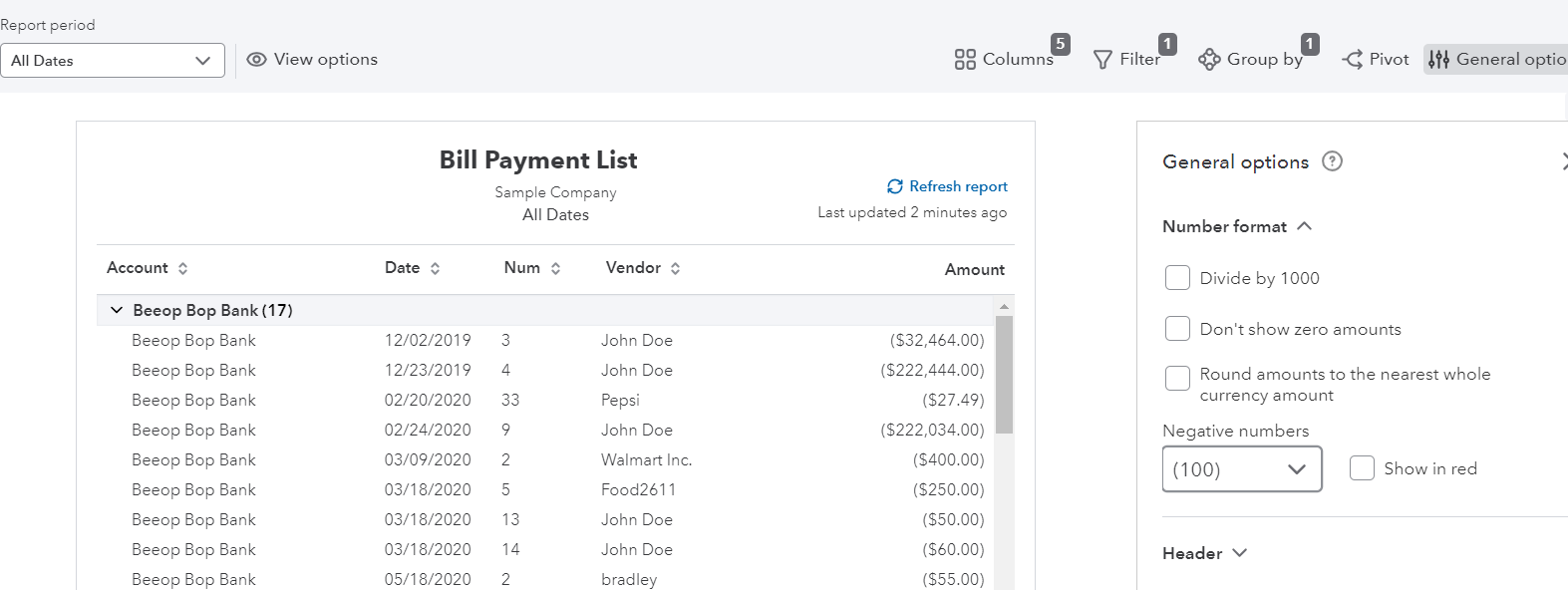
- Save the changes.
You could always export the report and remove the total in Excel by using the Export/Print icon above.
Let me know if you have any other questions! I will be here to help further.


