It is a good idea to have these filters directly in the report to improve usability, Cavinessj. However, QuickBooks does not have an updated report generator for the Estimates & Progress Invoicing Summary by Customer report, with filters for closed or 100% invoiced projects.
The only available filter option is customer only.
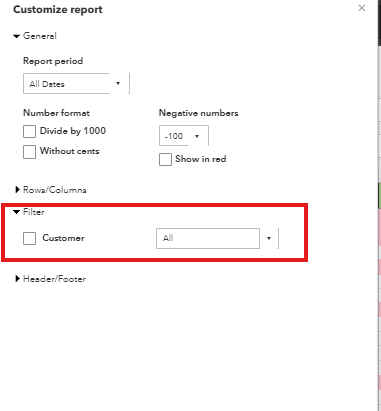
I recommend submitting feedback requesting the addition of these filters in future updates. It helps prioritize the feature for development.
To submit, follow these steps:
- Go to the gear icon (at the top-right corner of the page). Select Feedback.
- Provide a brief description of your suggestion for product improvement.
- Click Next to submit your feedback.
For now, the best option is to run the report and export it to Excel, where you can manually filter by project status or invoicing percentage.
Let us know if you have questions.


