Hi old1767elk, thank you for reaching out to the Community.
You can continue paying your vendors by check without using any bill pay service.
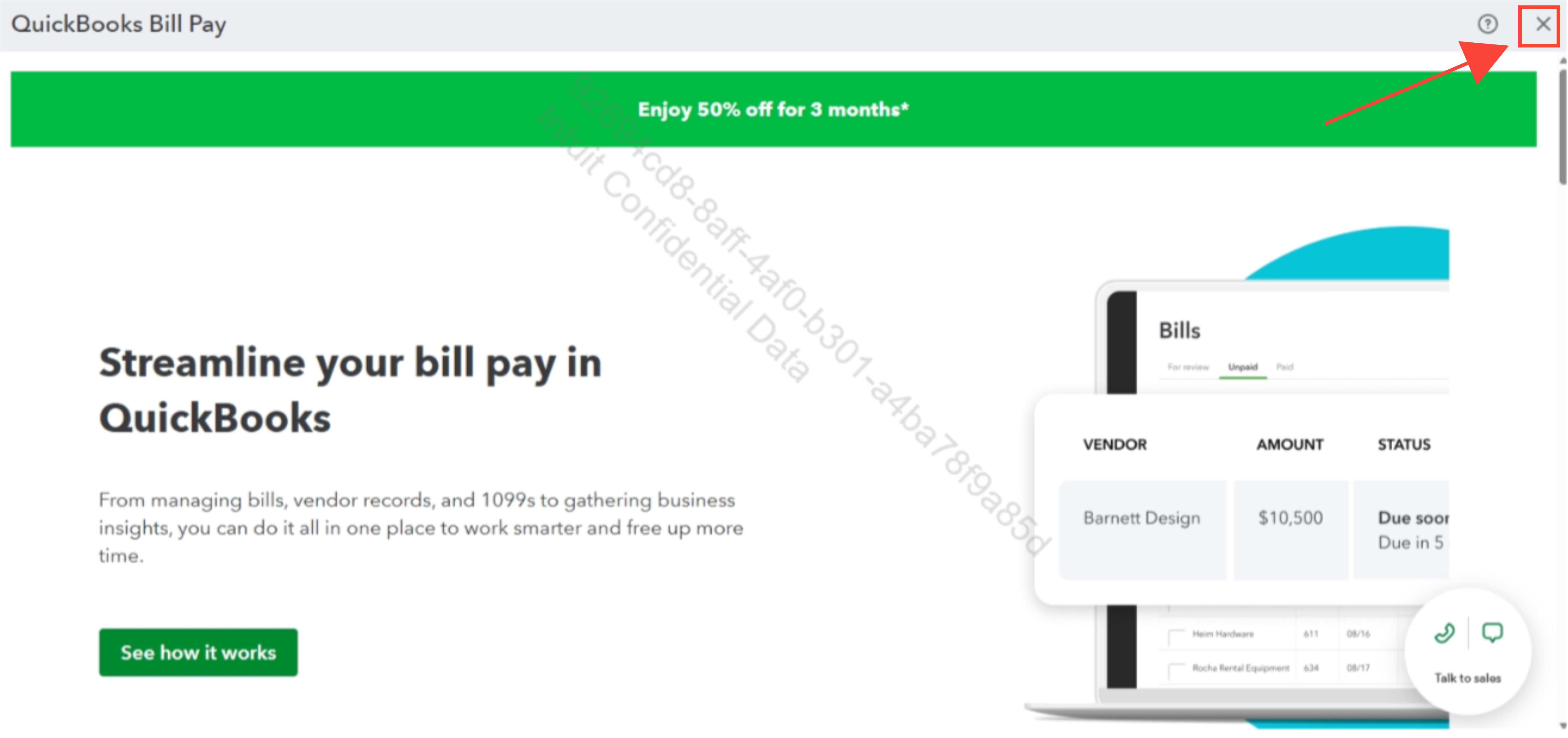
Are you encountering prompts to use Bill Pay while trying to record check payments? If so, you can click the X button at the top-right corner to close it. You can ignore the message whenever it pops up.
However if you trying to cancel a bill pay subscription when you mention rejecting your bill pay services, you can navigate to the Subscription and Billing section of your account.
Please note that canceling this service will affect your ability to pay bills electronically through QuickBooks, so it's important to review any pending payments before proceeding.
Here’s how to cancel Bill Pay:
- Go to Settings and select Subscriptions and Billing.
- Navigate to QuickBooks Bill Pay tile.
- Click the Cancel or Deactivate Bill Pay Service button.
You can refer to this article on how to use this feature: Pay bills in QuickBooks Online.
Please let us know if you have additional questions or need further assistance.


