Turn on suggestions
Auto-suggest helps you quickly narrow down your search results by suggesting possible matches as you type.
Showing results for
Get 50% OFF QuickBooks for 3 months*
Buy nowI'm here to provide some details about your W9 forms, wamboltscabins-g.
Generally, your W9 form would automatically show in QuickBooks once your contractor sends it in a PDF file. You'll want to enter manually enter the information or add them under your contractor's information. Here's how:
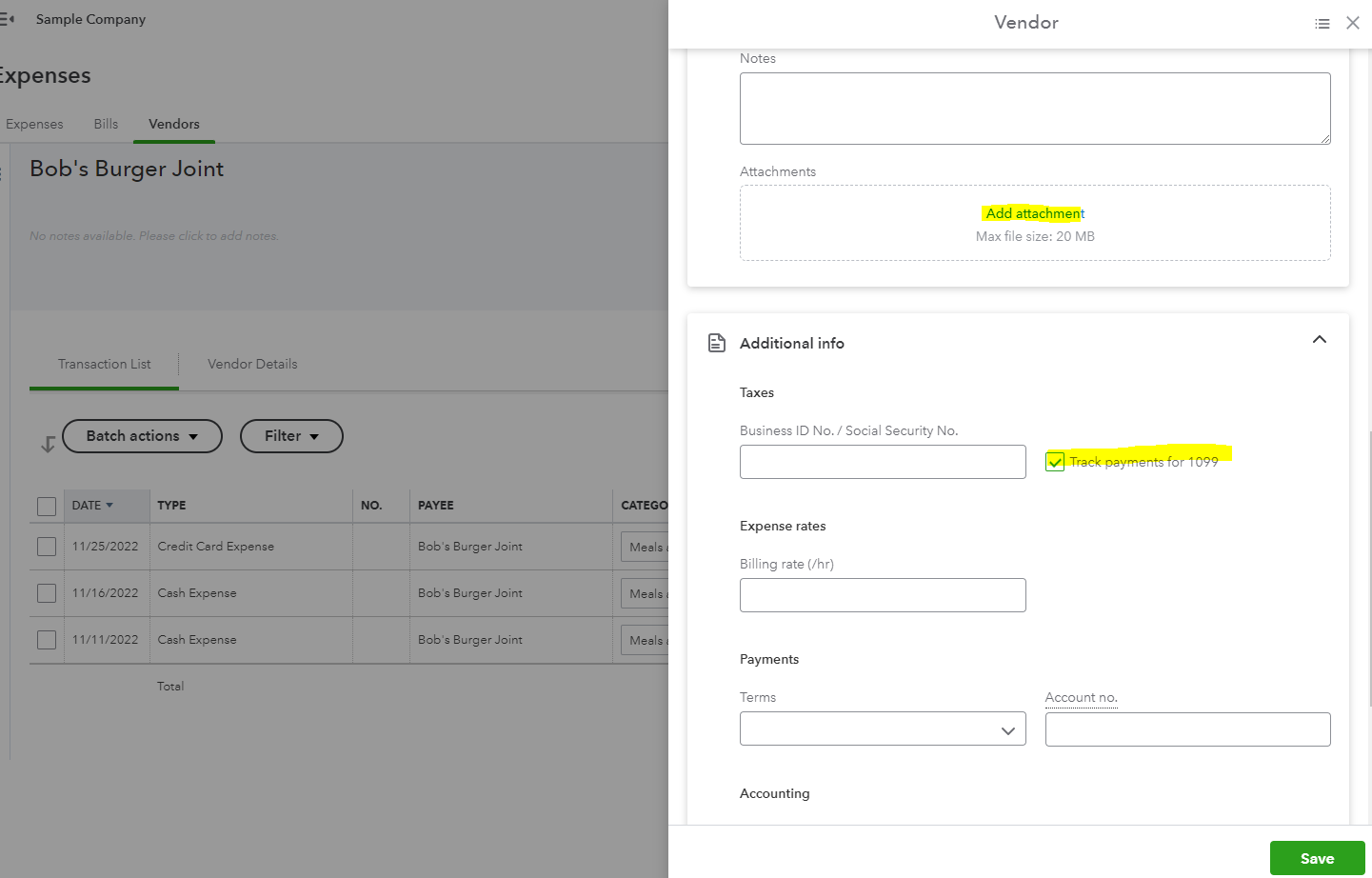
Additionally, QuickBooks offers several reports if you want to get a closer look at your employees' or contractors' information. I've added this article for your future reference: Run Payroll Reports In QuickBooks Online Payroll.
Reach out to us if you need anything else about W9. We're here to help you all the time.
Thanks! That helps! I found the vendor and updated manually the EIN - then attached the W9. However - when I navigate back to the contractor section where I originally requested the info - https://quickbooks.intuit.com/learn-support/forums/replypage/board-id/other-questions/message-id/118...
And click through to the same contractor (=vendor) I can't access the contractor data - the screen is just white no matter how long I wait. https://www.loom.com/share/3f03d71a1c4945cbbeb14894f576dc8c
I recorded a screen capture so you can see the situation.
If I click on a contractor that I haven't entered the data for on the vendor screen - it just shows the vendor and "waiting for info".


You have clicked a link to a site outside of the QuickBooks or ProFile Communities. By clicking "Continue", you will leave the community and be taken to that site instead.
For more information visit our Security Center or to report suspicious websites you can contact us here


