To enter deposits that are not business-related in QuickBooks Online, you’ll need to record them as owner contributions rather than income, Kat.
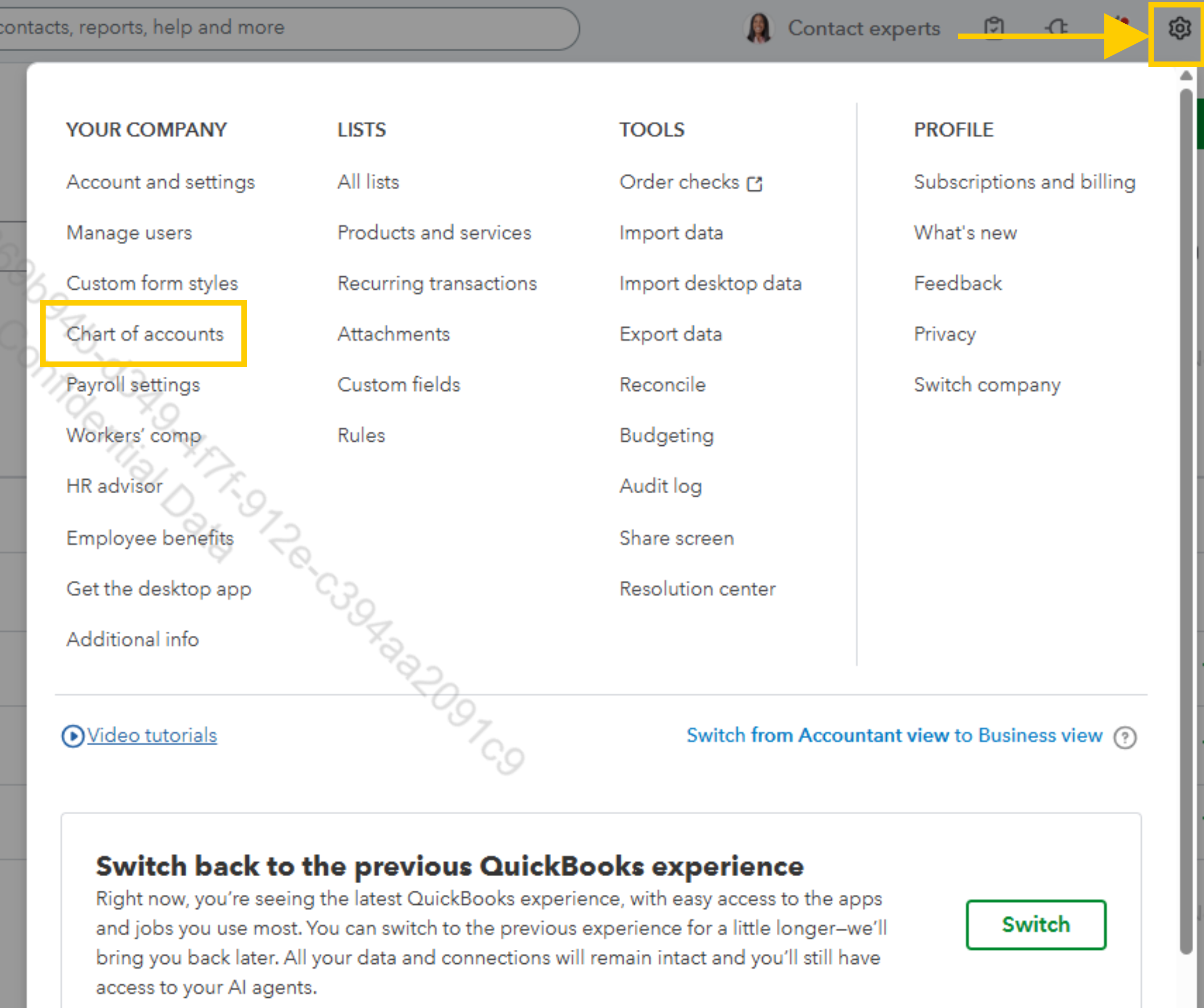
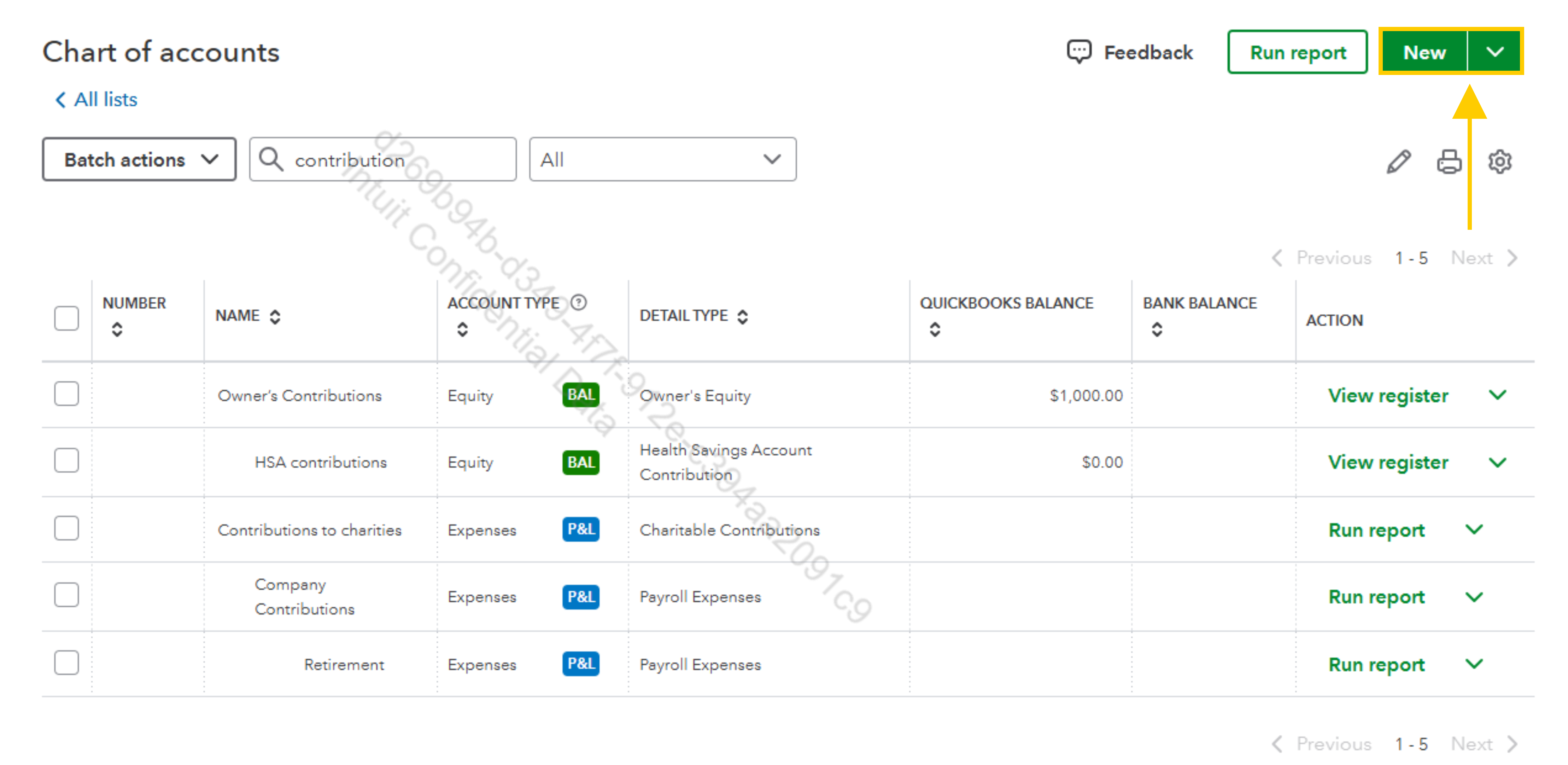
- First, create an equity account if you don’t already have one. Go to Accounting, then Chart of Accounts, and click New. Choose Equity as the category type, select Owner’s Equity as the detail type, name it Owner’s Contributions, and save.

- Next, go to the + New button and select Bank Deposit. Tap your checking account at the top where the deposit was made, and then enter the date of the deposit.
- After that, in the Add funds to this deposit section, enter your name or the owner’s name under Received From. Then choose the Owner’s Contributions equity account under Account. Enter the deposit amount and add a description if needed.
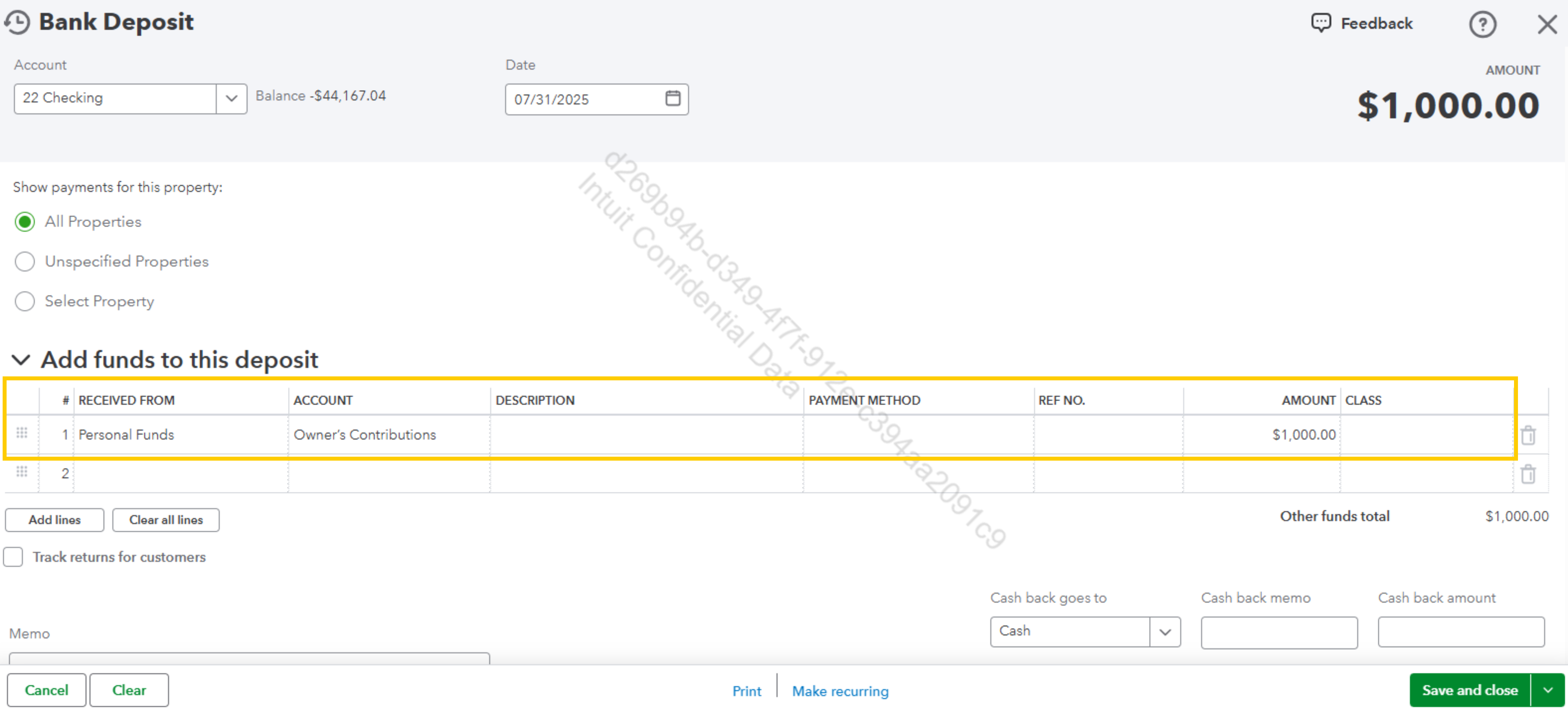
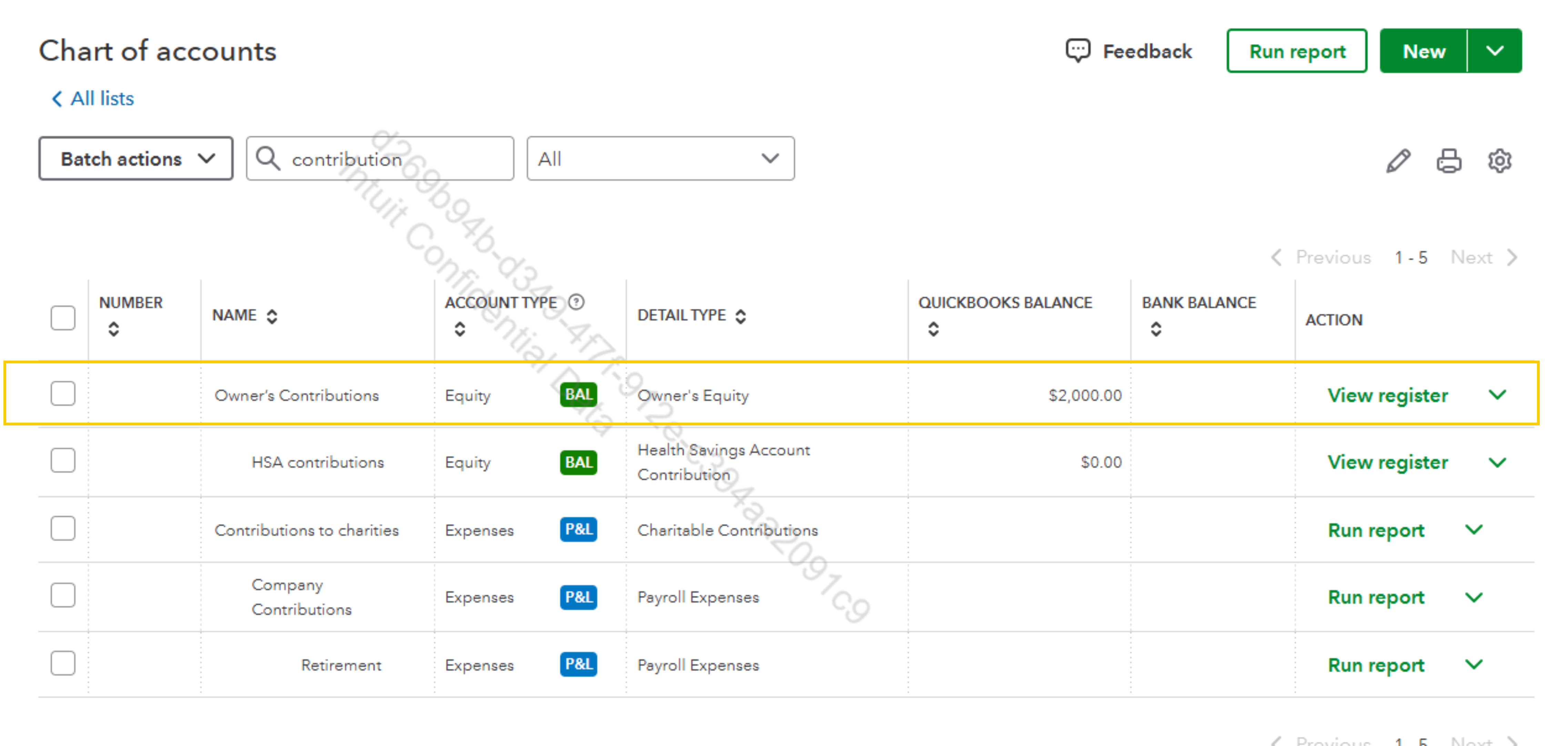
- Make sure the total amount at the top matches your deposit amount. At the bottom right, the Save and Close or Save and New buttons should appear.
If you don’t see them, verify all required fields are filled, scroll down fully, clear cache or try a different browser.
Let us know if you have questions, we're always here to answer.


