Hello @Lorie D,
Thank you for posting here in the Community. Let me share some clarification about showing the firm and client information on the first page of the invoice only.
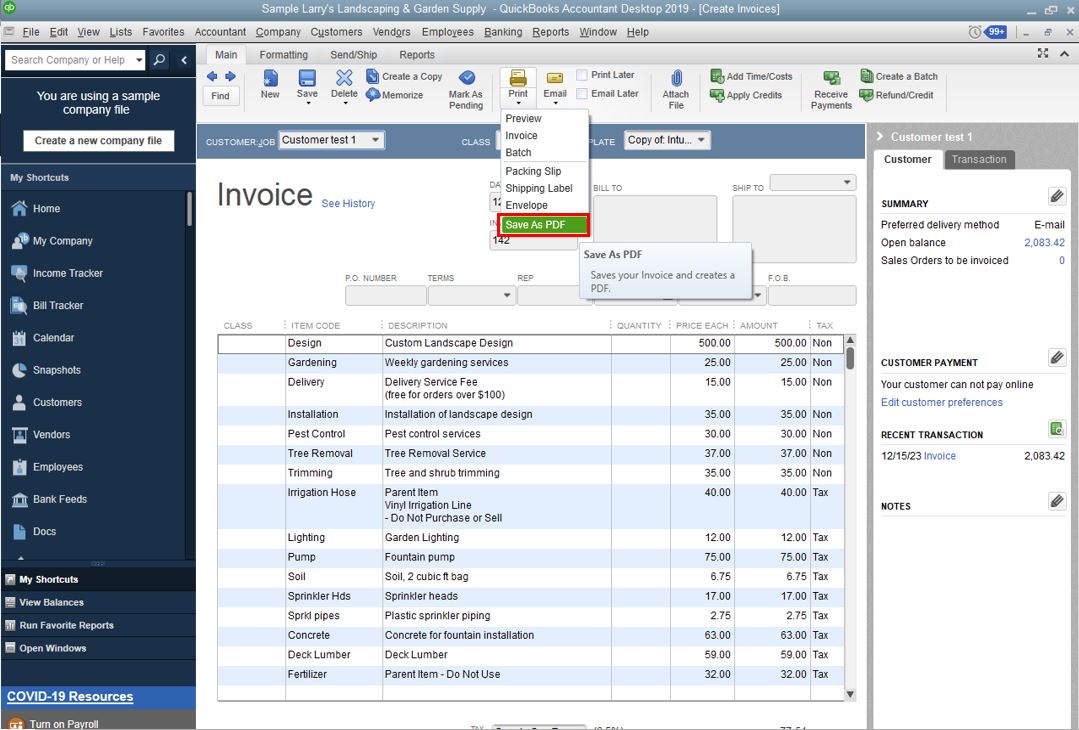
Currently, an option or ability to exclude these details on the subsequent pages is unavailable. For now, the only workaround is to download the invoice as a PDF (see screenshot below) and edit the document manually using third-party applications.
Please know that I appreciate your input on this feature. We'll continue to improve the preferences a user can use in QuickBooks Desktop.
As we assess this, I suggest you visit the New Features section to stay updated with all the changes that are being made. You can do it by clicking the Help tab at the top menu bar and selecting the New Features option.
I've also attached an article you can use to personalize invoices in QuickBooks: Use and customize form templates.
Feel free to hit that Reply button if you have additional questions. Have a great day ahead.


