Yes, it's possible to add your historical payroll data if you haven't run payroll yet, Nathan.
Here's how:
- Sign in to QuickBooks Online as the primary admin.
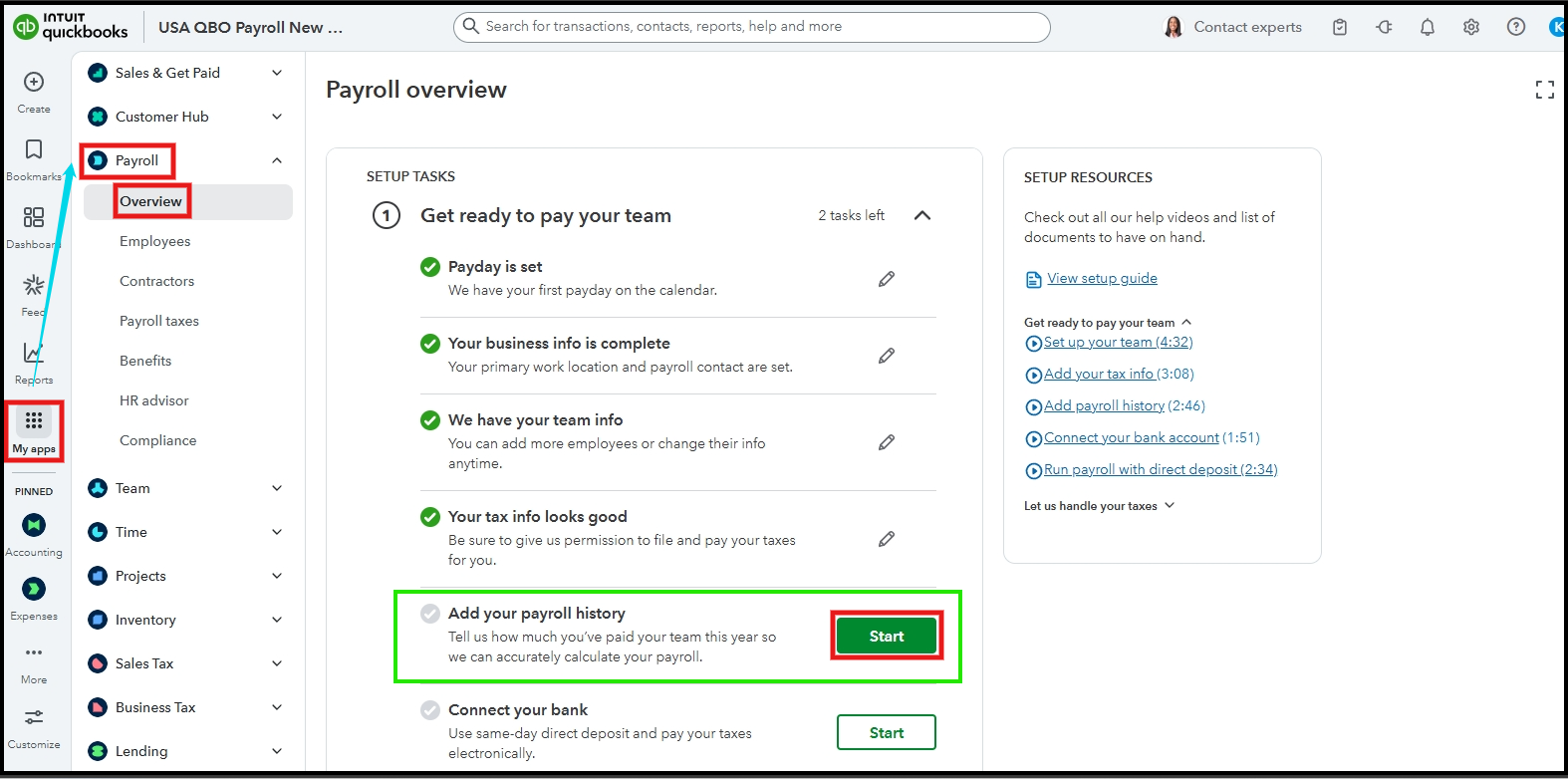
- Go to My apps from the left side panel, choose Payroll, and then select Overview.
- Make sure to complete your payroll setup under the Get ready to pay your team task until you're ready to enter the historical data.
- Click Start next to Add your payroll history.
If you have already processed payroll, I recommend contacting our Payroll Live Support team. Our live experts will assist you in entering your payroll history.
If you have additional questions about payroll, don't hesitate to add a reply below or create a new post on the Community page.


