I’ve got you covered, @Uschi1. I’ll share with you the steps you can take to get a validation code and activate QuickBooks Desktop (QBDT) from your new laptop.
4Gal is correct that we can get your validation code by accessing your Customer Account Management Portal (CAMPs).
To begin, let’s log in to your CAMPs using the credentials associated with your product. After that, select your QuickBooks version under the Product and Services section. Then, choose Details and look for the validation code.
Otherwise, you can reach out to our Technical Support Team for assistance. They have the necessary tools to access our customer database, where your validation code is safely stored. You can rely on their expertise to help you retrieve your code so you can proceed with your intended action without any further delay.
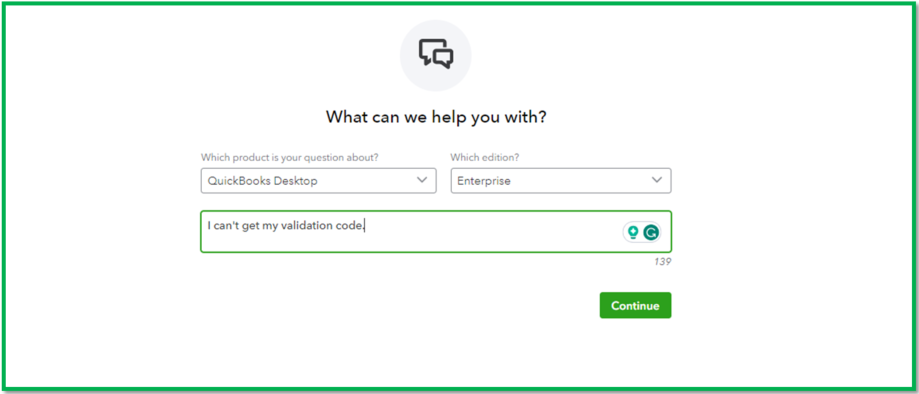
To do that, you can contact them by going to this page and providing a short description of your contact reason. After that, follow the onscreen instructions: Contact QuickBooks Desktop Support.
Moreover, learn more about managing your Intuit account by going over to this resource. It includes some helpful articles for things you can do in CAMPs: Change, manage or update your Intuit account with CAMPs.
I’ll keep an eye on this matter to make sure that everything works fine. If you have other queries aside from activating your QBDT or anything about managing your transaction, feel free to post to the Community. Stay safe!


