Thanks for joining the Community, ARichardson11.
To verify my understanding, are you referring to your Manage invoice section when creating invoices? If you could provide a screenshot of what you're seeing when the Suggested transaction area comes up, that'd be helpful as well.
In the event you're referring to your Manage invoice sidebar that can be displayed when creating or editing invoices, it can be disabled from appearing every time you edit or create an invoice by clicking its Close (X) icon or Manage option.
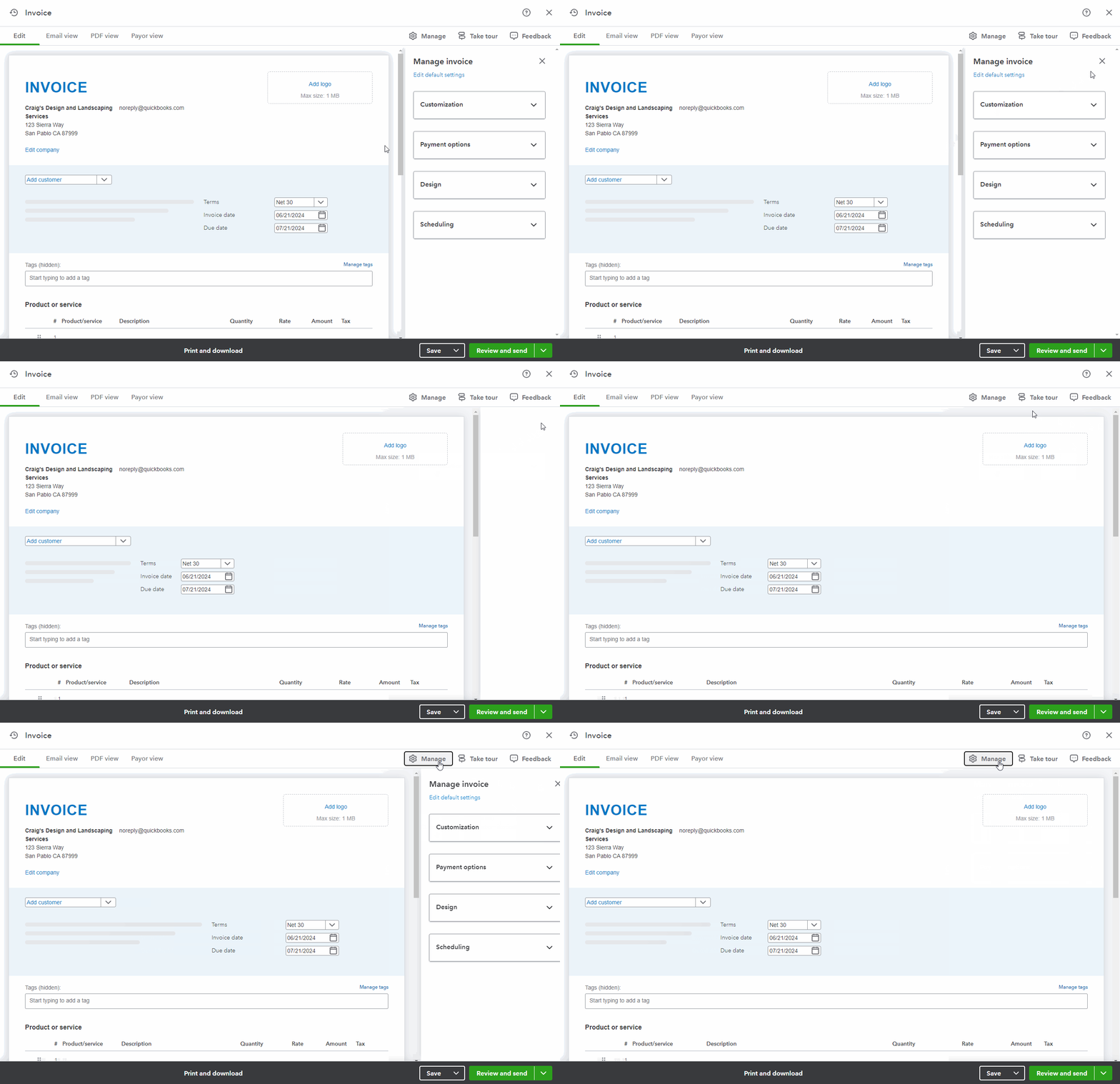
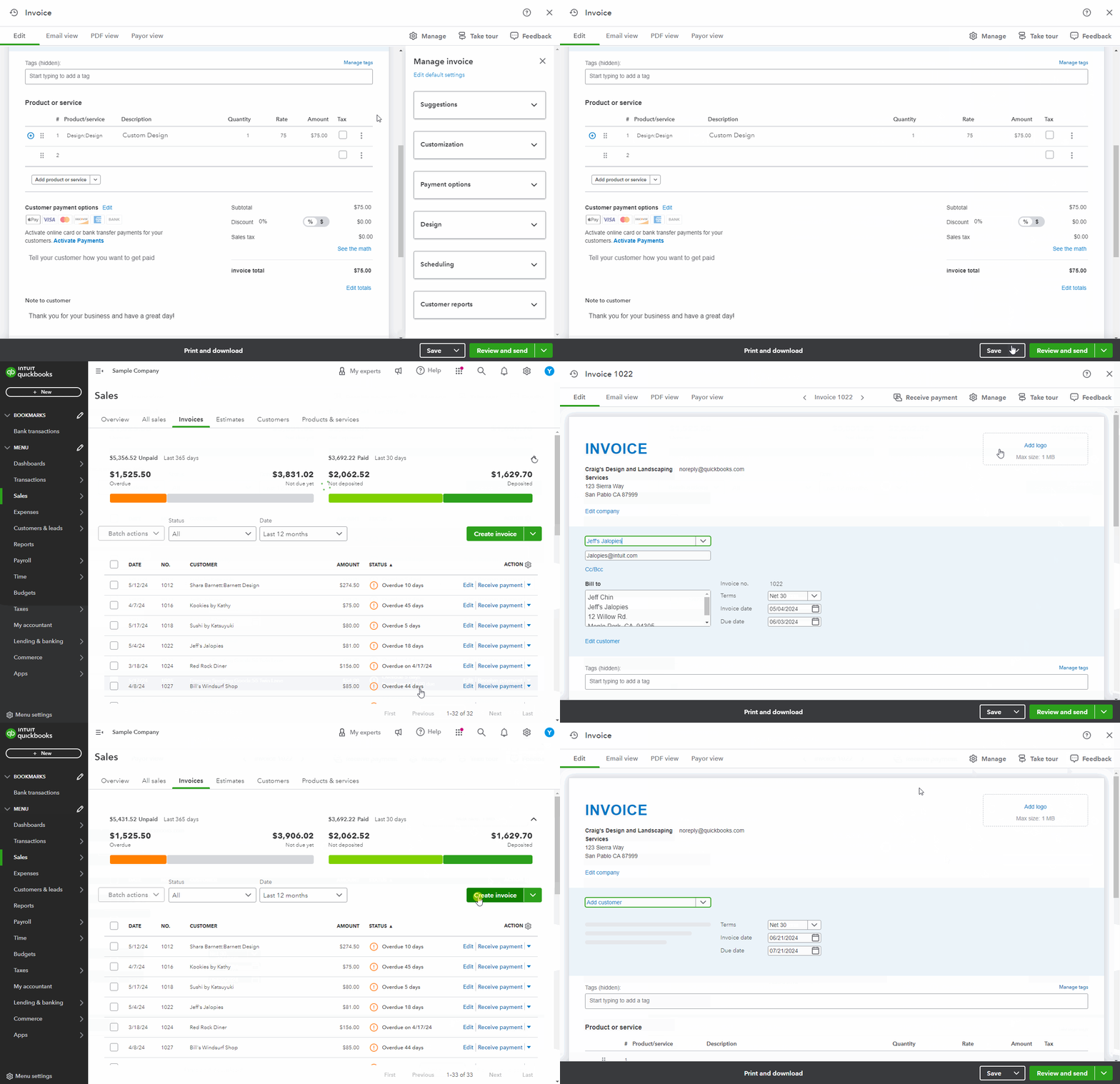
With the new invoicing experience, if you leave your Manage invoice side-bar up when finished working with an invoice, it will still be up when you go to create or edit an invoice again.
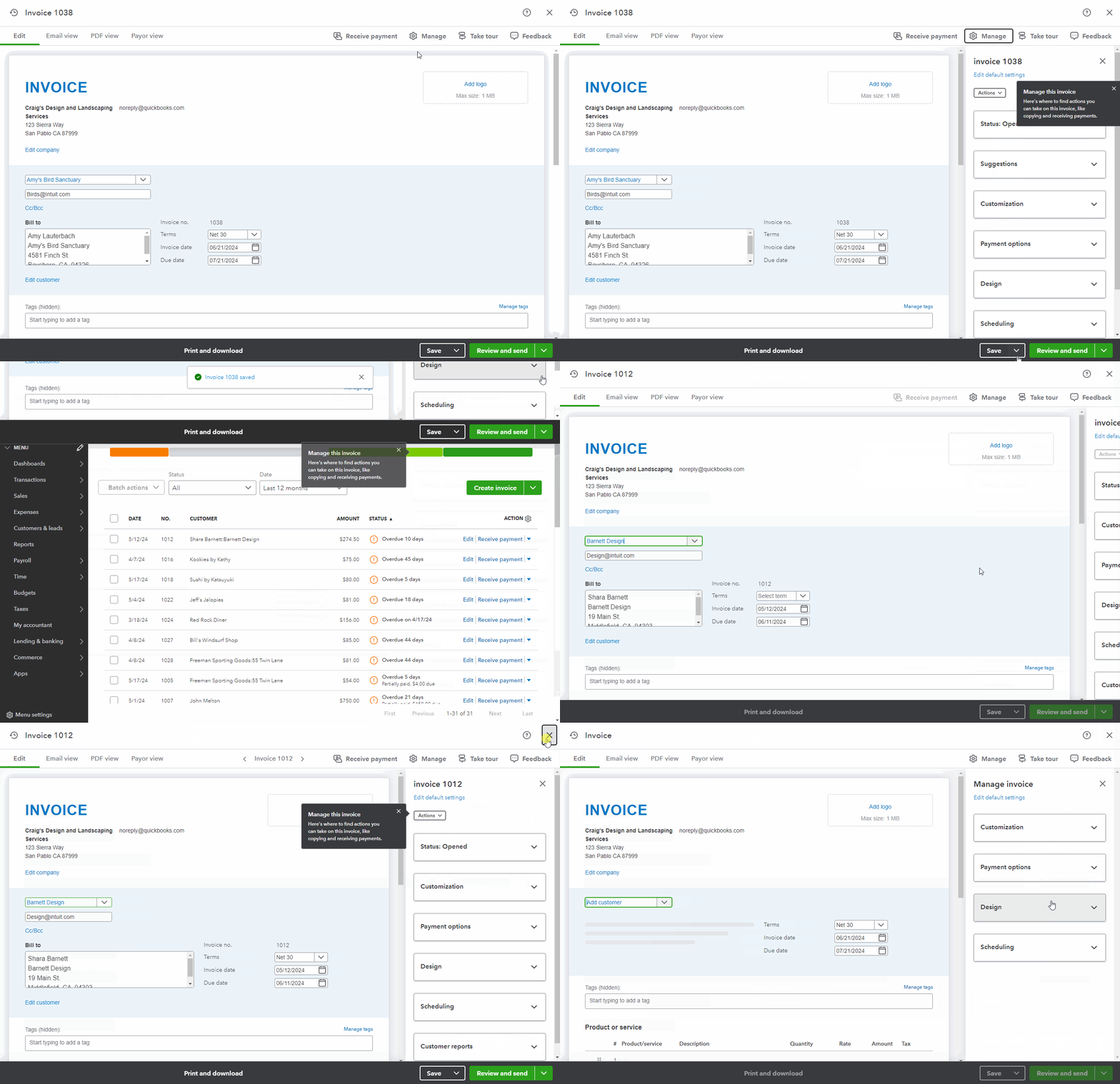
Likewise, if you leave it closed each time you finish working with an invoice, it will remain closed.
I've also included a couple detailed resources about working with invoices which may come in handy moving forward:
I'll be looking forward to your reply. Have an awesome Friday!


