Turn on suggestions
Auto-suggest helps you quickly narrow down your search results by suggesting possible matches as you type.
Showing results for
Get 50% OFF QuickBooks for 3 months*
Buy nowI have tried for 2 months to connect quickbooks payments to quickbooks desktop Mac Pro 2022. Ive gone in circles with the qb people and with merchant services, still no resolution to my problem. Any suggestions?

Hello there, @Jeeptjchick.
I understand how you feel about going through that error (error message -5000) for two months now. I want to make sure you'll get the help that you need, so I consulted the back end team to review your case.
I assure you that we'll have someone from our back-end to contact you to further assist with connecting your payments and QuickBooks Desktop.
I'll leave you with this link with help articles you can bookmark for your future reference: Manage and process customer payments with QuickBooks.
I'm always around to listen and help in any way I can if you have additional concerns about connecting QuickBooks payments to QuickBooks.
I am getting the exact same message on my QB on Mac. Was there a solution?
I am getting the same error message when trying to link my QB Mac with an existing payments account. Was there a solution discovered? I have followed all of the steps. It shows connected but when I try to send an invoice I get the error and then QB crashes.
I know this hasn't been an easy process for you, dwhitaker. I also understand the importance of linking your QuickBooks Desktop for Mac account with your existing payments account.
Allow me to step in for a moment and help ensure that gets sorted out.
First of all, I appreciate you following the steps to link the two accounts successfully. Since you're still unable to do so, I highly recommend contacting our QuickBooks Payments Support Team. They have tools such as screen-sharing (remote session) that can pull up and check your account and investigate why you're having this issue.
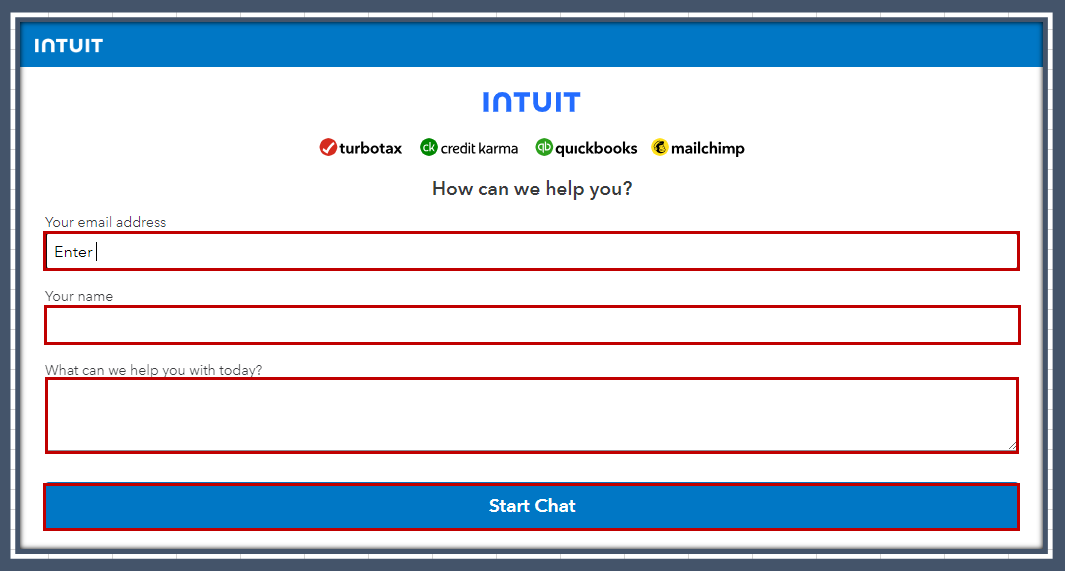
Here's how to start a chat:
If you want to speak with a representative, you can check this article and dial the phone number shared: Contact Payments Support.
Thanks for being a part of our QuickBooks family. Please let me know how it goes after contacting them. Please leave a comment below should you have any follow-up questions or concerns. I'll be here to help you out.
Run the Verify/Rebuild Data utiltiy. Did you encounter any error message?


You have clicked a link to a site outside of the QuickBooks or ProFile Communities. By clicking "Continue", you will leave the community and be taken to that site instead.
For more information visit our Security Center or to report suspicious websites you can contact us here


