Hello, WonderingMinds. I'm joining into this conversation to offer some additional information.
Fiat Lux - ASIA is correct. You can use a third-party conversion service to help move your data from QBO to Sage50 or download QuickBooks Desktop Trial. If you want to find right apps for your business using our website, you can follow these steps.
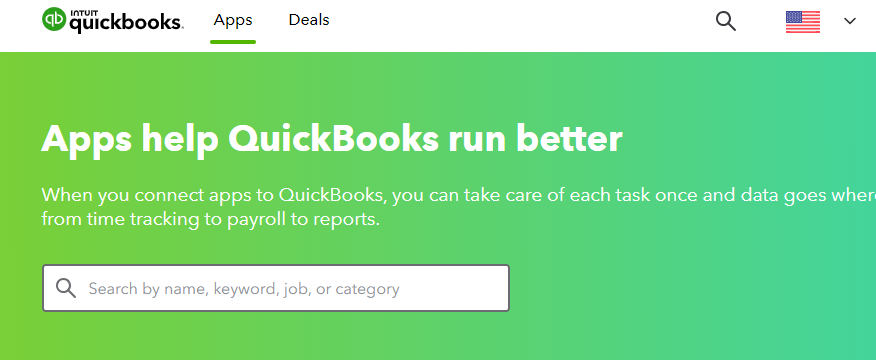
- Navigate to the following link: QuickBooks Apps.
- Choose a specific category from the Categories section or search.
- Be sure to thoroughly examine the key benefits and FAQs.
- Once you've completed this, click on the Get app now button.
Another option is by exporting data from QuickBooks Online (QBO).
- Log in to your QuickBooks Online account.
- Navigate to the data you want to export, such as transactions, customer lists, vendor lists, chart of accounts, and inventory records, depending on the specific data you want to export
- Export your data and save it to a location on your computer.
Once done, reach out to the Sage customer support to inquire about the specific file format and requirements for importing data into Sage 50. They will be able to provide you with the most up-to-date information on the migration process.
Additionally, they can guide you through the necessary steps and may provide you with tools or templates to help with data mapping and formatting for a smooth transition.
Please let me know if you have any more questions or need further assistance with your migration process. I'll be around whenever you need help.




