Turn on suggestions
Auto-suggest helps you quickly narrow down your search results by suggesting possible matches as you type.
Showing results for
Get 50% OFF QuickBooks for 3 months*
Buy nowRecently reorganized Chart of Accounts to separate Cost of Goods Sold from general expenses. Problem is that P & L does not add the CGS & Expenses together in a line at the end before net income and engineers and project managers would like to see those two types of expenses combined on the report because they are having to add them together individually to get this number. I have searched the report preferences and customization to see if I could add a line that combines expenses. Can anyone help with this?
Solved! Go to Solution.

QuickBooks Desktop doesn't have the option to combine COGS and General Expenses into one line on the P&L, as they use separate account types in the Chart of Accounts, BridgitB.
COGS and Expenses are classified differently within QuickBooks. While COGS accounts track costs directly related to production or service delivery ( such as materials and direct labor), Expense accounts capture more general business overhead (like rent, marketing, or office salaries).
Since there's no option to automatically merge the two accounts in one line, we can export your P&L report to Excel as a workaround.
Here's how:
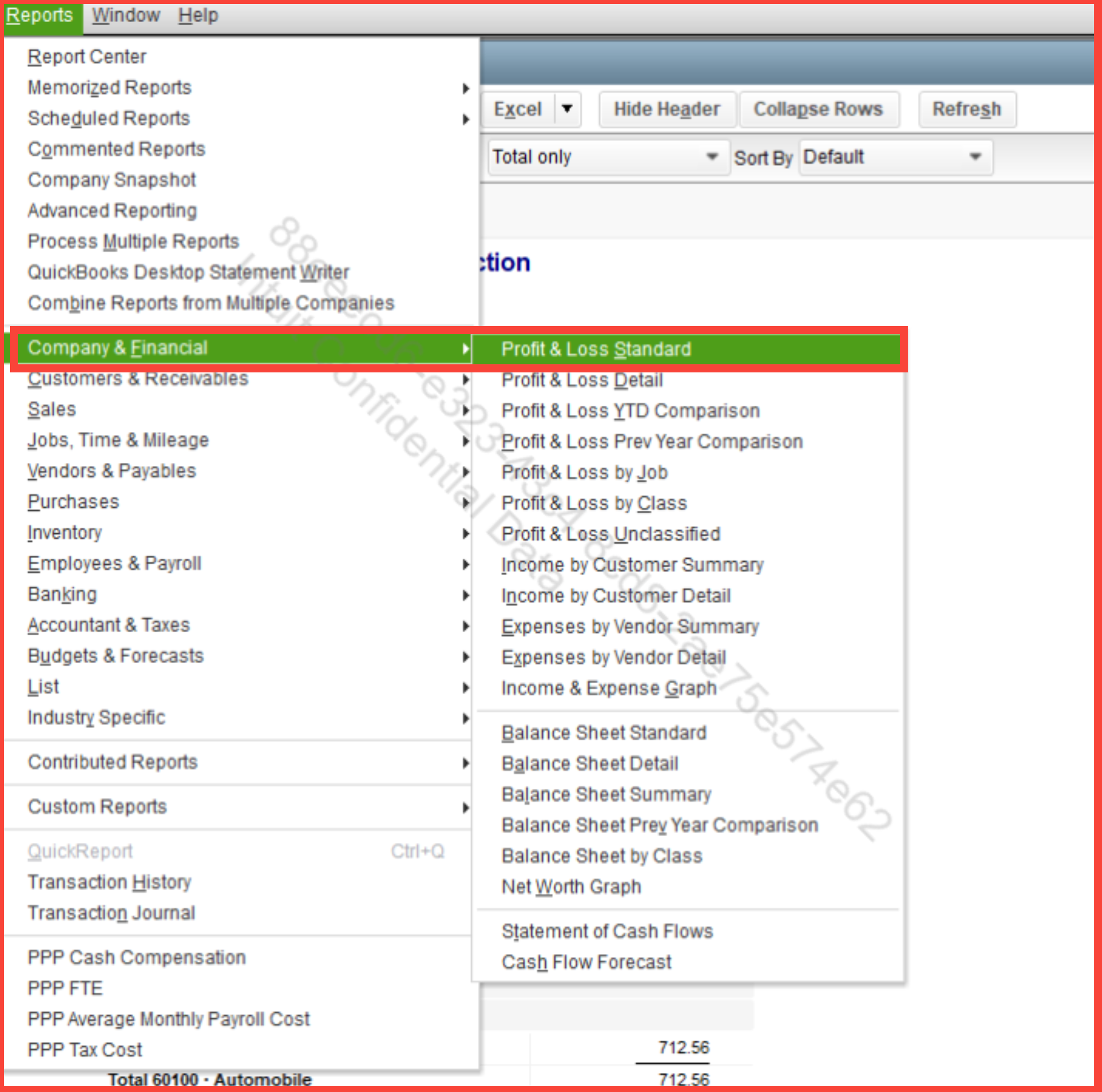
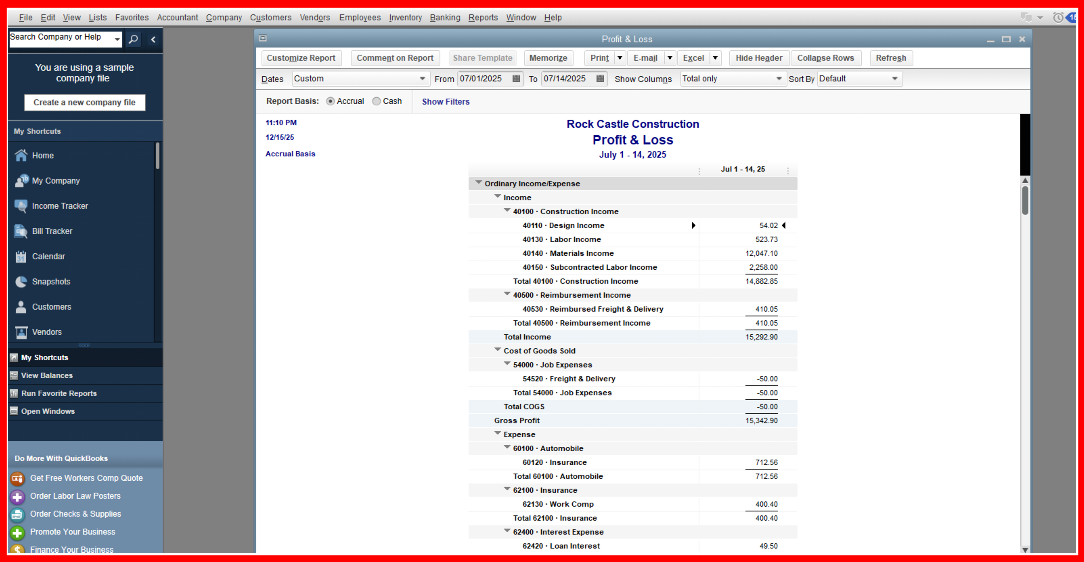
Once the report is in Excel, you can manually combine the two bases in your preferences.
Click the Reply button below if you have any QuickBooks related concerns.
QuickBooks Desktop doesn't have the option to combine COGS and General Expenses into one line on the P&L, as they use separate account types in the Chart of Accounts, BridgitB.
COGS and Expenses are classified differently within QuickBooks. While COGS accounts track costs directly related to production or service delivery ( such as materials and direct labor), Expense accounts capture more general business overhead (like rent, marketing, or office salaries).
Since there's no option to automatically merge the two accounts in one line, we can export your P&L report to Excel as a workaround.
Here's how:
Once the report is in Excel, you can manually combine the two bases in your preferences.
Click the Reply button below if you have any QuickBooks related concerns.
Thanks for the quick response NerbynMael
Good evening, @BridgitB.
We appreciate you coming back!
We hope that we were able to give you the information you needed to get an answer to your question.
If you have any other questions or concerns, please don't hesitate to reach out again. We're always here to help!
Thanks Candice.


You have clicked a link to a site outside of the QuickBooks or ProFile Communities. By clicking "Continue", you will leave the community and be taken to that site instead.
For more information visit our Security Center or to report suspicious websites you can contact us here


