Kindly verify your invoices for accuracy and billability, Jdsdandg.
Open the existing transaction and mark it as billable by selecting the appropriate billable charge from the suggested transactions on your invoice. If a duplicate entry is suspected, review the report and click on the amount linked to the double entry to verify if it was entered incorrectly. If the duplicate entry shows as unbilled, you can delete it.
Here’s how to review and remove duplicates marked as unbillable:
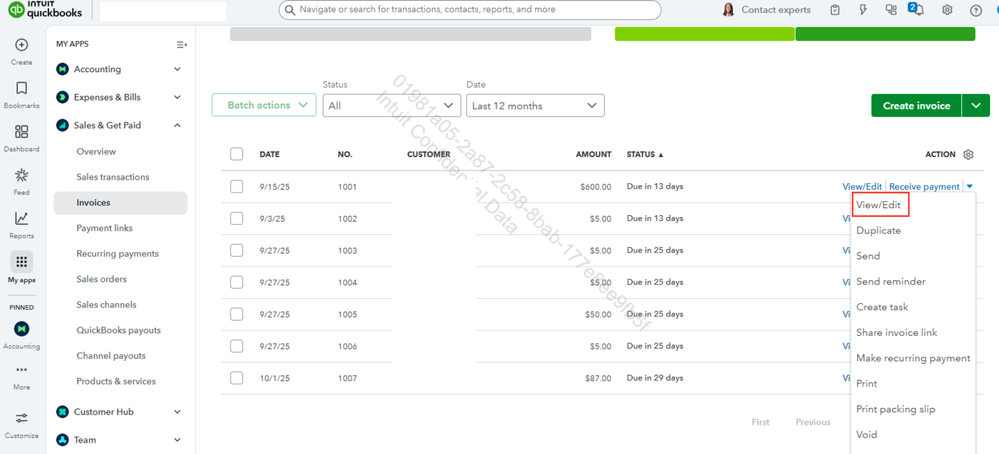
- Go to the Sales & Get Paid and select Invoices, then locate the unbilled duplicate entry.
- Open the transaction by clicking on it.
- Review the provided details to verify if it is a duplicate.
- Once confirmed, delete the duplicated entry.
If you have any additional questions about QuickBooks, feel free to reply to this thread.




