Hello there, @lleon@shiskin.co. I'm here to share some details and a work around for your concern.
In QuickBooks Online the option to assign specific service items to sub customers in unavailable, it is only available for vendors.
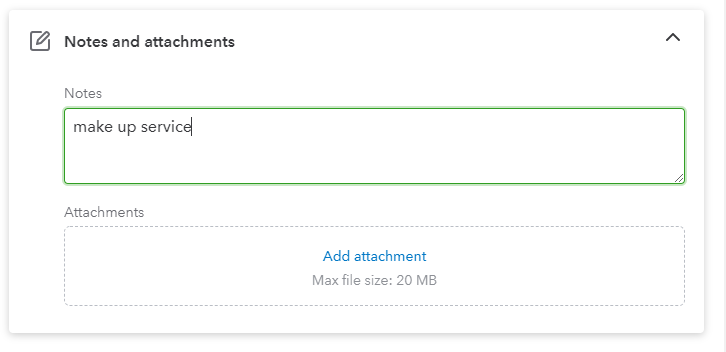
However, you can utilize the Notes and Attachments section in your sub-customer profile. That way you're still able to enter the service items that is associated with your sub-customers.
To identify those services that is being associated, you can run Customer Contact List report.
Here's how:
- Go to the Reports menu.
- Enter Customer Contact List into the Find report by name search bar. You may also Scroll down to the Sales and customers section.
- Click the report to open it.
- Customize your report and don't forget to filter the note in the rows/columns dropdown then click the change columns link.
- Then select Run report.
For more details on how to stay organized and keep track of your customers, you can refer to this article: Add and manage customers in QuickBooks Online
Please check out this article if you want to enter charges for a parent customer and a sub-customer in the future: Use the bill with parent option on invoices in QuickBooks Online
You can always count on me if you have any clarifications of additional questions. Take care!




